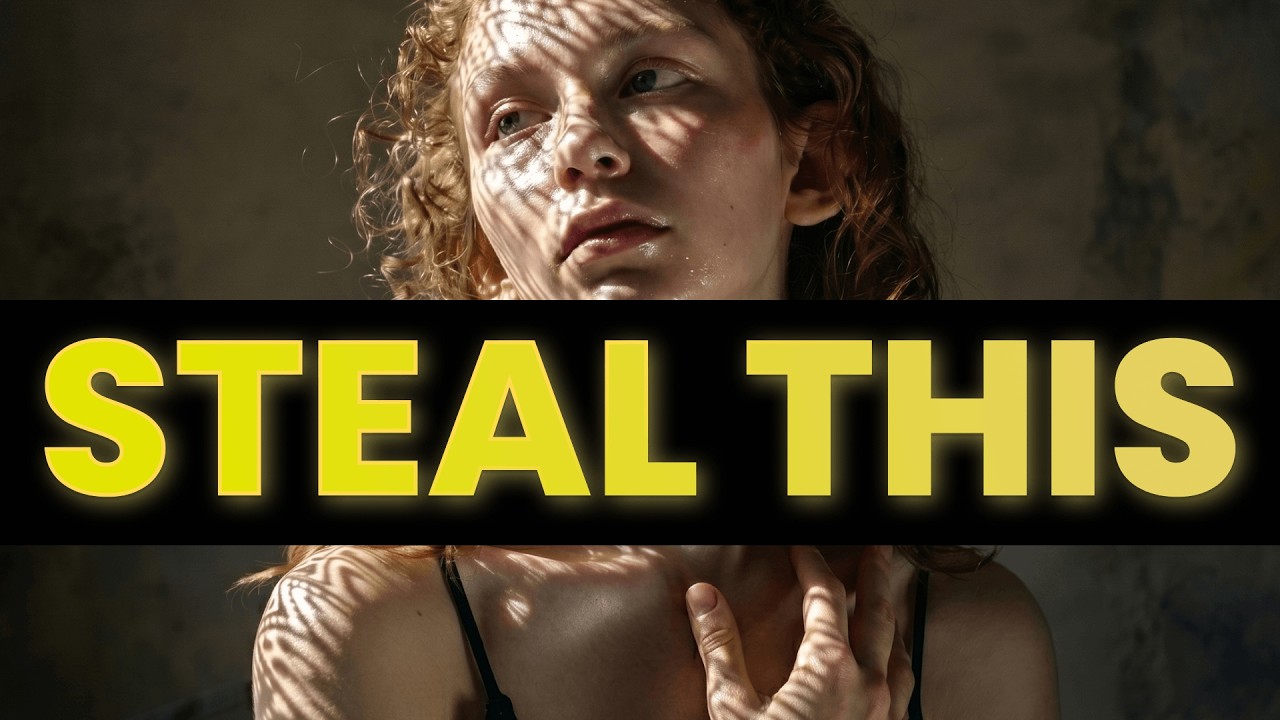
The video begins by addressing the common issue of AI-generated videos looking fake and unrealistic. The key to achieving realism lies in selecting the right tools and following an effective workflow, rather than requiring expert-level AI knowledge. The presenter emphasizes the importance of starting with high-quality images to influence video creation, advocating for an image-to-video approach that provides control over the first and last frames, thereby reducing randomness and improving consistency.
To generate these high-quality images, the video recommends using Midjourney version 8 due to its aesthetic appeal and cinematic quality, despite not having the highest realism. The presenter introduces the concept of meta prompting, which involves using large language models (LLMs) like Claude or ChatGPT to craft detailed and specific prompts that guide the AI in producing controlled and visually appealing images. This technique helps specify camera types, composition, colors, and settings, enhancing the overall image quality and realism.
Next, the video discusses maintaining consistency across multiple shots to preserve believability in AI videos. Tools like Google Gemini 3 and Nano Banana 2 are highlighted for their ability to create collections of images with consistent color grading, characters, and settings through a method called grid prompting. This approach allows creators to generate various angles and frames of a scene, which can then be individually exported and refined to ensure a cohesive visual narrative.
Enhancing skin texture is another crucial step to avoid the artificial, airbrushed look typical of AI images. The video showcases two tools for this purpose: Magnifica.ai, which offers detailed skin enhancement but at a higher cost, and Higgsfield AI, a more versatile platform with a skin enhancer feature that provides options for soft, realistic, or imperfect skin textures. These enhancements add subtle imperfections like pores and freckles, significantly boosting the realism of the images used for video generation.
Finally, the video compares two leading AI video models, Kling 3 and Seedance 2.0, recommending Seedance 2.0 for dynamic movements and complex action scenes due to its superior physics and detail, while Kling 3 excels in handling complex lighting conditions. The presenter also stresses the importance of defining realistic camera movements using specific terminology and tools within Higgsfield’s Cinema Studio to avoid unnatural floating or drifting effects. By combining these techniques—image-to-video workflow, meta prompting, consistent multi-angle shots, skin texture enhancement, and precise camera control—creators can produce highly realistic AI videos that surpass typical AI-generated content.