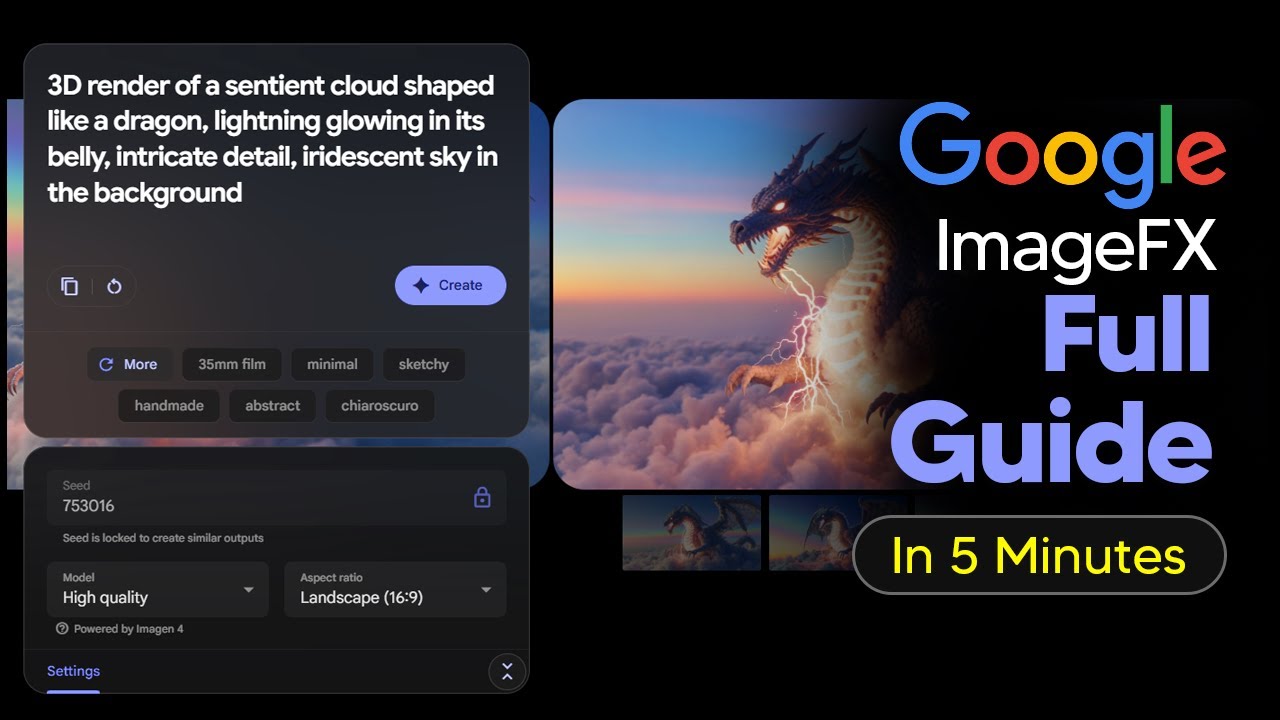
The video is a beginner-friendly tutorial on Google’s Image FX, an easy-to-use image generation tool that leverages Google’s Imagen 4 model to quickly create and iterate on high-quality images in various styles, including text overlays. While it excels at fast, simple image creation and organization, it currently lacks advanced features like image uploads, making it best suited for users with straightforward creative needs.
The video is a beginner-friendly tutorial on how to use Google’s Image FX, an image generation tool that is part of the Google Labs suite. The presenter highlights that Image FX is often overlooked but is highly effective at generating high-quality images using Google’s latest image generation model, Imagen 4. The tool is designed for users who want to quickly create and iterate on images, making it especially useful for those who may not have a clear vision of the style they want from the outset. The presenter notes that the tool is subject to change as it is still in the experimental phase.
A key feature of Image FX is its ability to help users iterate on their creations easily. After generating an initial image, users can use the “more” button to explore different styles such as sketchy, dramatic, illustration, or photorealistic. This iterative process allows users to experiment with various aesthetics without needing to have every style in mind beforehand. The tool is particularly useful for quickly generating a “starter” image for creative projects, and the presenter finds it more efficient for single, aesthetic images compared to other Google tools like Whisk or the standard chat model.
Image FX also supports text rendering, making it suitable for creating social media posts, such as Instagram images with text overlays. The presenter demonstrates how to adjust aspect ratios for different platforms and confirms that Imagen 4 handles text within images well. However, the tool restricts the generation of images featuring well-known public figures or celebrities, so prompts involving such individuals will not work. Generic prompts like “man” or “woman” are accepted and work effectively with text.
The tutorial covers the organizational features of Image FX, such as the “my library” section, where users can view all their generated images. Users can easily switch between different sessions and manage their creations, which is helpful for those working on multiple projects. The presenter emphasizes the tool’s speed and simplicity, recommending it for users who need to generate images quickly and don’t require advanced customization or image uploads.
One of the main limitations discussed is the current inability to upload images into Image FX for further modification or as a starting point. The presenter suggests that users who need more comprehensive features, such as image uploads or more advanced controls, should consider using Google Whisk instead. Overall, Image FX is presented as a straightforward, fast, and effective tool for generating high-quality images, especially for beginners or those with clear creative goals who do not need to rely on reference images.