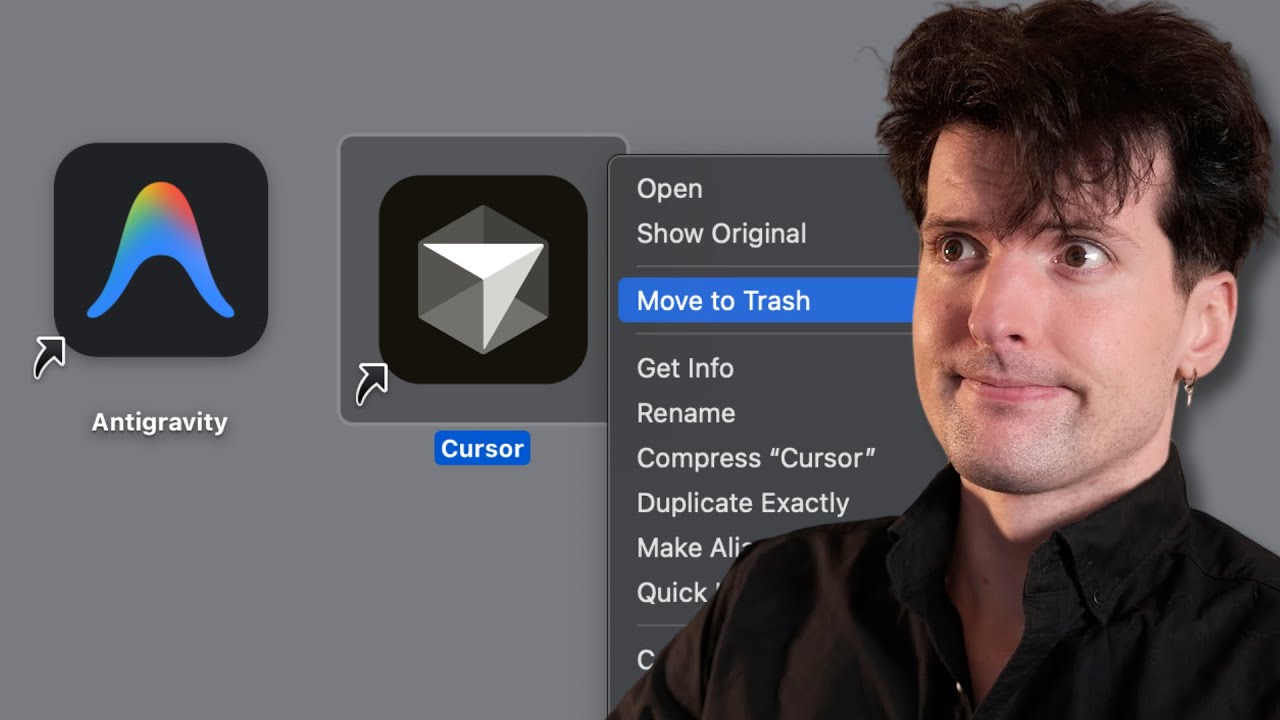
Google has released a new AI-powered IDE called Anti-gravity, which is a fork of VS Code but with unique features and a strong integration with Google’s Gemini 3 and 2.5 models. The editor is currently free to use during its preview phase, with reasonable usage limits and requires a Google account for access. One of the standout features is its deep browser control capabilities, leveraging Google’s Chrome browser, and a novel agent manager workflow that allows users to manage tasks and projects externally from the editor itself. This agent manager acts like an inbox, helping users organize workflows and switch between projects efficiently, which is a fresh approach compared to traditional code editors.
The editor is built on code acquired from Windsurf, a company Google recently absorbed, which explains some of the underlying architecture and agent behaviors seen in Anti-gravity. Despite being a VS Code fork, Google has customized the interface and settings to hide some of the typical VS Code elements, aiming for a cleaner experience. The autocomplete and notification systems are functional but not yet as polished as competitors like Cursor. The editor supports extensions through the Open VSX marketplace and allows custom marketplace URLs, but some bugs and rough edges remain, such as missing syntax highlighting and issues with arrow key navigation.
One of the most impressive demonstrations was the editor’s ability to generate a working simulation aquarium game using 3JS and Phaser frameworks on the first try, outperforming other AI coding tools like Codex High, which struggled with similar tasks. The editor can also generate and integrate game assets like images with transparent backgrounds, although some minor glitches like fake transparency were noted. The browser control feature allows the AI to interact with the web environment, take screenshots, and verify its work in real-time, showcasing a promising vision of an AI-assisted development workflow that tightly integrates coding, asset creation, and testing.
However, the experience is not without significant drawbacks. The editor suffers from frequent bugs, crashes, and usability issues, such as threads dying unexpectedly, poor extension support (notably with the Spelt extension), and lag during text input. Some features like git worktree support are missing, limiting parallel project workflows. Authentication issues were also encountered, with the editor only supporting personal Gmail accounts initially, causing delays. Despite these problems, the core concept of an agent-driven, browser-integrated IDE with free access to Gemini 3 models is seen as a promising step forward in AI-assisted coding environments.
Overall, while the Anti-gravity editor is rough around the edges and currently feels like an early beta with many quirks, it introduces innovative ideas that could influence future development tools. The agent manager workflow and browser integration stand out as particularly exciting features that could redefine how developers interact with AI in their coding processes. The reviewer remains cautiously optimistic, appreciating the fresh UX and potential despite the editor’s flaws, and looks forward to seeing how Google and the broader community evolve this new AI IDE concept.