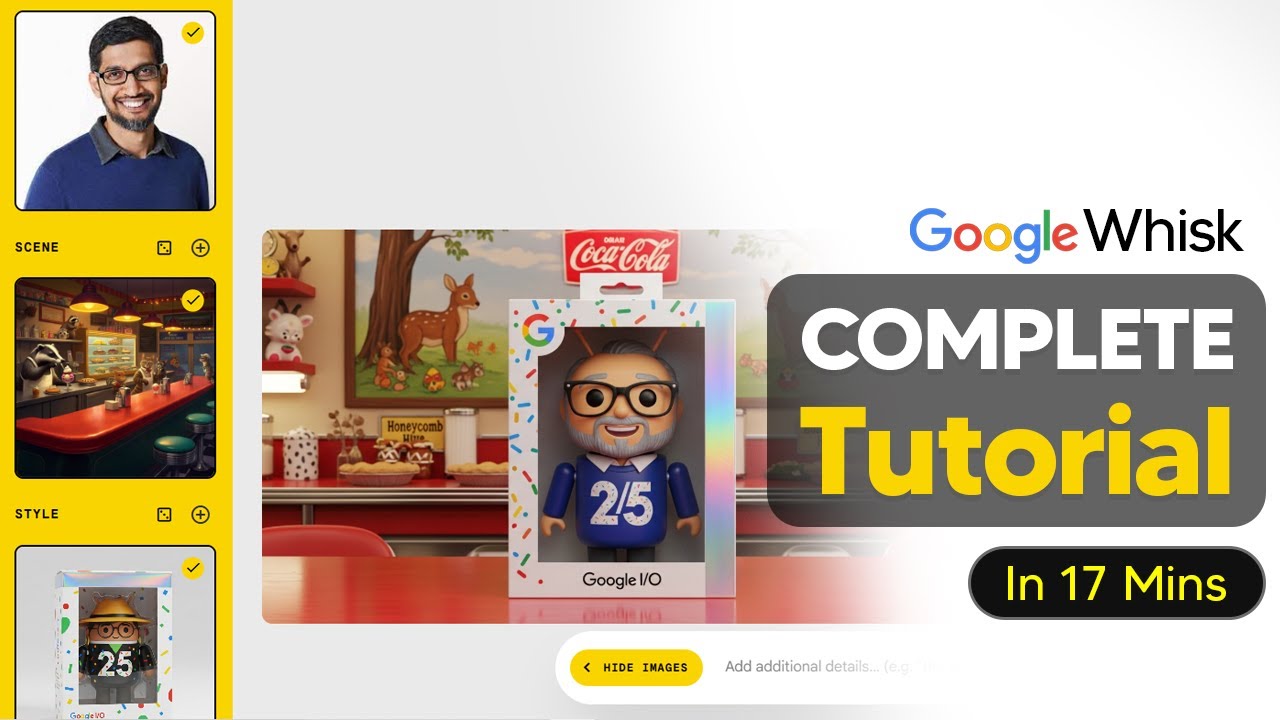
The tutorial introduces Google Whisk, a new AI tool designed to merge multiple images and styles into a cohesive final output. Unlike traditional image generators that create single images, Whisk allows users to combine several images—such as a subject, a scene, and a style—to produce a unified visual. Users can start by generating random images using the dice button, which provides inspiration through Google’s AI model. The interface includes a sidebar where most image manipulations occur, enabling users to select a subject (like a person), generate or upload a scene, and then apply a style that visually ties everything together.
One of the key features highlighted is the ability to experiment with different styles and aspect ratios to suit various social media platforms or creative needs. Users can cycle through styles by rolling the dice, discovering options like vintage anime, paper cut, or grainy film aesthetics. The tool supports only one active style at a time, but users can save, delete, or switch styles easily. Additionally, images within the project can be rearranged or replaced, allowing for creative flexibility, such as swapping a human subject for a dinosaur in a given scene.
The tutorial also addresses some limitations, particularly around character consistency. Whisk tends to generate images based on descriptive prompts rather than directly replicating uploaded images. Therefore, for better accuracy—especially with specific objects like cars—users are encouraged to provide detailed prompts including exact makes and models. This approach helps the AI produce more faithful representations. The tool also supports image uploads, which are analyzed and converted into descriptive prompts that guide the generation process.
Another notable feature is the animation capability, currently powered by Whisk’s V2 model. While the animation quality is basic and limited to minimal motion, it allows users to create simple cinematic effects, such as a camera moving around a parked car. Animations consume AI credits, and the tool is best suited for subtle movements rather than complex video generation. Users can download their creations and even start new projects using presets like plushy or capsule toy styles, expanding creative possibilities.
Finally, the tutorial showcases the collaborative aspect of Whisk, where users can share their “recipes” or project setups with others via links. This feature enables community-driven creativity, such as creating themed avatars or banners. The presenter emphasizes the importance of using images with white backgrounds for better subject recognition and advises ensuring all relevant options are selected in the interface for optimal results. Overall, Google Whisk is presented as a versatile and fun tool for image creation and light animation, with room for improvement in character consistency and video quality.