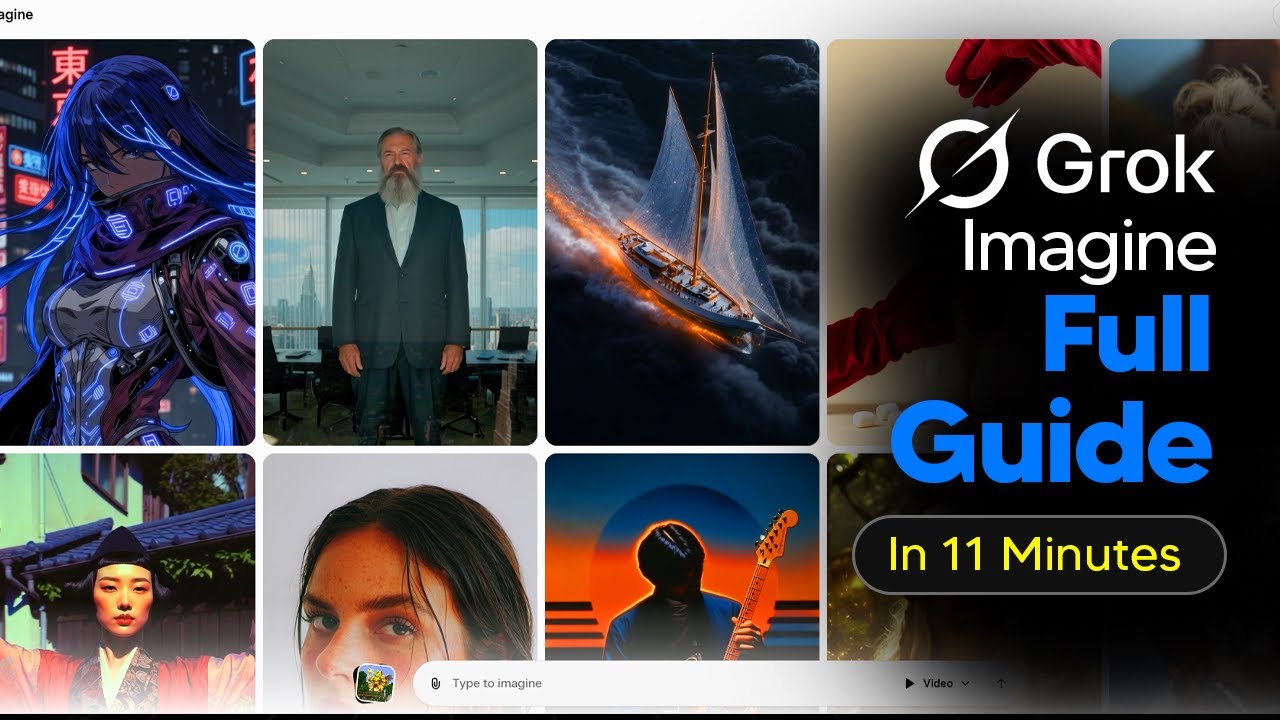
The video is a beginner’s tutorial on how to use Grok Imagine 1.0, an AI-powered image and video generation tool. The presenter starts by introducing the Grok Imagine interface, which features an explore page displaying a variety of images for inspiration. While users can browse these images, there is currently no search function for specific images within the platform itself; instead, users must use the Twitter feature for targeted searches. The platform’s main strength is its versatility and speed, making it suitable for generating a wide range of images quickly.
To create an image, users simply enter a prompt—such as “McLaren 720S on a London street”—and select an aspect ratio, like 16:9, depending on their needs. Grok Imagine generates around 16 image variations by default, providing users with a broad selection to choose from, which is more than most competing AI image generators. Users can further refine their results by selecting an image they like and generating more images in that specific style, allowing for deep customization and iteration.
Editing images is straightforward and granular. Users can select an image and use the edit function to make specific changes, such as altering the color of an object. The platform processes these edits rapidly, typically within 10 to 12 seconds, and only modifies the relevant parts of the image. However, users should be aware that only images they “like” or save are stored for future access; there is no way to retrieve all generated images from a session unless they are specifically saved.
Grok Imagine also excels at rendering text within images, making it useful for creating social media posts or graphics that require accurate text placement. While text rendering takes slightly longer—about 20 to 25 seconds per image—the results are precise and visually appealing. The platform’s ability to generate multiple variations at once makes it easy to select the best option for immediate use.
In addition to images, Grok Imagine offers fast and efficient video generation, including the ability to add audio by default. Users can create videos directly from prompts or by uploading their own images, which are automatically transformed into short video clips. The platform allows for quick edits, upscaling of video quality, and easy downloading. The presenter recommends generating images first to select the best starting point for videos, maximizing creative control and variation. Overall, Grok Imagine stands out for its speed, variety, and user-friendly workflow for both images and videos.