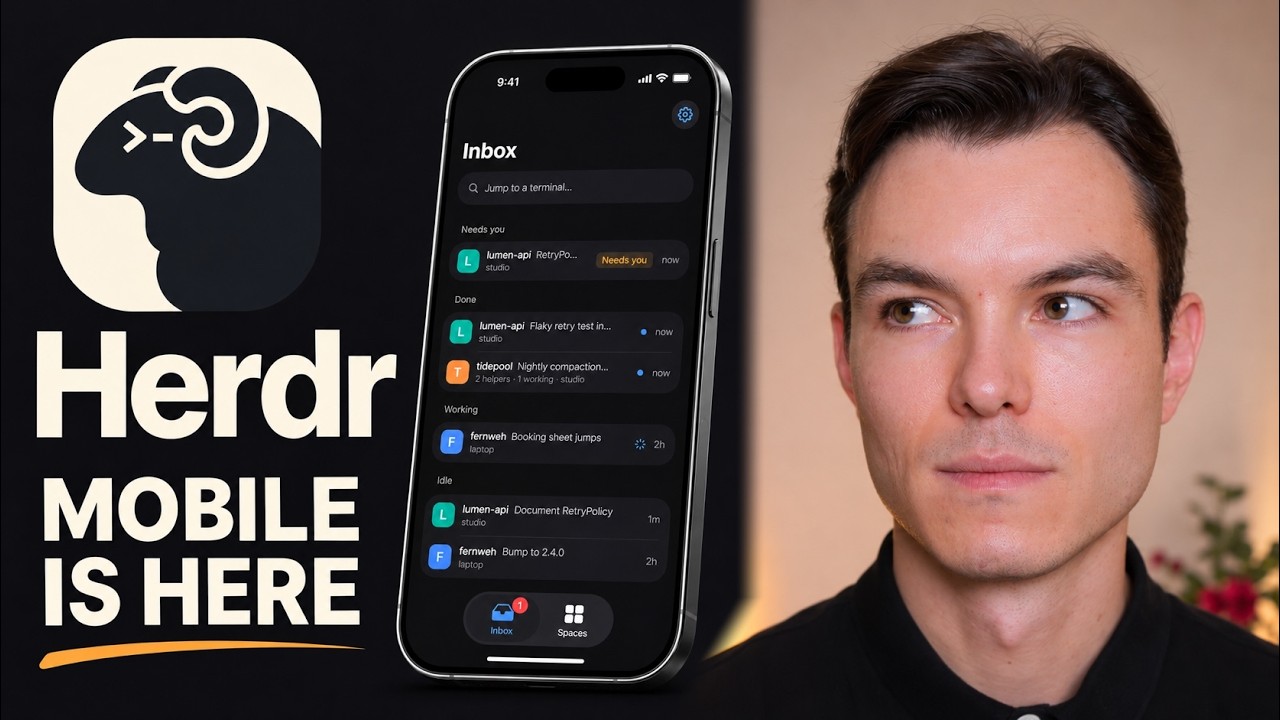
The video introduces the Herdr mobile app, now available on iOS and Android, including iPad support, allowing users to manage multiple coding agents from different providers directly from their phones. Herdr initially started as a terminal application and later expanded to a native desktop app with a highly customizable interface, including various community-created mods that change how projects and agents are displayed. The mobile app addresses the previous limitation of lacking on-the-go access to coding agents, enabling seamless management and interaction with coding projects from anywhere.
The presenter demonstrates the Herdr mobile app’s interface, starting with a demo that showcases how users can view and manage coding agents across different workspaces, projects, and remote machines. The app features multiple tabs and terminals within projects, with options to switch between terminal and desktop-like UI views. Users can type commands, use keyboard shortcuts, and customize the interface, making it flexible for different workflows. The app also supports dark and light modes, key bar customization, and dictation features, enhancing usability on mobile devices.
Next, the video walks through connecting real machines to the mobile app using a Tailscale network, showing how projects and terminals sync instantly between the mobile app and desktop app. The presenter adds multiple projects and coding agents, demonstrating real-time synchronization and control. A notable feature is the ability to control the Herdr interface itself through coding agents, such as delegating tasks to multiple Codex agents simultaneously, which then work in parallel on different parts of a project. This highlights the app’s powerful multitasking and automation capabilities.
The presenter also adds a second machine to the mobile app and explains that each machine must be connected separately on both mobile and desktop apps. While the app performs well with a local connection feel, the presenter notes some minor issues with scrolling smoothness. The video also compares the app’s layout on iPhone, iPad, and MacBook, explaining how the interface adapts to different screen sizes with varying hierarchy and nesting of spaces, projects, and tabs, providing an optimized experience across devices.
In conclusion, the Herdr mobile app offers a comprehensive and flexible solution for managing multiple AI coding agents on the go, with seamless syncing to desktop environments and extensive customization options. Users can interact with agents via typing, dictation, and media attachments, making it a versatile tool for developers. The video encourages viewers to explore Herdr further through their website and highlights the app’s potential to enhance productivity in AI-driven coding workflows.
Useful Links