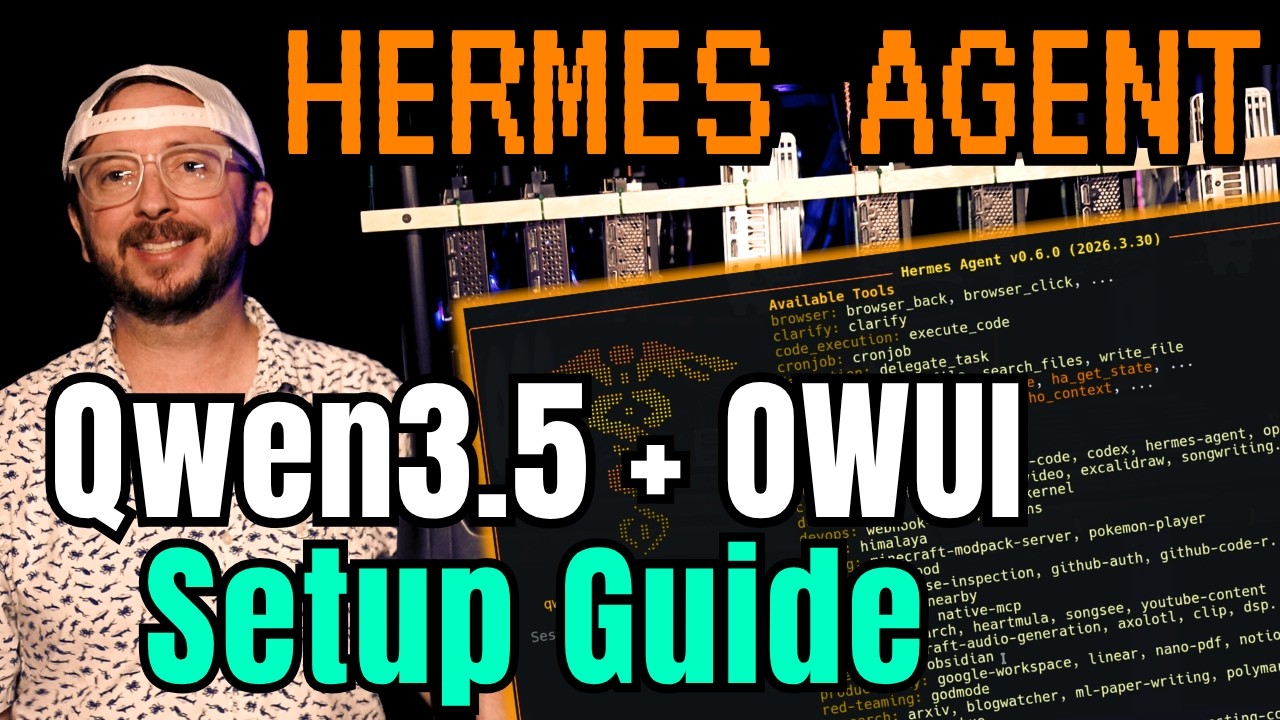
The video provides a comprehensive guide to deploying the Hermes Agent using virtualization on Proxmox, emphasizing the benefits of local deployment and resource efficiency. The presenter highlights that Hermes Agent can run on modest hardware and explains the setup process on a powerful 8-GPU server, which optimizes GPU provisioning and performance. Viewers are encouraged to follow earlier Proxmox setup guides if needed, and the video walks through creating a virtual machine with Ubuntu 24.04 live server ISO, configuring CPU, RAM, storage, and networking settings, and installing necessary packages like QEMU guest agent for optimal operation.
Once the virtual machine is set up and running, the guide moves on to installing Hermes Agent itself. The installation involves cloning the Hermes repository, installing dependencies, and configuring the agent with custom API endpoints and keys. The presenter uses the Qwen 3.5 27B model running on VLLM for inference, explaining the importance of tuning GPU and model settings to match individual hardware setups. The Hermes Agent setup includes enabling systemd services, selecting tools and integrations such as local browsers and webhook support, and configuring inactivity timeouts and messaging platform options.
The video also covers advanced Hermes Agent features, including command modes like “yolo mode” for skipping command approvals and “god mode” for powerful red-teaming capabilities. The presenter demonstrates how to interact with the agent via terminal commands, save conversations, and manage sessions. Emphasis is placed on regularly updating Hermes to mitigate vulnerabilities and improve functionality. The agent’s ability to read documents, integrate with productivity tools like Google Workspace and Obsidian, and perform complex tasks is showcased, highlighting its versatility and potential for automation.
Integration with Open Web UI is a key focus, with detailed instructions on configuring environment variables, enabling the API server, and connecting Hermes Agent to the Open Web UI interface. The presenter tests the setup by running queries and generating content, noting some timeouts and performance limitations due to the large model size and local hardware constraints. Suggestions for optimizing performance, such as adjusting compression settings and using tuning software like Vibecoded, are provided to enhance responsiveness and multi-user support.
In conclusion, the video underscores the cutting-edge nature of running Hermes Agent locally with Qwen 3.5 and Open Web UI, praising the flexibility and power of this setup. The presenter encourages viewers to take snapshots and backups frequently to safeguard against configuration issues and shares personal enthusiasm for the technology’s potential. The guide invites community feedback and experiences, positioning this deployment as an exciting step toward advanced, self-hosted AI agents capable of sophisticated tasks and continuous learning.