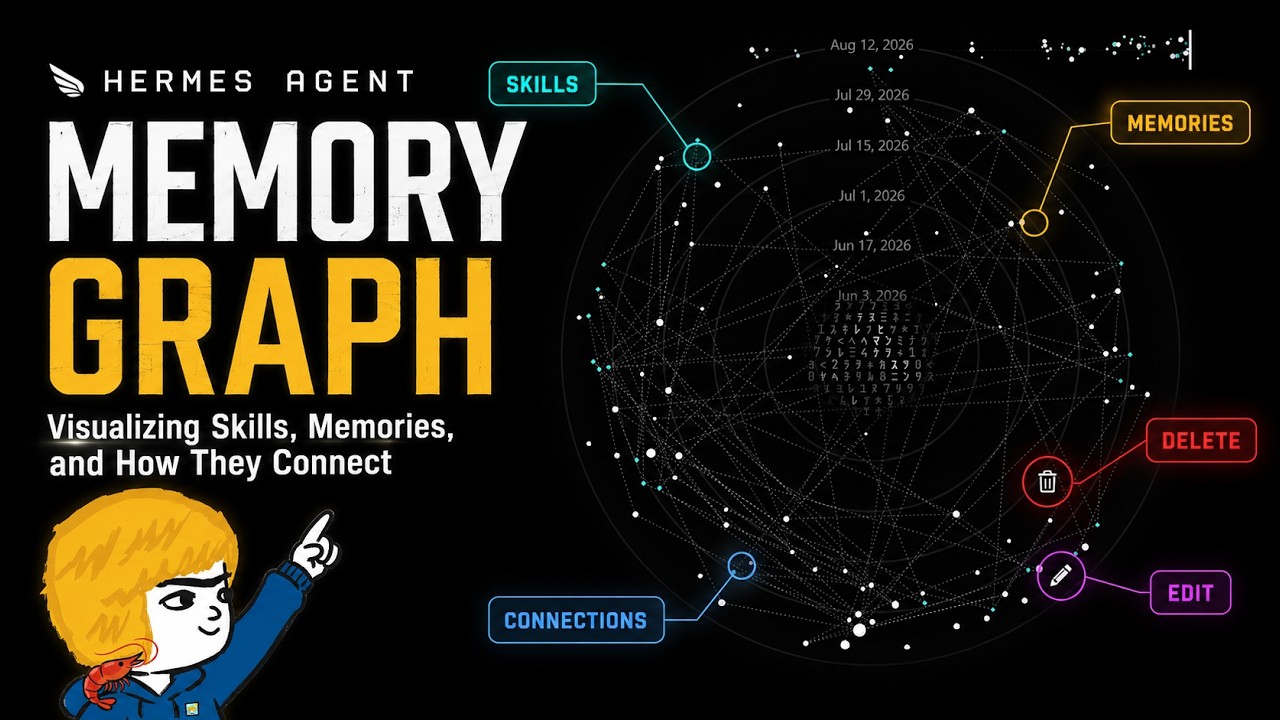
The Hermes Agent Memory Graph is a visually engaging and functional tool that displays an agent’s skills and memories over time, allowing users to track, edit, and manage these elements through both a desktop app and a Text User Interface. This feature provides personalized insights into the agent’s development, enabling users to maintain an accurate and adaptable knowledge base while exploring the connections between different skills and memories.
The video introduces the Hermes Agent Memory Graph, a unique visualization tool that displays the skills and memories developed by the Hermes agent over time. The graph resembles stars in the sky and is not just visually appealing but also highly functional. It allows users to track how different memories connect to various skills, providing a timeline that shows the agent’s growth from its inception to the present. This feature is exclusive to Hermes agent, making each agent personalized and distinct based on its accumulated knowledge and experiences.
Accessing the memory graph is straightforward within the Hermes agent desktop app by using the Control + K shortcut, which opens a command palette. From there, users can quickly navigate to the memory graph among other features like projects, artifacts, and messaging. The graph itself displays skills as circles and memories as green diamonds, arranged along a timeline starting from the earliest learned skills at the center and expanding outward as new skills and memories are added. Users can interact with the graph to see how skills and memories interrelate, providing insight into the agent’s development.
One of the powerful aspects of the memory graph is the ability to edit and manage both skills and memories directly within the app. Users can right-click on any skill or memory to archive or edit it. Editing involves modifying markdown files for skills or simple text edits for memories, allowing users to refine or remove outdated or incorrect information. This flexibility ensures that the agent’s knowledge base remains accurate and relevant, enhancing its performance and adaptability over time.
The video also demonstrates that the memory graph functionality is not limited to the desktop app but is also accessible via the Text User Interface (TUI). Although the TUI version offers a less visually rich experience, it still provides essential features such as listing, editing, and deleting skills and memories. This makes the memory graph accessible across different user preferences and environments, ensuring that users can maintain and customize their agents regardless of the interface they use.
In conclusion, the Hermes Agent Memory Graph is both a visually engaging and practically useful tool for managing an agent’s skills and memories. It offers a unique way to visualize the agent’s learning journey, understand the connections between different knowledge elements, and maintain the agent’s knowledge base through easy editing. The presenter encourages viewers to explore their own memory graphs, share their experiences, and think creatively about how to leverage this feature to enhance their agents. The video ends with an invitation to check out additional resources and projects related to Hermes agent on Agent Wikis.