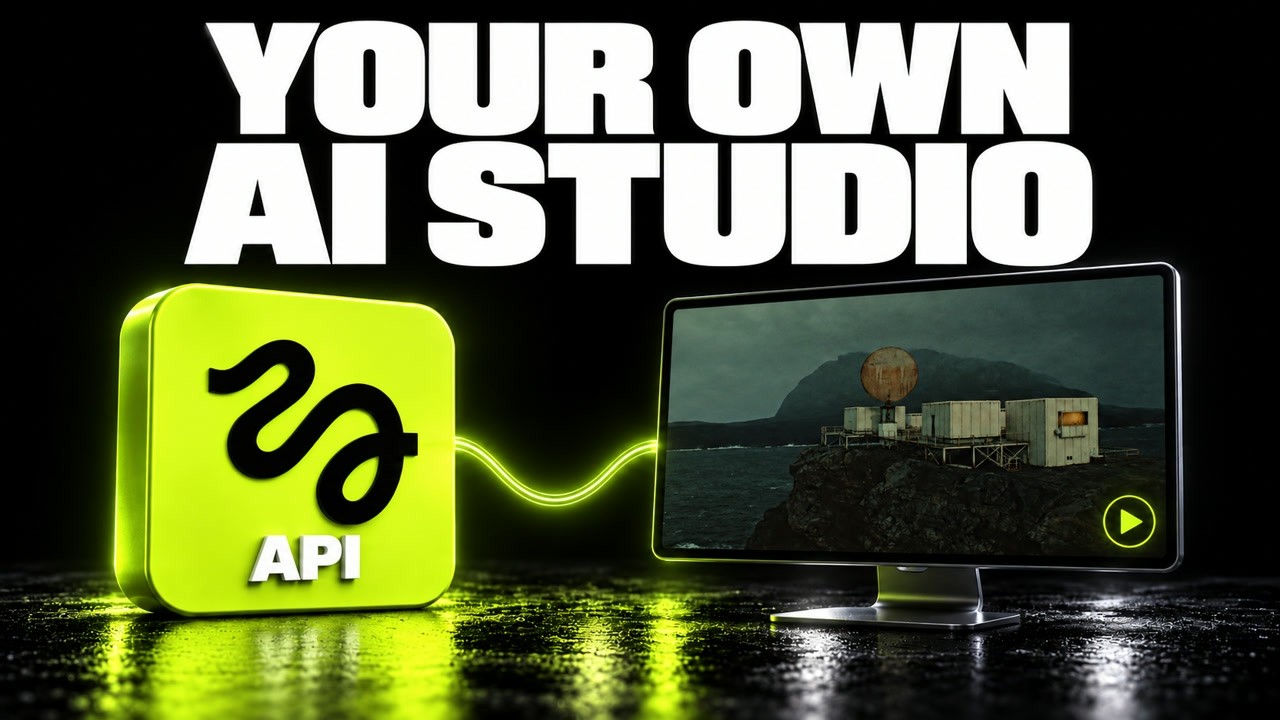
The video tutorial demonstrates how to set up and use the Higgsfield API for generating images and videos through a local studio interface running on a laptop. Sponsored by Higgsfield, the tutorial begins with account creation and local setup, emphasizing that the actual AI models run in the cloud, while the user controls the interface locally. This approach allows integration of generation capabilities into custom tools or workflows without downloading large models. The tutorial uses the Open Higgsfield community project by Wide Trace, which provides a browser interface for model selection, prompt input, and output gallery.
After setting up the account and API keys, the presenter clones the community repository, installs dependencies, and configures the local development server to connect securely to the Higgsfield API. Important security steps include disabling development logging of sensitive data before entering API credentials. The interface then sends generation requests to the cloud models. The tutorial focuses on text-to-image and text-to-video generation routes, noting that reference file uploads require additional configuration and are not covered in this session.
For the image generation example, the presenter selects the Higgsfield Sol 2 16x9 model at 1080p resolution and crafts a detailed prompt describing a remote research station on a basalt cliff with specific visual elements like weathered buildings and a stormy sea. The generated image appears in the gallery with a resolution of 2048 x 1152 pixels, illustrating the complete workflow from prompt to API request to final asset. This practical demonstration highlights how concrete prompt details influence composition, lighting, and subject focus.
The video generation segment uses the Seedance 2.5 model to create a 10-second clip featuring camera movement around the same research station scene, including environmental effects like rain and mist, and audio with wind and surf sounds. The presenter notes a common mistake of mismatched duration settings and corrects it before generating the final video. The asynchronous API request process is explained, showing how the app submits parameters, receives a request ID, polls for completion, and finally retrieves the output URL for download. The video includes actual request and response excerpts for transparency.
Finally, the tutorial reviews the billing details, revealing that the 10-second video cost $3.24, the initial 5-second take $1.62, and the image under one cent, all deducted from a $70 promotional balance. The presenter advises viewers to check current pricing, promotions, and terms on the Higgsfield console, as costs vary by model and settings. The video concludes by emphasizing the API’s value for integrating generation into custom workflows, while noting that casual users might prefer the standard web interface. Links to the API documentation, community repository, and setup guide are provided for further exploration.
Useful Links