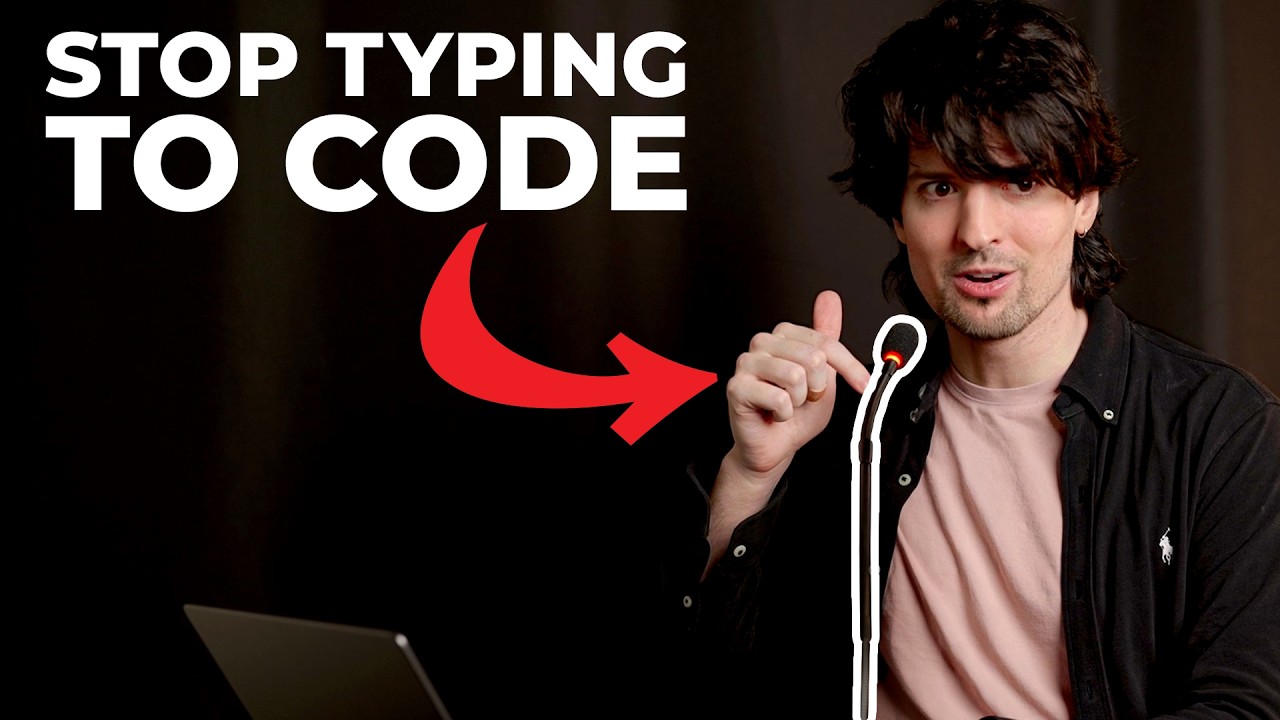
The creator shares how, despite a hand injury limiting his typing ability, he has adapted by using AI tools, voice commands, and one-handed phone typing to maintain and enhance his coding productivity. He highlights the benefits of AI agents for handling complex tasks asynchronously, enabling a more efficient, less physically demanding workflow that could help others facing similar challenges or seeking new ways to work.
The video creator shares a personal story about coping with a hand injury that has left him with limited use of one hand, significantly impacting his ability to type and navigate his computer. Despite this challenge, he has managed to maintain and even increase his productivity by adapting his workflow and leveraging AI tools. He emphasizes that while voice-to-text coding is not practical for complex programming tasks, AI has enabled him to work efficiently without relying heavily on typing. His experience has led him to discover new methods that could benefit others, including those who type quickly or face similar physical limitations.
A key adaptation has been the increased use of his phone for one-handed typing and controlling his computer through AI agents. He highlights the importance of a small, inexpensive podium microphone that allows him to whisper commands to his computer discreetly, especially in an office environment where speaking loudly is impractical. This microphone has transformed his interaction with voice-to-text tools, making it easier to communicate with his computer without disturbing others. He also discusses how he has restructured his workspace and computer usage habits to minimize the need for keyboard shortcuts and maximize mouse use.
The creator explains how he uses AI agents to handle complex tasks that would normally require extensive typing or terminal commands, which are particularly difficult to manage with one hand. He shares examples such as managing multiple computers, downloading and transferring files, and building custom software versions through voice commands. These agents not only execute tasks but also verify and review code autonomously, reducing the need for manual intervention. This approach has allowed him to delegate much of the detailed work to AI, enabling him to focus on higher-level decisions and oversight.
He also reflects on the mental shift required to embrace this new workflow, where tasks are started and completed asynchronously by AI agents, freeing him from the constraints of time and manual effort. This shift has improved his productivity and reduced frustration, as he no longer needs to be physically present or actively engaged for long periods to complete tasks. He encourages viewers to experiment with letting AI handle more of their workflow, trusting the technology to manage context and execution, which can lead to more efficient and less stressful work habits.
In conclusion, the video is both a personal diary and a practical guide on how to stay productive with limited physical ability by integrating AI tools deeply into daily work routines. The creator expresses optimism about the future of AI-assisted work and shares his enthusiasm for the improvements it has brought to his life. He hopes his experiences and tips will help others, whether they face similar challenges or simply want to explore more efficient ways to work. The video ends with an invitation for feedback and a positive outlook on adapting to new ways of coding and computer use.