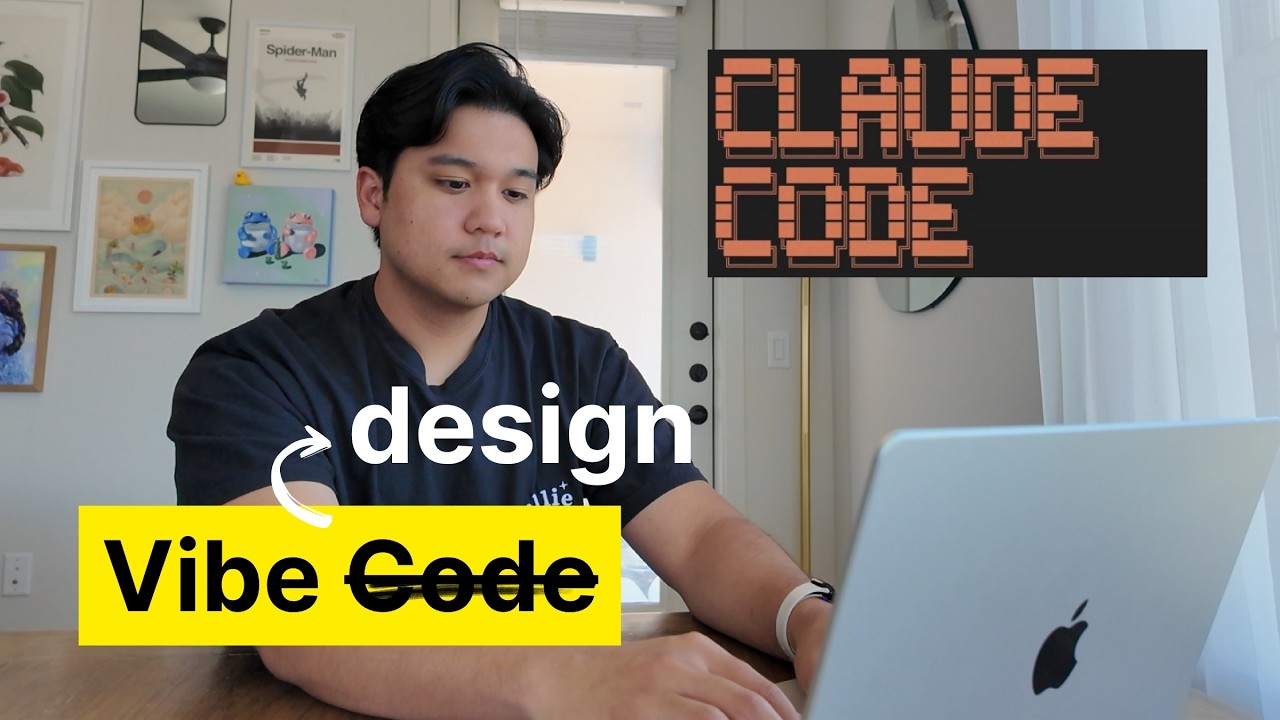
The video addresses a common frustration among developers and designers when using AI to implement UI designs: AI often only gets about 60% of the design right on a good day, leaving the remaining 40% for manual refinement. The creator demonstrates their real-world workflow by taking a complex mobile app design from a design library called Mobin and using Claude Code, an AI coding assistant, to implement it in Swift for iOS. They emphasize the importance of feeding the AI a screenshot of the design as a reference and providing detailed, specific prompts to guide the AI in replicating colors, typography, layout, and other design elements. The initial AI output is usually a rough draft that requires iterative corrections.
The iterative process involves breaking down the design into smaller sections and prompting the AI to fix specific issues one by one, such as adjusting padding, alignment, borders, and scrollability. The creator highlights that expecting the AI to perfectly replicate the design in one go is unrealistic; instead, they treat the AI like a junior developer who needs detailed instructions and feedback. They also demonstrate running multiple AI agents in parallel to speed up the refinement process. This hands-on, conversational approach with the AI allows for gradual improvements and creative problem-solving, such as generating placeholder images dynamically using AI’s web search capabilities.
Beyond static UI, the video explores using AI to prototype complex animations. The creator experiments with animating a book-opening effect where the book cover folds open to reveal text, showing how AI can handle sophisticated interactions with iterative prompting. Although the animation isn’t perfect initially, the AI gets close, and the creator expresses confidence that with more time and prompts, it could be refined further. This showcases AI’s potential not only for UI layout but also for interactive and animated elements, which are traditionally challenging to implement.
The creator also experiments with design variations by asking the AI to generate more modern or stylistic versions of the UI, such as adding glossy backgrounds or sharper edges. This iterative design exploration highlights AI’s role as a creative partner, capable of suggesting new ideas and visual directions beyond strict replication. The video underscores that while AI may not replace manual coding entirely, it significantly accelerates the design-to-code process and opens up new possibilities for rapid prototyping and creative iteration.
Finally, the video concludes with a comparative benchmark of three AI tools—Claude Code, Cursor, and Warp—evaluating their ability to implement designs from screenshots. The creator finds that Claude Code generally performs best in following design details, though no tool is perfect. This comparison reinforces the importance of choosing the right AI tool for design implementation tasks. Overall, the video provides a transparent, practical look at integrating AI into UI development workflows, emphasizing realistic expectations, iterative refinement, and leveraging AI as a collaborative design and coding partner.