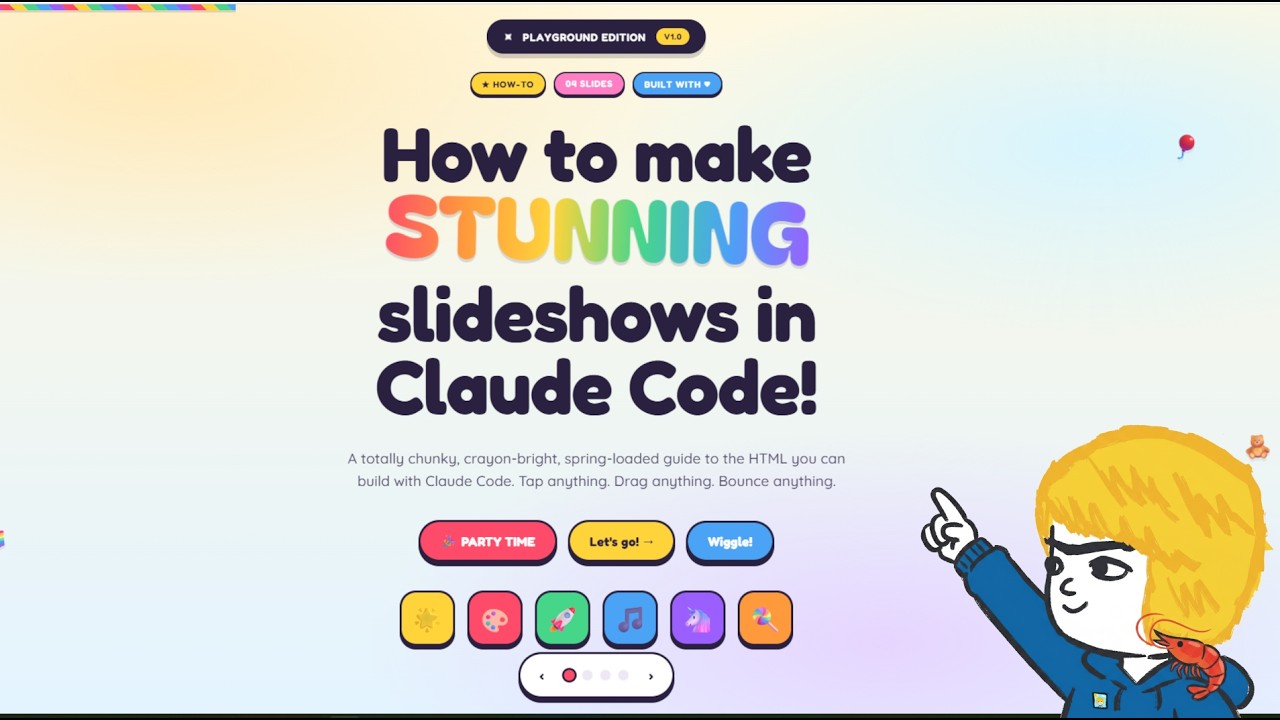
In this video, the creator addresses frequent questions from viewers about how they make their visually appealing slideshows used in presentations. They reveal that these slideshows are simple HTML files viewed in a web browser, created using standard HTML and CSS without any specialized software. The slideshows feature smooth animations and interactive elements, such as horizontal and vertical scrolling, which enhance the presentation experience. The creator emphasizes that while AI tools like Claude Code assist in building the slides, the design vision and taste must come from the user.
The creator demonstrates a basic slideshow generated by Claude Code with a straightforward prompt specifying the slide content but no design instructions. This initial version is functional and includes simple hover effects and transitions but lacks advanced styling. To improve the design, the creator introduces the “front-end design” plugin, an official Claude plugin that helps reformat and enhance the slides with more polished themes and styles. Using this plugin, the slides take on a more editorial and website-like appearance, showing how plugins can significantly elevate the visual quality.
Next, the creator explores customizing the slideshow’s theme by referencing external websites. For example, they prompt Claude Code to redesign the slides using the colors, fonts, and themes of the Solana website, resulting in a slideshow that visually aligns with Solana’s branding. Similarly, they create a Tesla-themed slideshow by instructing Claude to adopt Tesla’s style, colors, and fonts, making the presentation feel like it belongs in a Tesla showroom. These examples highlight the importance of specific and contextual prompts to guide the AI in producing tailored designs.
The video also showcases an advanced example where the creator asks Claude Code to produce a child-friendly slideshow with bright colors, round edges, and interactive features like sliders, clickable emojis, confetti effects, and keyboard navigation. This version demonstrates the wide range of interactive capabilities achievable using just HTML, CSS, and the front-end design plugin within Claude Code. The creator notes that these interactive elements can make presentations more engaging and that they might incorporate such features in future projects.
In conclusion, the creator clarifies that there are no secret tools or complicated processes behind their slideshows—just the use of Claude Code, the front-end design plugin, and thoughtful prompting based on the desired style and audience. The slideshows are lightweight, easy to edit, and highly customizable, making them practical for various presentation needs. The video serves as a comprehensive guide for viewers interested in creating their own stunning, interactive slideshows using accessible web technologies and AI assistance.