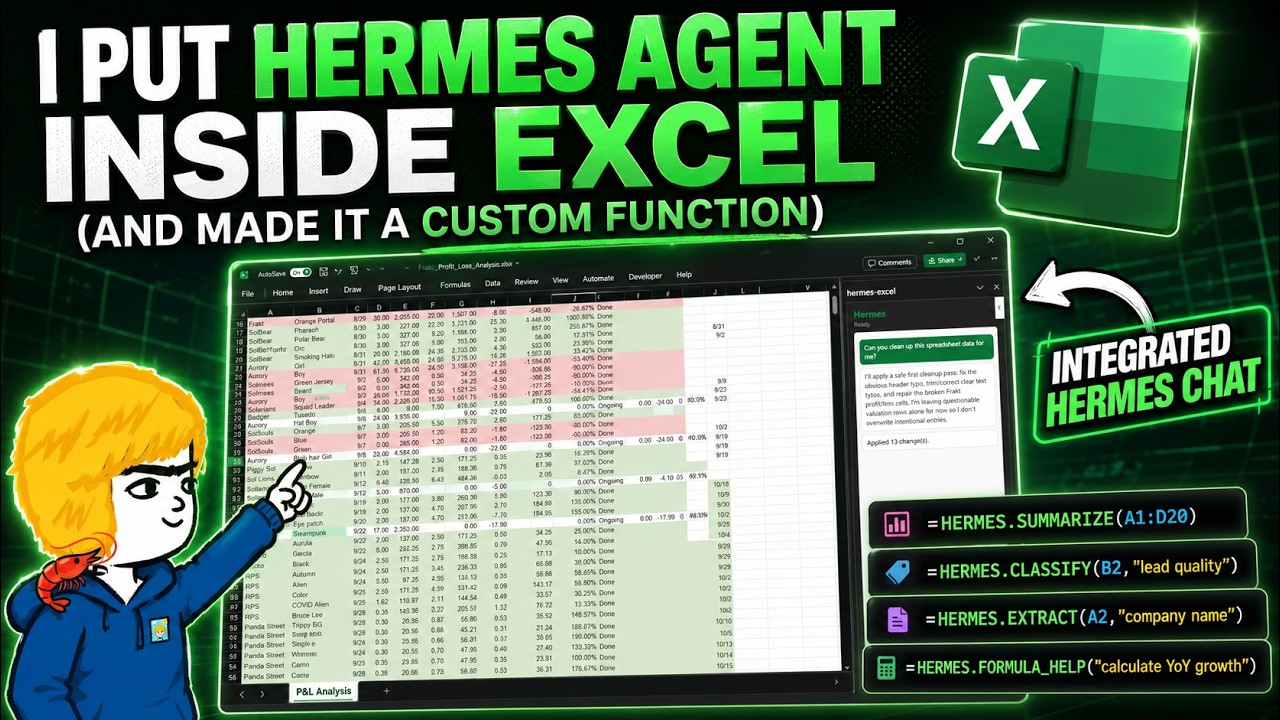
In this video, the creator demonstrates how to integrate the Hermes Agent directly into Microsoft Excel to enhance productivity by enabling users to chat with the agent while working on spreadsheets. The Hermes Agent can perform various tasks such as adding, deleting, editing data, creating charts, and conducting analysis, all while retaining session memory. The video also introduces the concept of turning Hermes into a custom Excel function, allowing users to summarize data directly within cells. The creator emphasizes the widespread use of Excel in workplaces and highlights how integrating AI agents like Hermes can significantly improve efficiency.
The initial demonstration involves using Hermes Desktop to work with a messy NFT Excel file. The agent is tasked with consolidating data by creating a new tab that aggregates profit and loss (P&L) information for different NFT collections. Hermes successfully completes this task, showcasing its ability to read and manipulate Excel files. However, the creator points out that leaving Excel to interact with the agent is not always ideal, leading to the exploration of embedding Hermes directly inside Excel through two methods: a task pane for chatting and custom functions for in-cell operations.
To embed Hermes in Excel, the video explains the technical setup involving enabling the Hermes API server with tools, memory, and skills, and configuring a reverse proxy using Caddy to handle HTTPS requirements for Office add-ins. The creator walks through generating an Excel add-in using the Office Add-in generator, which creates a task pane that acts as a chat interface with Hermes inside Excel. This setup allows users to interact with the agent without leaving Excel, enabling tasks like filling columns, cleaning up spreadsheets, generating insights, and creating charts based on selected data ranges.
Beyond the chat interface, the video introduces custom Excel functions powered by Hermes, such as HermesSummarize, HermesClassify, HermesExtract, and HermesFormulaHelp. These functions allow users to perform AI-driven data summarization, classification, extraction, and formula assistance directly within cells. The creator demonstrates how these functions dynamically update based on changes in the data, providing real-time AI insights. However, caution is advised to avoid excessive calls to the agent that could lead to performance issues, and caching mechanisms are recommended to optimize usage.
Finally, the creator shares that all the code and setup instructions are open-sourced on GitHub, specifically tailored for Windows but adaptable for other environments. The video concludes by emphasizing the value of having control over AI agents like Hermes integrated into everyday tools like Excel, encouraging viewers to explore further integrations and automation workflows. The creator invites feedback and expresses interest in producing more content on AI integrations with office software, aiming to help users leverage AI for enhanced productivity.