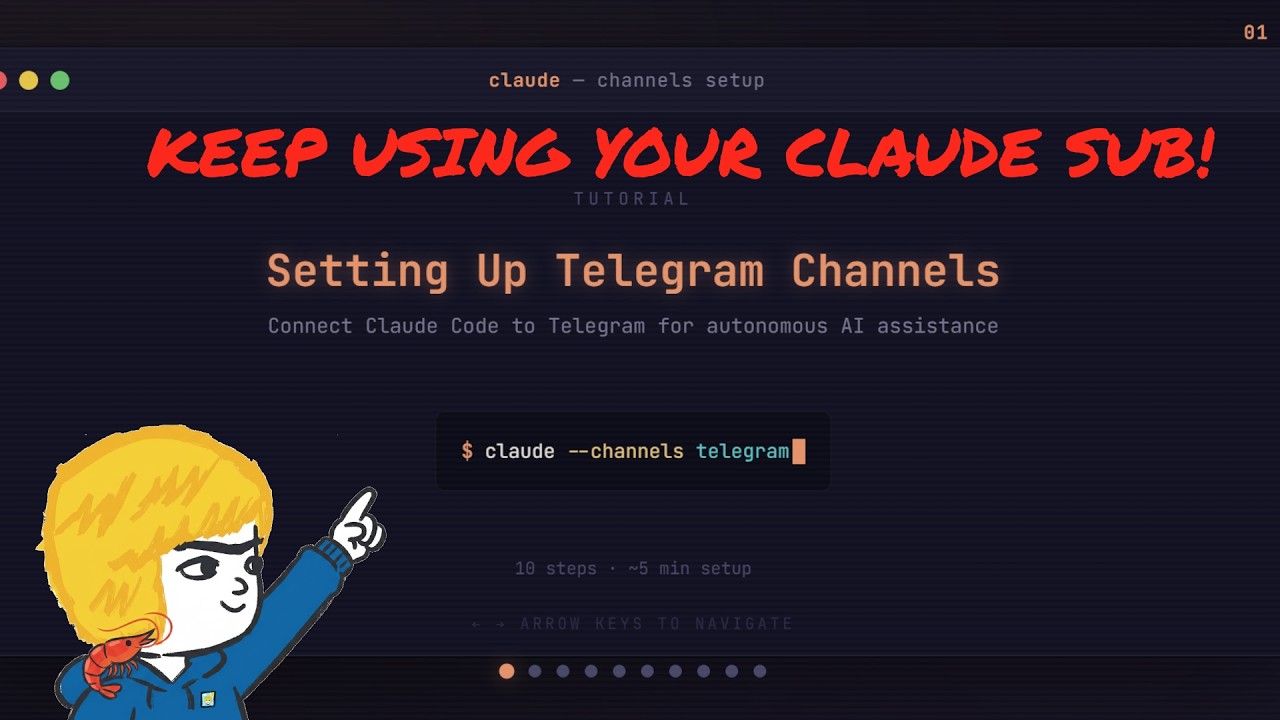
The creator demonstrates how to use their Claude subscription with Claude Channels to power a Telegram AI agent, enabling seamless brainstorming, research, and scheduled tasks without additional API costs by integrating a Telegram bot via Claude Code. This cost-effective setup runs on an old laptop, supports group collaboration, and maintains ongoing functionality through session management, offering a practical solution for accessing advanced AI capabilities on Telegram.
The video discusses how the creator continues to use their Claude subscription to power an AI agent on Telegram despite recent changes that disabled the previous OAuth token method. Initially, they used an older laptop running an OpenClaw agent with Claude, but the machine was too outdated to run local models or newer APIs effectively. Although cheaper or free APIs exist, they lacked the performance and reliability needed for brainstorming and research tasks. The creator wanted to maintain a similar experience without incurring additional API costs, especially for casual late-night queries.
To solve this, the creator leveraged Claude Channels, a feature from Anthropic that integrates Claude’s capabilities directly with Telegram. This setup replicates much of the functionality previously available with OpenClaw, including brainstorming, research, scheduled jobs, and report generation, all using the existing Claude subscription. The video provides a step-by-step guide on how to install the Telegram plugin in Claude Code, create a Telegram bot via BotFather, and configure the bot token within Claude Code to enable communication between Telegram and the Claude agent.
Once configured, the bot listens for messages and requires pairing via a code sent through Telegram. The creator demonstrates enabling an “auto mode” that bypasses the need for manual approval of each request, streamlining interactions. This setup allows the Claude agent to respond to queries, perform web searches, and deliver results directly in Telegram, making it accessible from any device with Telegram installed. The creator highlights the convenience of running this on an old laptop continuously, enabling remote access to the AI agent without extra costs.
The video also covers additional features such as adding the bot to Telegram groups for collaborative use and setting up scheduled tasks like daily reports on new Hugging Face papers. These reports summarize interesting research papers and provide links, running on a loop skill that repeats as long as the session remains active. The creator notes that sessions auto-expire after seven days but can be easily restarted or set to remind the user to retrigger them, maintaining ongoing functionality.
In conclusion, the creator emphasizes that while this setup may not suit everyone’s more complex workflows, it offers a practical and cost-effective way to keep an AI agent running on Telegram using Claude Channels. It provides the benefits of frontier AI models for research and brainstorming without additional API fees. The video aims to raise awareness of this functionality and encourages viewers to share their experiences and subscribe for more content on similar AI tools and workflows.