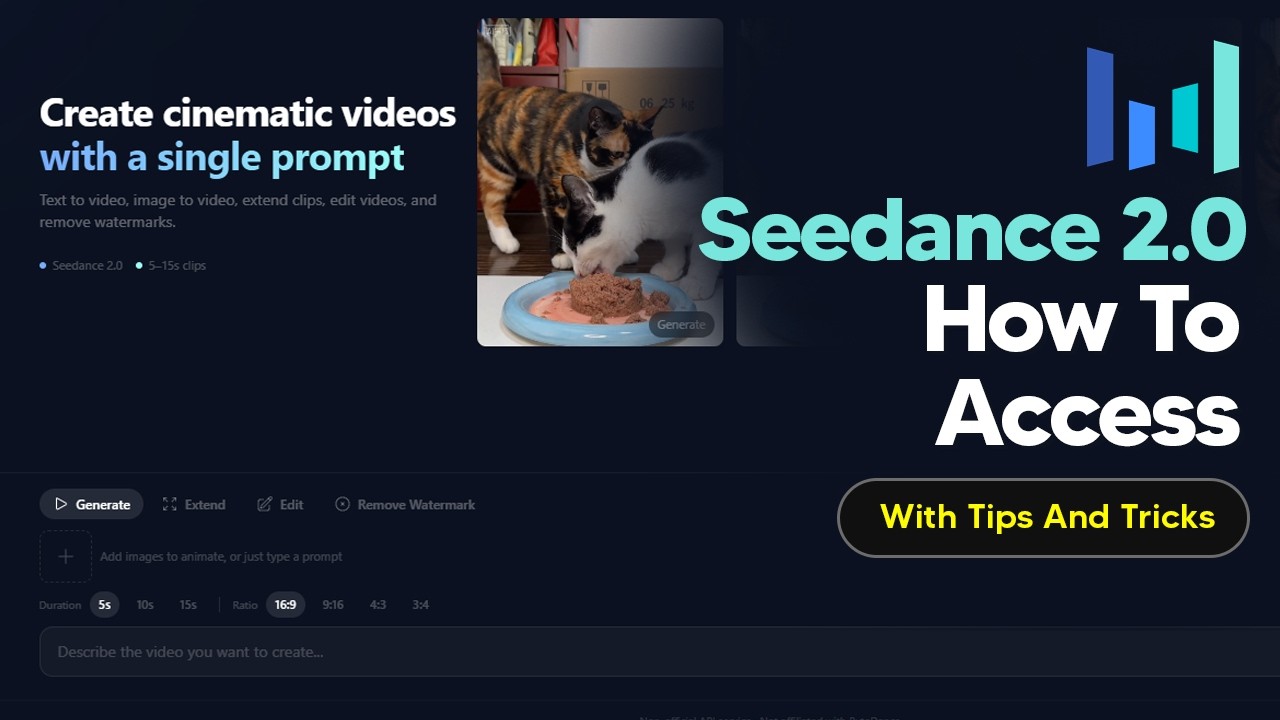
The video provides an updated guide on how to access and use SeaDance 2.0 without relying on shady websites or VPNs, by utilizing the PI API platform. PI API is an AI platform offering access to various APIs including image, audio, 3D, and video generation. SeaDance 2.0 is available globally on this platform as a nonofficial API service, essentially a wrapper around the original SeaDance 2.0 API. Users should be aware of the pricing structure, which varies based on video duration, quality, and style, with costs increasing for higher quality and longer videos.
To use SeaDance 2.0 on PI API, users need to top up their account via the workspace section, where payments can be made through Stripe or cryptocurrency. Once funded, users can generate videos that come with multiple camera angles by default, providing a cinematic feel. However, the platform automatically chooses camera angles unless specified, which may affect creative control. Generated clips include a watermark indicating AI generation, which can be removed for a small additional fee, though the process requires refreshing the page and waiting a few minutes for the watermark-free video to appear.
SeaDance 2.0 supports multimodal inputs, allowing users to upload images and audio files as references to enhance video generation. While the PI API version limits uploads to four images and audio files, the official SeaDance 2.0 supports up to nine images, three short videos, and three audio files simultaneously. This feature enables synchronized sound effects, dialogue, voice cloning, lip sync, and music beats, reducing the need for extensive post-production. The video demonstrates how to upload reference images and incorporate them into prompts to guide the AI in creating more tailored and visually coherent scenes.
A key aspect of effective SeaDance 2.0 use is the prompt structure, which ideally follows a timeline format specifying actions and camera shots at different timestamps. This approach mimics cinematic direction and improves the quality and coherence of generated videos. The video showcases an example prompt with detailed timing and shot descriptions, emphasizing how this method leverages SeaDance’s training on movies and animations. Using tools like ChatGPT can help users craft these complex prompts, combining text and image references to achieve better control over the final output.
Finally, the video highlights some limitations of SeaDance 2.0. It struggles with generating realistic human faces and blocks or heavily restricts prompts involving real or custom faces. Additionally, content related to Hollywood intellectual property, such as characters from popular franchises, is not supported. Some features like video extension and editing are still unstable during the global rollout. Despite these issues, the guide encourages experimentation and invites viewers to share tips and tricks to help the community make the most of SeaDance 2.0’s capabilities.