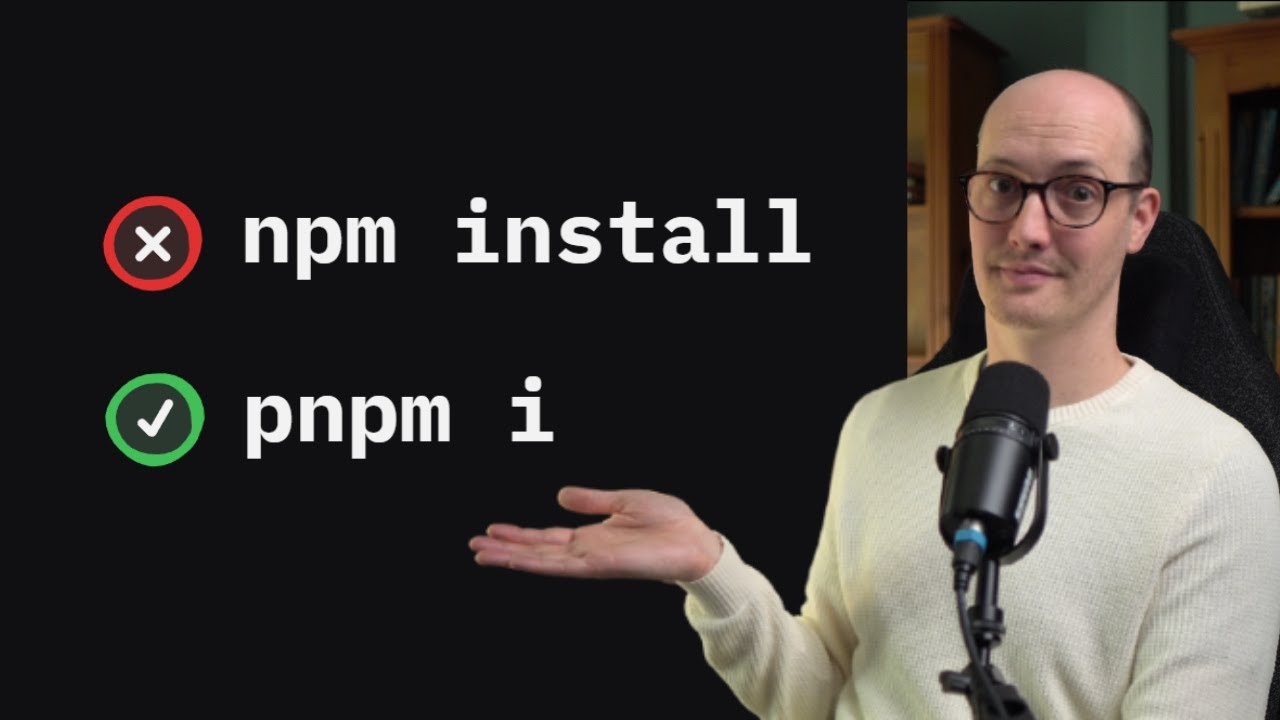
The video explains that instead of relying on claude.md to guide Claude Code’s CLI behavior—which is unreliable and can overwhelm the model—you should use deterministic pre-tool-use hooks to block or redirect commands (like forcing PNPM over npm) at runtime. This approach enforces your workflow preferences more reliably and keeps instruction files focused on essential guidance.
The video addresses a common challenge when working with AI coding agents like Claude Code: how to ensure the agent uses the correct command-line interface (CLI) tools and adheres to your preferred workflow. For example, you might want Claude to use PNPM instead of npm, or to call a custom wrapper script rather than a default command. The creator notes that while many users try to guide Claude by adding instructions to a claude.md file, this approach is limited and not always reliable, especially when you want to block or enforce specific commands.
The main issue with relying on claude.md is that it applies instructions globally across the entire project, even when those instructions are only relevant to certain tasks. Additionally, large numbers of instructions can overwhelm the language model, reducing its effectiveness and making it more likely to ignore or misinterpret your preferences. Negative instructions, such as telling Claude not to run destructive commands like git push, are particularly problematic because they consume valuable instruction space without providing deterministic enforcement.
To address these limitations, the video introduces a more robust solution: using Claude Code hooks. Hooks allow you to run deterministic scripts at specific points in Claude Code’s execution cycle, such as before a tool is called. By leveraging the pre-tool-use hook, you can intercept and block unwanted commands (like npm) and redirect Claude to use your preferred alternatives (like PNPM). This method is more reliable because it enforces rules at runtime, rather than relying on the model to remember and follow written instructions.
The creator demonstrates how to set up these hooks by converting relevant instructions from claude.md into executable bash scripts. For example, a script can check if the command starts with npm, display a message instructing the use of PNPM instead, and exit with an error code to block the unwanted command. The configuration is then added to the project’s settings.json file, ensuring that the hook runs automatically whenever Claude attempts to use a blocked command. This approach not only prevents undesired actions but also keeps the instruction budget focused on more complex and meaningful guidance.
Finally, the video emphasizes the broader value of deterministic enforcement through hooks and similar mechanisms, such as using ESLint rules to guide code style. By moving rules out of the instruction file and into automated feedback loops, you make your workflow more robust and scalable. The creator encourages viewers to experiment with hooks for other use cases and to subscribe to their newsletter for more tips and insights on working with Claude Code and other coding agents.