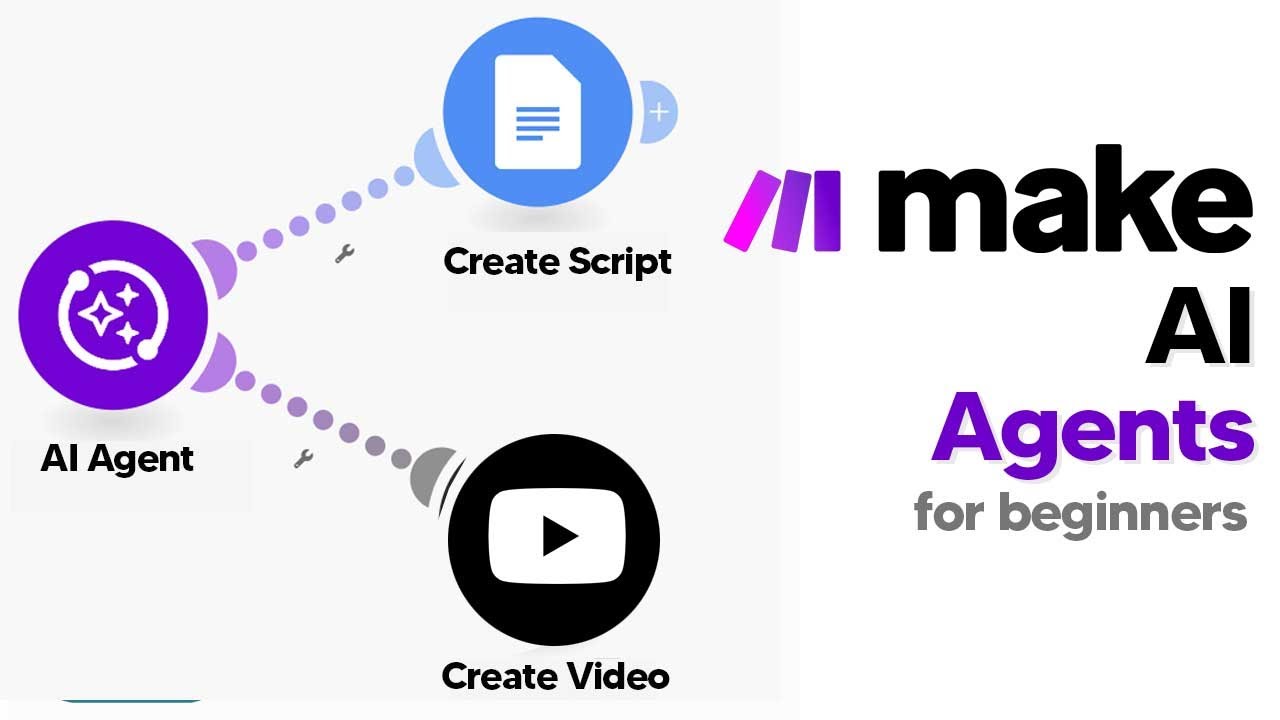
The video provides a comprehensive beginner’s guide to automating work using AI agents on Make.com, highlighting the recent release of AI agents feature. It begins by explaining the three main steps to get started: creating the AI agent, building the tools that the agent will use, and optionally setting up triggers for autonomous operation. The presenter emphasizes that this process is accessible even for complete beginners, making it easy to leverage AI for various automation tasks.
The first step involves creating the AI agent within Make.com by navigating to the AI agents beta section. The user needs to connect their OpenAI API key, which can be generated from the OpenAI playground, and then configure the agent’s system prompt. This prompt defines the agent’s role and tasks, such as searching a database, browsing the internet, and writing scripts. The presenter demonstrates how to set up this prompt clearly, ensuring the agent understands its workflow, and then saves the agent for further configuration.
Next, the tutorial covers building tools that the AI agent can utilize. These tools are created as separate scenarios in Make.com, such as searching Google Sheets for ideas and researching topics using Perplexity. The process involves setting up each scenario with specific modules, connecting APIs, and defining input and output structures. The presenter shows how to make these tools accessible only when needed by setting them to “on demand” and activating them, so the AI agent can call upon these tools during its tasks.
The third part explains how to integrate these tools into the AI agent’s workflow. The user adds the created tools to the agent’s arsenal, providing descriptions for each to clarify their purpose. Once configured, the agent can use these tools to perform complex tasks like researching topics and generating scripts. The presenter demonstrates how to trigger the agent manually, such as with a simple prompt like “get to work,” and then run the automation to see it in action, which results in the creation of a Google Doc with the generated script.
Finally, the video concludes by showcasing the completed automation process. The AI agent searches for ideas, researches the chosen topic, and then writes a script, which is automatically saved in Google Docs. The presenter notes that while the setup is straightforward, some adjustments, like refining prompts, can improve results. He also mentions community resources, including templates and blueprints available for download, to help users get started quickly. Overall, the tutorial emphasizes how beginners can harness Make.com’s AI agents to streamline and automate various creative and research tasks effectively.