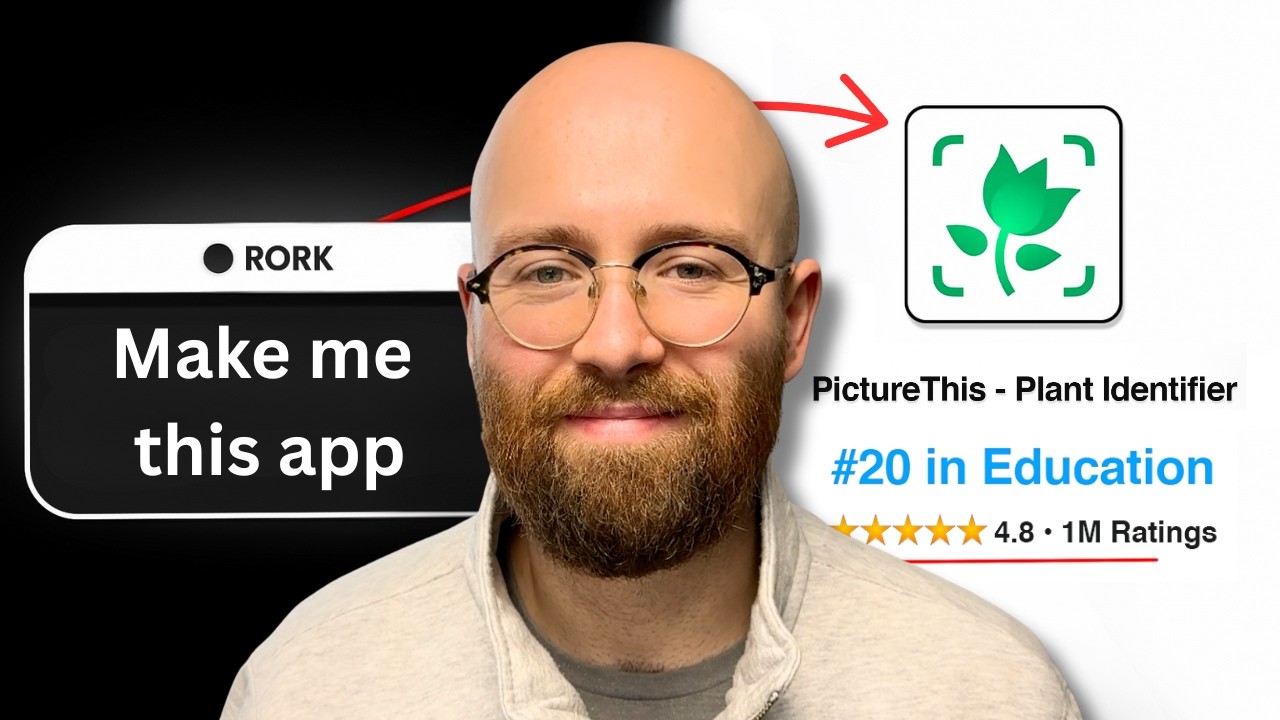
The video demonstrates how to build a complete iPhone plant identification app from scratch using the AI-powered no-code platform Ror AI, showcasing features like AI integration, secure API management, and UI enhancement inspired by competitor designs. It also covers resolving technical issues, connecting to GitHub for version control, and publishing the app directly to the App Store, highlighting the efficiency and potential of combining AI with no-code development.
In this video, the creator demonstrates how to build a complete iPhone app from scratch using Ror AI, a no-code platform that leverages artificial intelligence. The example app is a plant identifier inspired by a popular app on the App Store that generates thousands of dollars monthly. The process begins by researching trending apps in the App Store to gather inspiration and key features. The creator selects essential functionalities such as accurate plant identification, plant disease diagnosis, and care tips, while removing less critical features to keep the demonstration simple.
Using Ror AI, the creator inputs a detailed prompt describing the app’s requirements. The platform then begins generating the app’s code, user interface, and backend structure in real-time, allowing the creator to preview the app and even test it on a phone by scanning a QR code. Ror AI also supports secure storage of API keys and user data through environment variables and backend integration, ensuring security and scalability. Additionally, the platform can connect to GitHub for version control and code repository management.
The creator encounters some runtime errors related to plant identification, which are resolved by integrating the Gemini API from Google for image recognition. Instructions are provided on how to obtain an API key from Google Cloud and securely add it to the app using environment variables. After integrating Gemini, the app successfully identifies plants with high confidence and provides detailed care instructions, demonstrating the power of combining AI APIs with no-code app development.
To enhance the app’s user interface, the creator uploads screenshots from the competitor app as design inspiration and asks Ror AI to make the UI more vibrant and visually appealing. The platform updates the design accordingly, showing how AI can assist not only in coding but also in improving user experience and aesthetics. The creator emphasizes that while AI can automate much of the development process, human guidance is still necessary to steer the project and fix issues.
Finally, the video covers publishing the app directly from Ror AI to the App Store without leaving the platform. The creator connects the app to GitHub for code backup and version control, then walks through the submission process to Apple’s developer program. The video concludes with an invitation for viewers to follow along with future updates on app performance and downloads, highlighting the ease and potential of building and launching apps using AI-powered no-code tools like Ror AI.