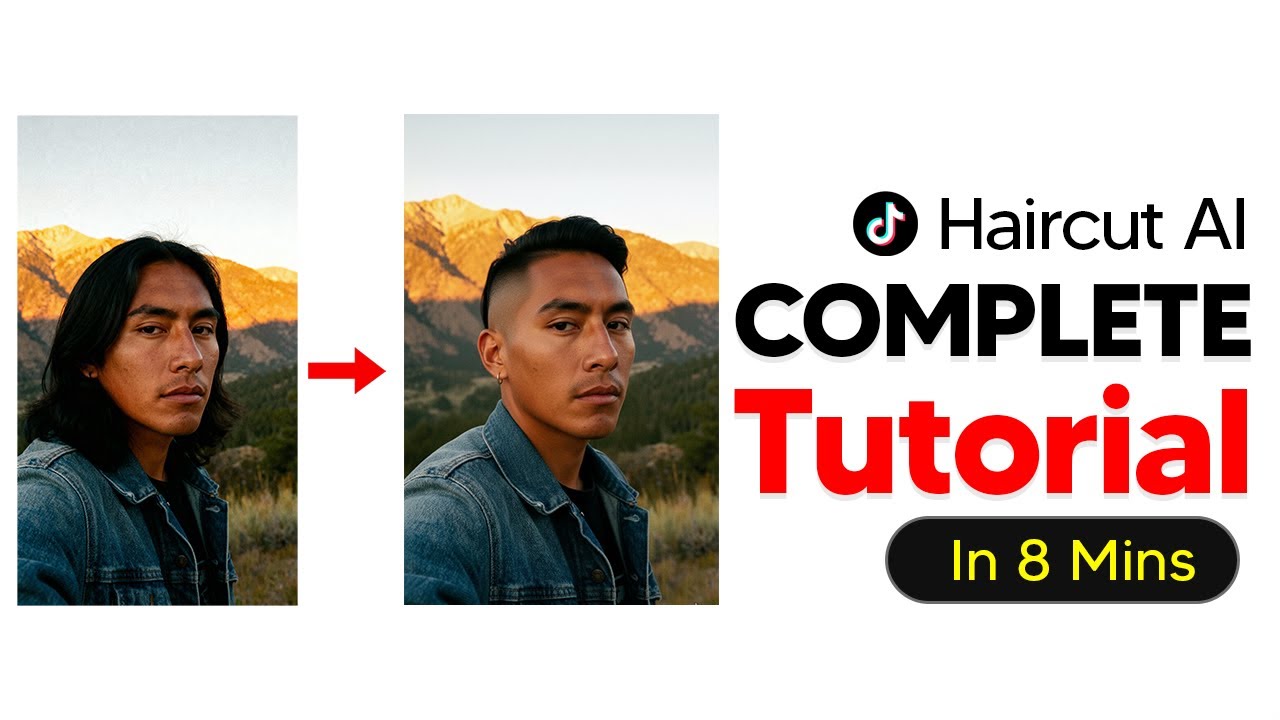
The video explains how to use Google’s Gemini app to participate in the TikTok AI hair trend by uploading a selfie and generating various AI-created hairstyle and facial hair options for free, with features like image creation enabled. It also offers tips for customizing styles using text descriptions from reference images, overcoming usage limits, and highlights the platform’s versatility for virtual makeovers beyond just hairstyles.
The video introduces a popular AI TikTok trend focused on experimenting with different hairstyles using AI-generated images. The creator explains how to participate in this trend for free by using Google’s Gemini app, which functions similarly to ChatGPT but offers additional features, including image-based content creation. Users start by uploading a selfie or any image they have rights to, and then ask Gemini to suggest various hairstyles that would suit the person in the image. The app can generate multiple hairstyle options quickly, allowing users to visualize different looks on their photo.
Once the initial hairstyles are generated, users can request specific styles by typing commands such as “change this style to a man bun” or “give this man an undercut with a longer top.” It is important to enable the “create images” feature, called Nano Banana, to ensure the AI generates images correctly without errors. The process can be repeated multiple times to explore a wide range of hairstyles. This method is helpful because it provides visual representations of hairstyles that users might not be familiar with, making it easier to decide on a new look.
For those who want to try celebrity hairstyles or other specific looks, the video suggests using Google to find reference images. Users can upload these images to Gemini, ask the AI to describe the hairstyle in text, and then apply that description to their own photo. This workaround is necessary because the AI platform does not support uploading two images simultaneously. By converting the hairstyle image into a text description, users can effectively transfer the style onto their own image, expanding the creative possibilities.
In addition to hairstyles, the AI can also modify facial hair, such as adding a goatee or other beard styles. This feature allows users to experiment with both hair and facial hair changes to see how different combinations might look. The video also addresses potential limitations, such as the AI model being rate-limited during peak times. To overcome this, users can switch to Google AI Studio, a related platform with fewer restrictions, or create new Google accounts to reset their free usage quotas.
Finally, the tutorial emphasizes that this AI tool works for both men and women and is not limited to hairstyles alone. Users can also change outfits and other aspects of their appearance using the same system. This makes the platform a versatile all-in-one solution for virtual makeovers, allowing people to explore various looks easily and creatively without any cost. The video encourages viewers to experiment freely and enjoy the fun of AI-powered style transformations.