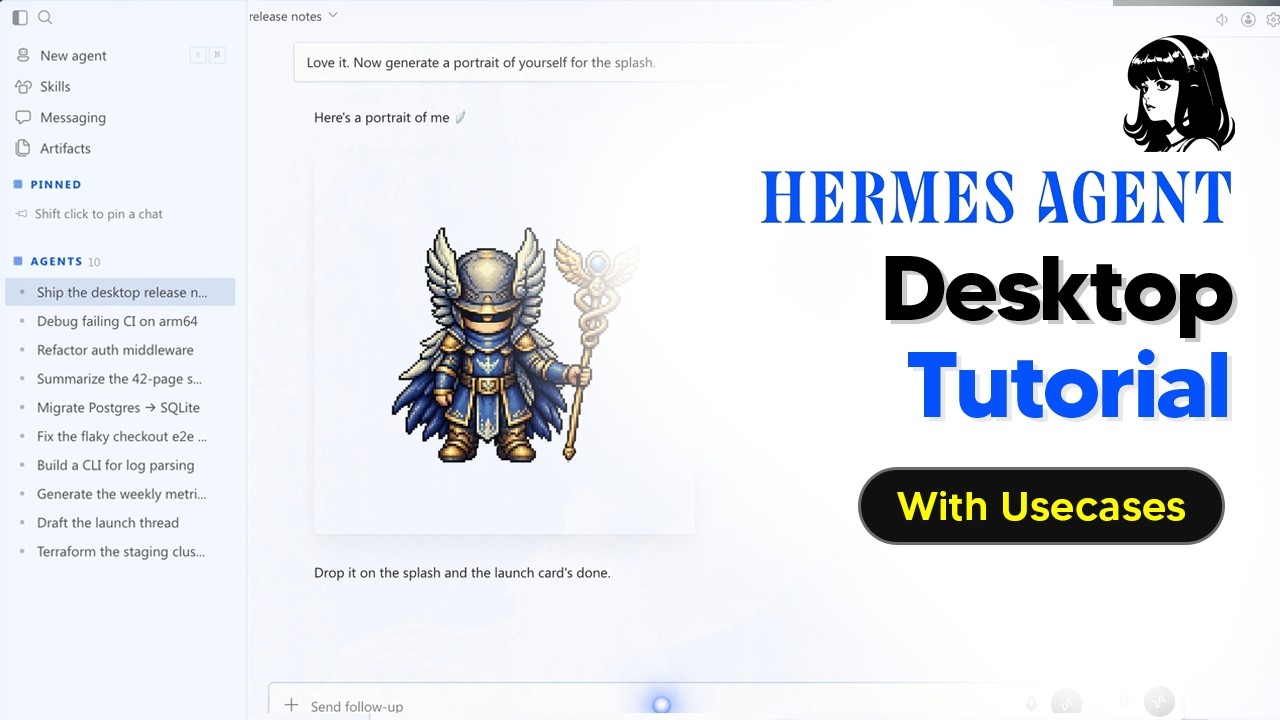
The video tutorial provides a comprehensive guide on how to install and set up the Hermes desktop app. It begins by instructing users to visit the Hermes website to download the appropriate version for their device, such as Windows. The installation process may take 10 to 15 minutes as it involves a complete setup of the Hermes agent. The presenter reassures viewers that installing the new app will not interfere with any existing Hermes installations, as the new setup merges smoothly with previous versions.
Once installed, users are guided through the initial configuration steps. The app starts off blank, so it is important to access the settings to customize the experience. Key setup areas include connecting the desktop shell to a remote Hermes backend via a session token and remote URL, and entering various API keys to enable different functionalities. Users must set at least one large language model (LLM) provider to interact with the AI agent, with options to select different models depending on their needs.
The tutorial also covers personalization features such as appearance settings, including dark mode and themes, as well as enabling memory and user profiles to maintain chat consistency. Voice chat capabilities can be configured with API keys, although this feature may not be widely used. Users can create and manage multiple profiles, each tailored for specific tasks or personalities, allowing for versatile use of the Hermes agent across different domains like investing or research.
A significant portion of the guide focuses on equipping the Hermes agent with various skills. Many skills come pre-enabled, but users must ensure they have the correct models and API keys linked to avoid errors. The app provides clear error messages when a skill cannot be executed due to missing configurations. Additionally, the video explains how to create and manage cron jobs for automating routine tasks, such as daily briefings, through a user-friendly interface that simplifies traditional command-line operations.
Finally, the video highlights the messaging integration capabilities of the Hermes app, allowing users to interact with the agent through multiple chat platforms like Discord, Slack, Gmail, and WhatsApp. The setup guides for each platform are readily accessible within the app, making configuration straightforward. Users can also monitor their API usage, token consumption, and associated costs, which is particularly useful for managing expenses when using token-heavy models like Claude. Overall, the Hermes desktop app offers a powerful and user-friendly interface that enhances accessibility and functionality for both new and experienced users.