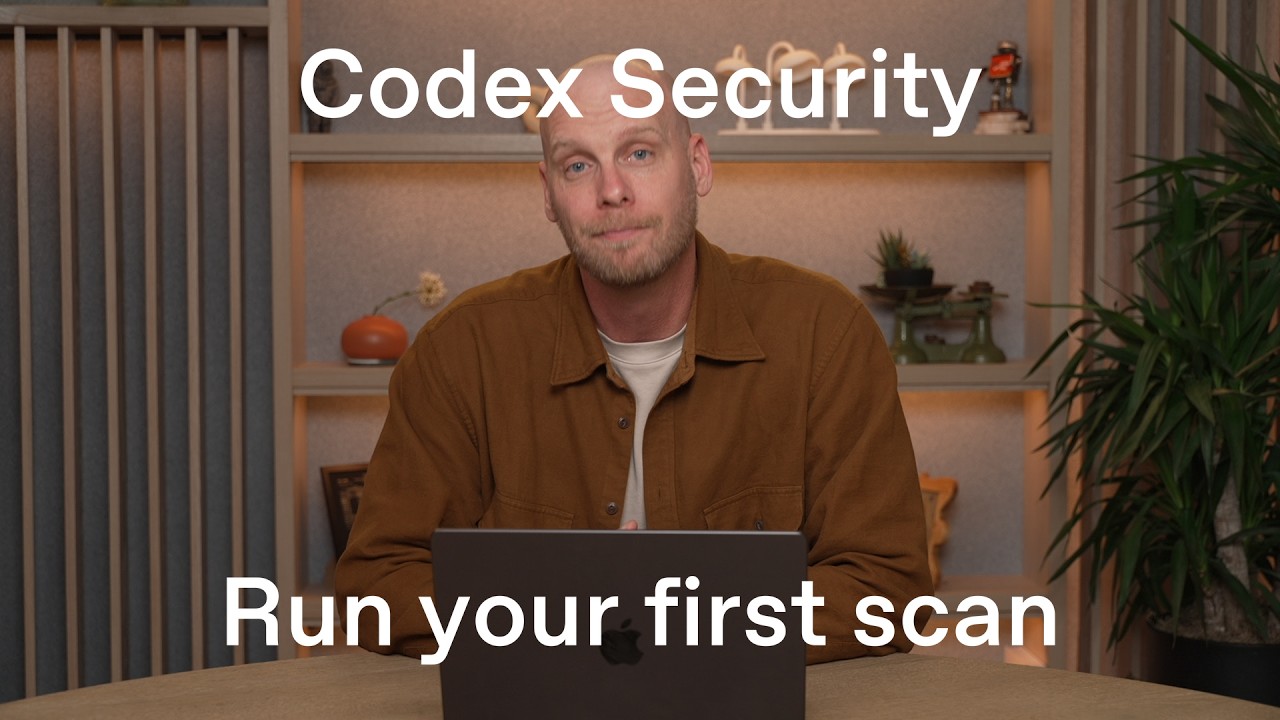
In this video, Dan Shanahan, a cyber deployment engineer at OpenAI, provides a comprehensive walkthrough on running your first Codex Security scan. He begins by ensuring access to the Daybreak Blue model within Codex, which is essential for performing security analyses. Following this, he demonstrates how to install the Codex Security plugin, which integrates security scanning capabilities directly into the Codex environment.
Once the plugin is installed, Dan explores its features, highlighting the ability to triage findings and perform deep scans. He then initiates a new scan by selecting a pre-staged local repository, choosing the Daybreak Blue model, and enabling additional context to focus the analysis on specific parts of the application, such as the authentication service. This targeted approach helps generate more accurate and relevant security findings.
As the scan progresses, Codex Security prepares by understanding the codebase and building a threat model to identify potential attack surfaces. It then reviews the code to detect vulnerabilities, presenting detailed summaries, attack paths, and evidence to help developers understand and address the issues. Dan demonstrates how to generate a fix for a vulnerability using Codex, which creates a patch that can be reviewed and published directly to GitHub as a pull request for integration into the production codebase.
Dan emphasizes that while the plugin is effective for scanning individual repositories locally, organizations often need to scale security testing across multiple repositories and integrate it into their CI/CD pipelines. To address this, he introduces the Codex Security CLI, which can be installed via npm. The CLI replicates the plugin’s scanning and triaging capabilities but is designed for automation and portability, making it suitable for embedding into continuous integration and deployment workflows.
In summary, the video guides viewers through verifying access to Daybreak Blue, installing the Codex Security plugin, running and managing security scans, generating and applying fixes, and finally scaling security analysis using the Codex Security CLI. Dan encourages viewers to try running scans on their own codebases and leverage the CLI to automate security testing across their environments, enhancing their overall security posture.
Useful Links