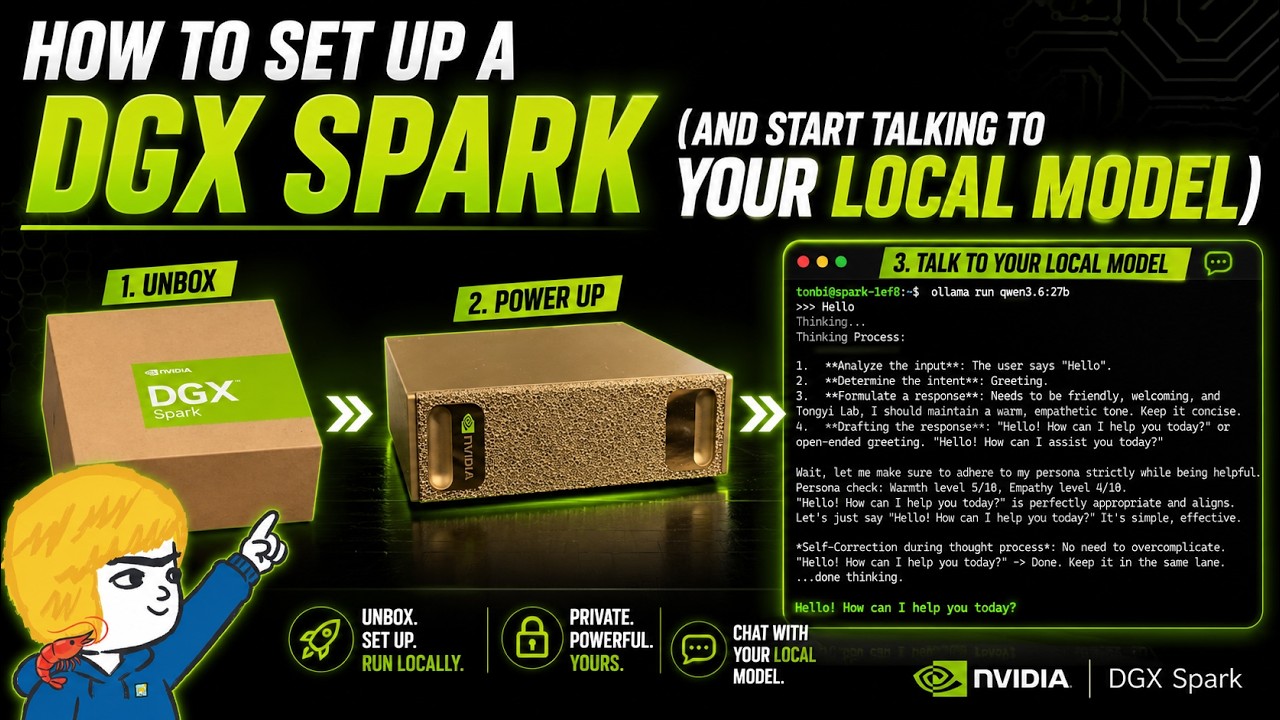
In this video, the creator introduces a significant upgrade to their AI setup: the NVIDIA DGX Spark, a powerful new addition to their AI garage. Previously limited by an RTX 3060, they are now excited to explore more advanced local model experiments using this high-performance machine. The video focuses on the initial setup process of the DGX Spark, connecting it to their main PC, and installing the first local language model to demonstrate its capabilities.
The setup process is straightforward. After unboxing, the DGX Spark requires only a power connection, and it automatically powers on. The device creates its own Wi-Fi hotspot, which the creator connects to from their PC using a password provided with the unit. This connection opens a web interface for initial configuration, including setting language, time zone, and user credentials. The DGX Spark then connects to the home Wi-Fi network and begins downloading updates, a process that takes about ten minutes.
To facilitate easier access and management, the creator installs NVIDIA Sync on their PC. This tool simplifies connecting to the DGX Spark via SSH by managing IP addresses and credentials. Once connected, the creator accesses the DGX dashboard, which provides system information such as memory usage and allows for system updates. The DGX Spark runs on a Linux-based system, and the creator performs an update and reboot to ensure everything is current before proceeding.
The main demonstration involves installing and running a local language model using Ollama, a quick and user-friendly platform for managing models. The creator installs Ollama, starts its service, and pulls the Qwen 3.6 27B model, which is known for its performance. After launching the model, they test it by sending a simple message, receiving a prompt and coherent response, confirming that the DGX Spark can efficiently run large local models right out of the box.
In conclusion, the video highlights the ease of setting up the NVIDIA DGX Spark and its potential for local AI experimentation. The creator expresses enthusiasm about the new possibilities this machine opens up for running and tuning local models. They encourage viewers to follow their channels for future experiments and invite comments and suggestions on what to try next with the DGX Spark, signaling a new chapter in their AI development journey.