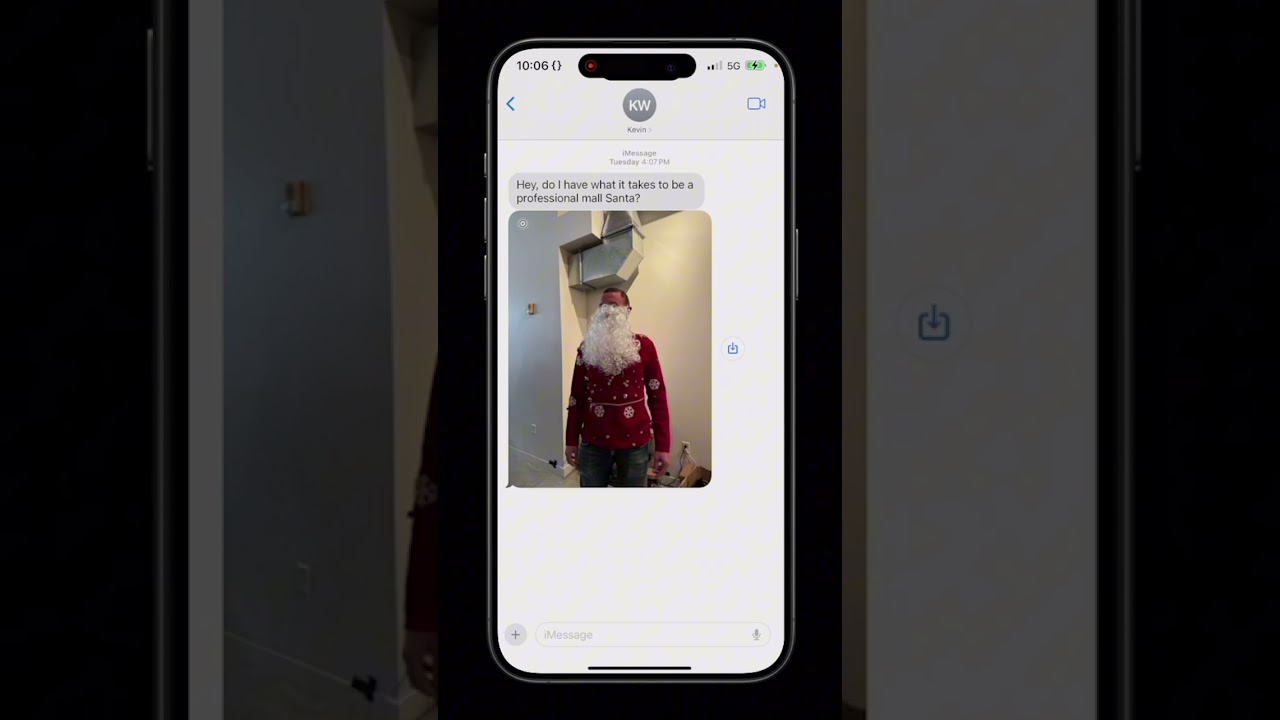
The video demonstrates how to use the screen sharing feature in ChatGPT by starting a new conversation and selecting the advanced voice mode icon, allowing the AI to view the user’s screen in real-time. The presenter seeks assistance in crafting a kind response to a message from someone named Kevin, and ChatGPT suggests a supportive reply that balances encouragement with humor.
In the video titled “How to share your screen inside ChatGPT #Shorts,” the presenter demonstrates the functionality of screen sharing within the ChatGPT interface. The process begins by starting a new conversation and selecting the advanced voice mode icon. From there, the user accesses a drop-down menu to initiate the screen sharing feature. This allows ChatGPT to view the user’s screen in real-time, enhancing the interactive experience.
Once the screen sharing is activated, the presenter opens their messages app to seek assistance from ChatGPT. They confirm with the AI whether it can see their screen, to which ChatGPT responds affirmatively, indicating that it can see the messages displayed. This interaction showcases the practical application of screen sharing, as the user intends to get help in crafting a response to a specific message.
The message in question is from someone named Kevin, who is inquiring about his potential to be a professional Mall Santa. He has also sent a picture of himself in a Santa outfit. The presenter asks ChatGPT for guidance on how to respond to Kevin’s question in a kind manner. This highlights the collaborative nature of the tool, as users can leverage ChatGPT’s capabilities to formulate thoughtful replies.
ChatGPT suggests a response that balances encouragement with humor, advising the presenter to tell Kevin that his Santa outfit looks festive and to keep practicing his “ho ho ho” for future opportunities. This example illustrates how ChatGPT can assist users in navigating social interactions and providing supportive feedback, making it a valuable resource for communication.
The video concludes with the presenter expressing satisfaction with the suggested response, indicating that Kevin will appreciate the encouragement. The overall demonstration emphasizes the ease of using screen sharing in ChatGPT to enhance communication and problem-solving, showcasing the tool’s versatility in real-world scenarios.