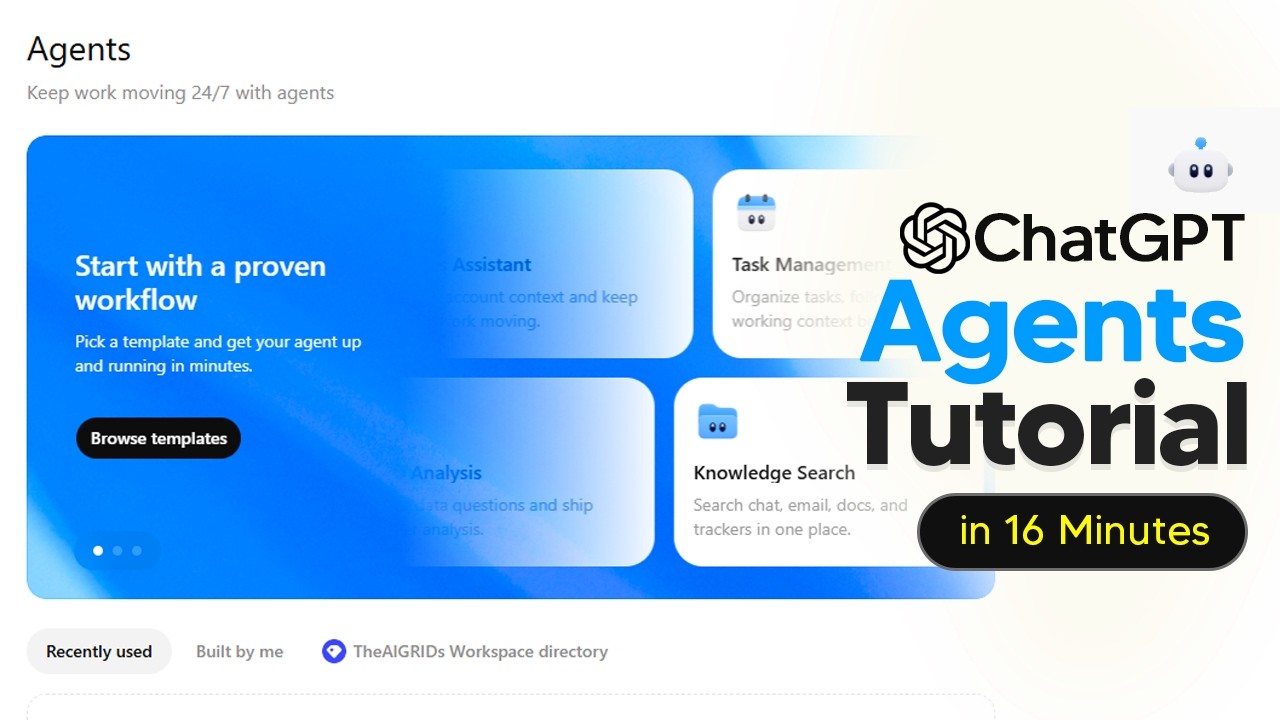
The video introduces ChatGPT Workspace Agents, a new feature accessible through upgrading to the business plan in ChatGPT. Once upgraded, users can find the agents tab in the workspace, where they can browse, create, and manage agents. Agents are systems designed to follow instructions, use various skills, work across multiple tools, and complete tasks automatically. The video explains how agents can transform requests into completed work by integrating with apps like CRM, email, and document tools, and how users can create agents by describing their desired workflows either by typing or using voice dictation.
Creating an agent involves using the agent builder, which drafts a plan based on the user’s input and suggests the necessary tools and skills. Users can watch the agent being built in real time, edit instructions, authenticate app connections, and set schedules for automated runs. The video emphasizes the importance of connecting the right apps for the agent to function properly and shows how users can preview, duplicate, and test agents before deploying them. Testing involves running realistic, messy, and edge-case inputs to ensure the agent follows instructions, produces useful outputs, and maintains guardrails.
Several practical examples demonstrate the versatility of workspace agents. One example shows an agent that reads product feedback from web forums and Slack, summarizes recurring issues, posts daily updates to leadership, and creates or updates tickets in a project management tool. Another example highlights a reporting agent that automates weekly readouts by connecting to Google Drive, calculating metrics, and generating charts, all scheduled to run automatically. These examples illustrate how agents can save time by automating routine workflows and providing consistent, reliable outputs.
The video also showcases a sales-focused agent named Spark, which helps small and medium-sized businesses manage inbound leads. Spark researches leads, grades them based on qualification criteria, sends outreach emails, drafts follow-ups, and schedules reminders to ensure timely engagement. This agent integrates tools like Gmail and web search and can operate on a schedule or be triggered manually. The example highlights how workspace agents can enhance customer experience and improve sales efficiency by automating personalized communication workflows.
Finally, the video presents an agent called TRO, designed for third-party risk management in finance. TRO accelerates vendor due diligence by following best practices embedded in a skill set, orchestrating work across systems, and producing polished risk assessment reports. The agent builder allows users to iterate on the agent’s instructions using natural language without needing technical expertise. TRO’s ability to automate complex, time-consuming workflows frees up human analysts to focus on higher-value tasks, demonstrating the potential of workspace agents to transform various business processes through automation and integration.