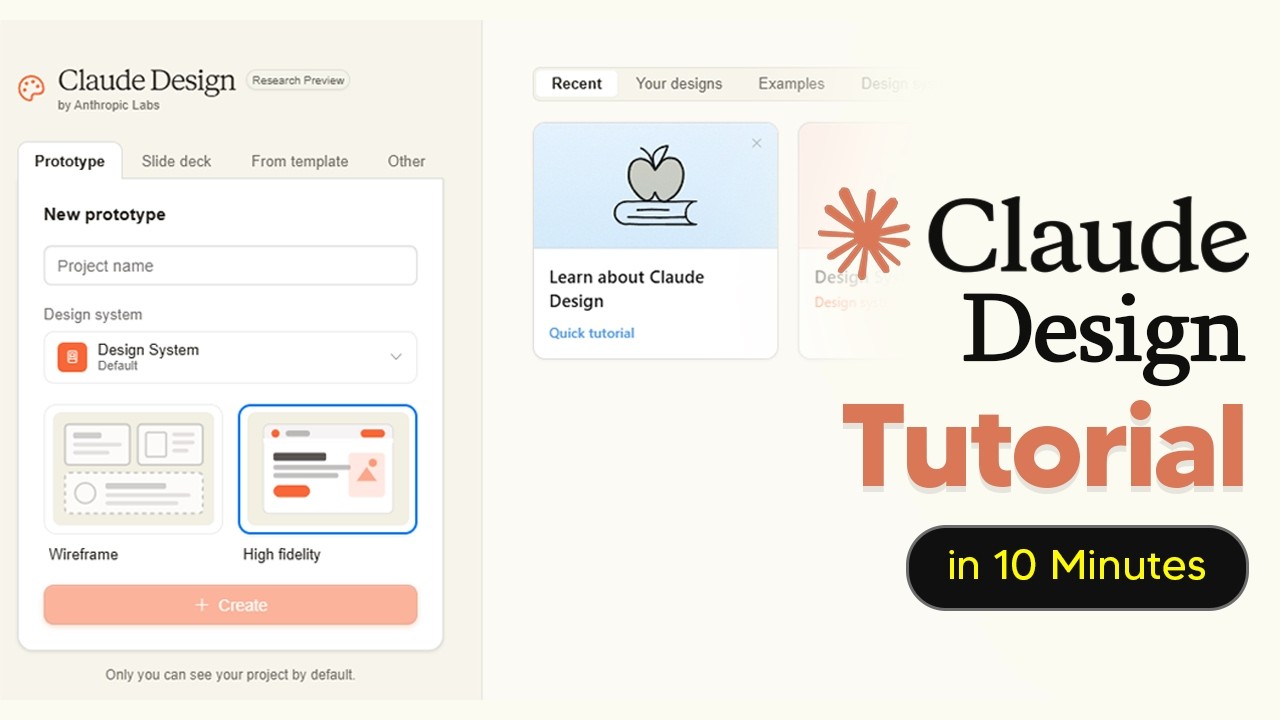
The video introduces Claude Design, a new visual design tool from Anthropic powered by their advanced Opus 4.7 model. Unlike traditional design tools that create static mock-ups, Claude Design generates interactive, code-powered prototypes such as clickable interfaces, slide decks, landing pages, and multimedia experiences with voice, video, 3D, and shaders. It is designed to replace the blank canvas stage of design rather than tools like Figma, allowing users to create initial drafts quickly and then export them to other platforms for refinement. Access to Claude Design requires a paid subscription, with pro or max plans, and users are advised to monitor their usage closely as the tool has separate and potentially quickly exhausted usage limits.
A key step in using Claude Design effectively is setting up a design system, which acts as a brand guide to ensure all generated designs stay on-brand. The video recommends leveraging AI to create this design system by uploading brand assets like logos and fonts, which helps Claude replicate the brand accurately and reduces the need for costly revisions. Users can review and approve elements within the design system to prevent future errors, and multiple design systems can be managed for different brands or sub-brands, facilitating team collaboration and consistency across projects.
Claude Design offers two main fidelity levels for prototypes: wireframes and high-fidelity designs. Wireframes provide a basic layout to quickly test ideas and user experience without detailed styling, saving time and resources. Users can refine wireframes by editing specific elements directly, which is more efficient than re-prompting the AI. Once satisfied, wireframes can be upgraded to high-fidelity prototypes that include detailed design elements, logos, and interactive features. The platform supports granular editing of text, colors, margins, and other design aspects, and users can export their work to other design tools for further refinement.
One of Claude Design’s standout features is its “tweaks” system, which allows users to make on-the-fly design adjustments through interactive buttons rather than costly full re-renders. Tweaks enable changes to various design aspects like hue, glow, and layout, providing a flexible and token-efficient way to explore design variations. Additionally, Claude Design can create basic animations, though these are computationally intensive and consume a significant portion of usage credits. Animations are simple and suitable for short clips, making them useful but limited compared to professional motion graphics tools.
Finally, Claude Design includes a variety of built-in skills tailored for different design outputs, such as animated videos, interactive prototypes, slide decks, wireframes, and PowerPoint presentations. Users are encouraged to select the appropriate skill before starting a project to optimize the output quality. The video emphasizes the importance of always having the correct design system active to ensure brand consistency and maximize the tool’s effectiveness. Overall, Claude Design is presented as a powerful AI-driven assistant for rapidly generating and iterating on design concepts with interactive and multimedia capabilities.