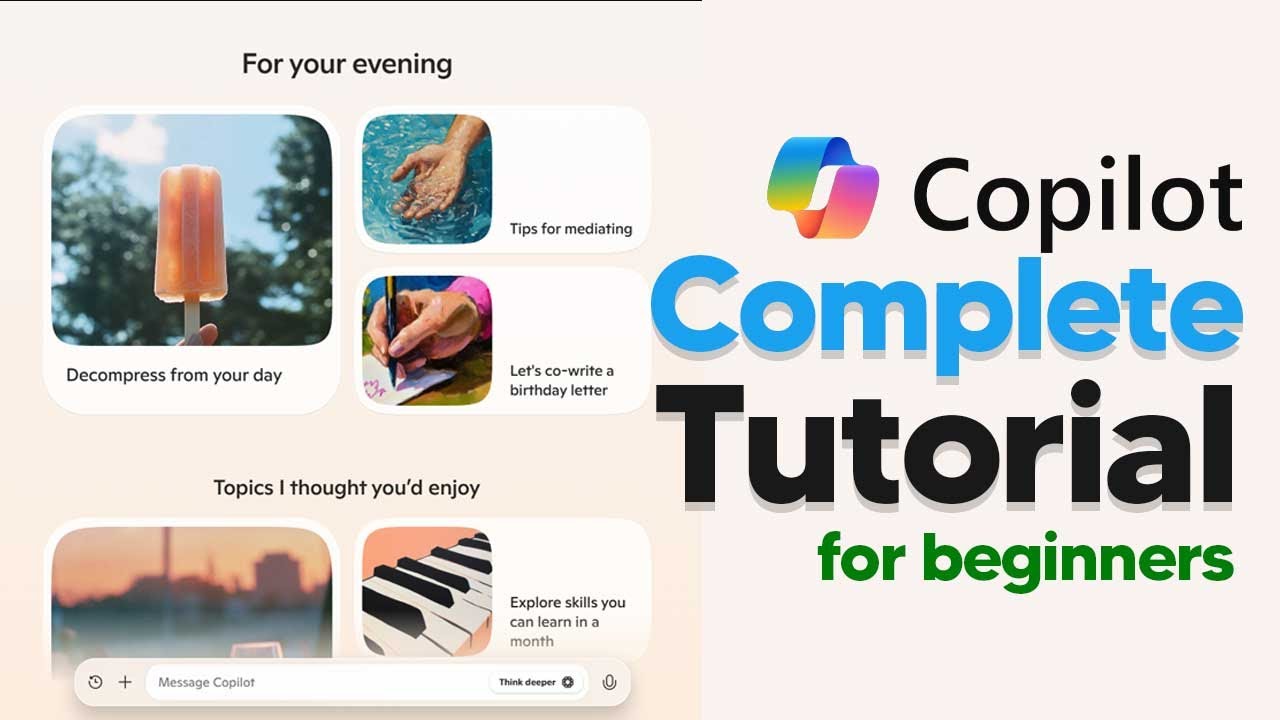
The video is a beginner’s tutorial on using Microsoft Co-pilot Pro, highlighting its user-friendly interface and advanced voice interaction feature that allows for natural language conversations with the AI. It covers practical applications, such as seeking advice on various tasks, while also noting the limitations of the software, including its lack of access to real-time data.
The video provides a comprehensive tutorial on how to access and use Microsoft Co-pilot Pro for beginners. To get started, users need to install the Co-pilot application from the Microsoft Store. Once installed, the Co-pilot icon will appear on the taskbar, allowing users to open the application easily. Upon launching, users are greeted with a user-friendly interface that includes various prompts for interaction. The tutorial emphasizes the effectiveness of using the advanced voice mode, which allows for natural language conversations with the AI.
The voice interaction feature is highlighted as a key aspect of Co-pilot, enabling users to communicate with the AI in a conversational manner. The video demonstrates how to engage with Co-pilot by responding to its prompts, showcasing the AI’s ability to provide quick and relevant responses. Users can also customize the voice settings, choosing from different voice options to enhance their experience. The tutorial encourages users to explore the voice mode for a more interactive and engaging way to utilize the software.
The video delves into the practical applications of Co-pilot, illustrating how users can ask the AI for assistance with various tasks. For instance, users can seek advice on improving their YouTube channel or planning complex projects. The tutorial explains the “think deeper” feature, which allows the AI to process information more thoroughly before providing a response. This feature is particularly useful for users looking for detailed insights or solutions to complex problems.
Additionally, the video addresses the limitations of Co-pilot, specifically its lack of access to real-time data. Users are informed that while Co-pilot can provide general information and advice, it cannot fetch live data such as current weather conditions. This limitation is important for users to keep in mind when formulating their queries. The tutorial suggests that users focus on questions that do not require real-time information to get the most out of their interactions with Co-pilot.
Finally, the video concludes by highlighting the versatility of Co-pilot, including its ability to analyze images and generate new content based on user descriptions. Users can upload images for analysis or request the AI to create images, showcasing the software’s creative capabilities. The tutorial emphasizes that while Co-pilot is a lightweight tool without internet access in voice mode, it still offers a range of functionalities that can enhance productivity and streamline tasks. Overall, the video serves as a valuable resource for beginners looking to maximize their use of Microsoft Co-pilot Pro.