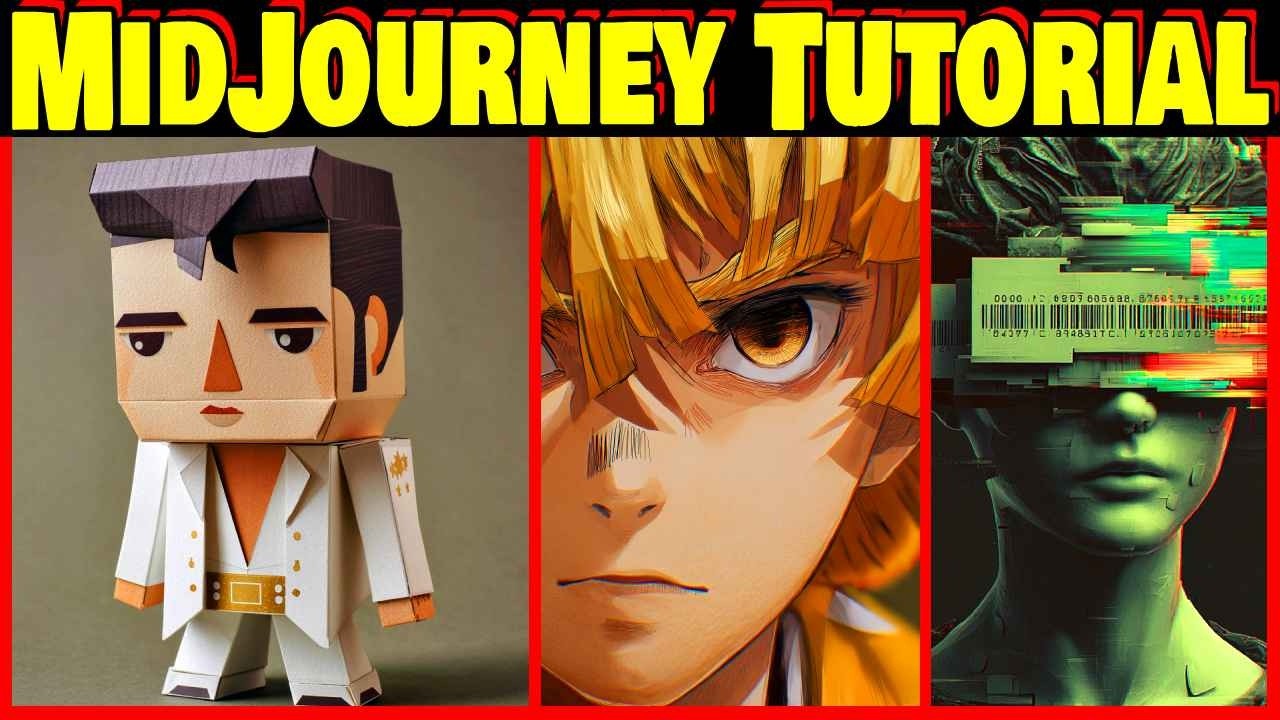
The video provides a comprehensive beginner’s guide to using MidJourney, an AI tool for creating images and videos. The presenter emphasizes their extensive experience with MidJourney, showcasing numerous images created since January 2023, and highlights the recent addition of video generation capabilities. To get started, users need to visit midjourney.com, sign in, and enter prompts describing the desired image. The AI then generates four variations, which users can view, select, and refine by either varying the images subtly or strongly, or by upscaling them to higher resolution for better detail.
MidJourney also offers an animation feature that transforms images into videos with options for low or high motion, producing multiple variations to choose from. The presenter explains the pricing structure, noting the difference between fast mode and relaxed mode, where relaxed mode allows unlimited video generation but with delayed processing. This is particularly useful for commercial users who need to create large volumes of content. The video demonstrates how to extend animations beyond the default length, enabling longer video creations.
A key part of mastering MidJourney is understanding how to craft effective prompts. The video stresses the importance of specifying details such as subject, medium, lighting, mood, shot type, and era to achieve the best results. Users are encouraged to explore the community’s creations in the “Explore” section to see popular images and their prompts, which can be imported and modified for personal use. This exploration helps users learn what works well and inspires new ideas.
The video also covers important parameters that can be added to prompts to customize outputs further. These include aspect ratio (e.g., 16:9, 9:16, 1:1), stylization levels, chaos (which affects randomness and creativity), and raw mode for more realistic images. The presenter demonstrates how these parameters influence the final image and encourages experimentation to find preferred styles. Additionally, features like personalization and mood boards help tailor the AI’s output to individual tastes and maintain stylistic consistency across projects.
Finally, the presenter mentions advanced features such as inpainting (editing parts of an image), outpainting (extending images beyond their original borders), and various speed and repeatability settings. They also highlight the option to use MidJourney within Discord, which offers additional benefits. A detailed guide and future tutorials are promised for those interested in deeper knowledge. Overall, the video equips beginners with the foundational skills to start creating impressive AI-generated art and videos using MidJourney.