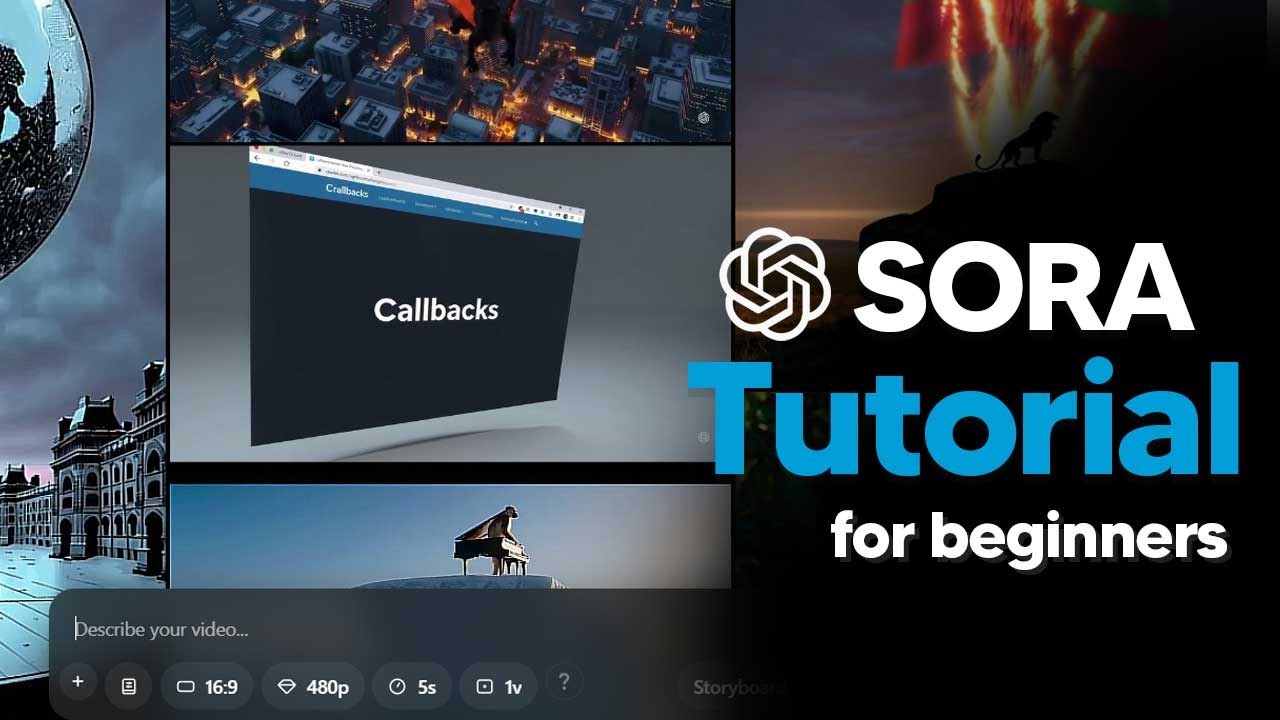
The tutorial provides a comprehensive guide for beginners on how to use Sora, an AI video generation platform by OpenAI. After signing up and completing the onboarding process on sora.com, users are introduced to the interface where they can start creating videos by entering prompts. For instance, a user can input a prompt like “cat riding a skateboard in the snow” and customize various settings, including uploading a driving image from AI image generators like MidJourney. The tutorial emphasizes the importance of selecting artistic styles or presets, such as stop motion or film noir, to influence the visual aesthetics of the generated video.
Users can create their own presets by describing the desired camera angles, lighting, and other visual elements. This feature allows for greater customization and control over the output. The tutorial explains how to set the aspect ratio for different platforms, such as 9:16 for short-form content or 16:9 for YouTube. Additionally, users can adjust the resolution and duration of the video, which impacts the rendering time and credit usage. The tutorial highlights the importance of monitoring credit usage, which is calculated based on various factors like resolution and duration.
Once the video is generated, users can view their creations in the “All Videos” section. The tutorial demonstrates how to control playback speed and navigate through clips using keyboard arrows. Users can also explore the “Featured” tab to gain inspiration from other creators and their prompts. The tutorial emphasizes the ability to edit prompts, recut, remix, and blend videos, showcasing the platform’s versatility in video editing and creation.
The tutorial introduces advanced features like the storyboard tool, which allows users to sequence actions across a timeline. Users can create caption cards to describe settings and actions, ensuring smooth transitions between scenes. The tutorial explains the importance of pacing in the storyboard to avoid abrupt cuts and maintain a coherent narrative flow. Users can revise their storyboards and create new videos based on their adjustments, enhancing the storytelling aspect of their projects.
Lastly, the tutorial covers experimental editing tools such as blend, recut, loop, and remix. These tools enable users to combine elements from different videos, extend clips, create seamless loops, and make significant changes to existing footage using natural language. The tutorial concludes by showcasing the potential of these features to transform and enhance video content, encouraging users to experiment and explore their creativity within the Sora platform.