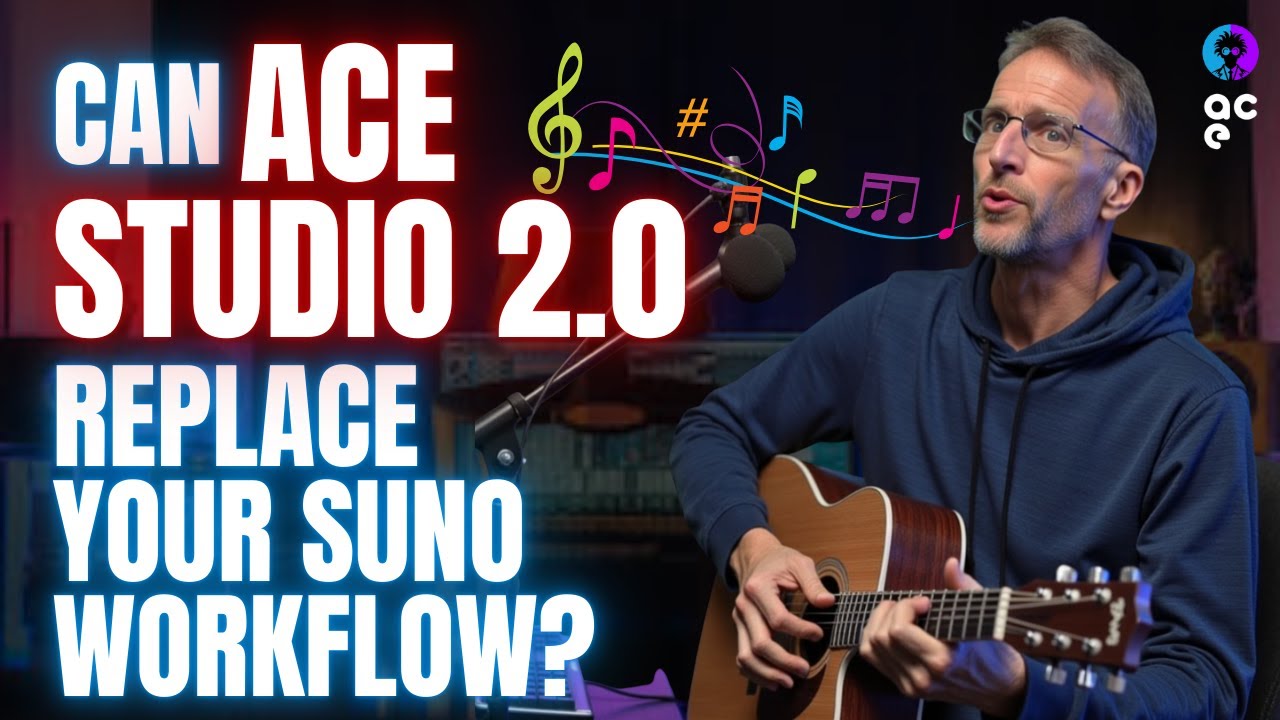
The video introduces the latest update to Ace Studio 2, an AI-powered digital audio workstation (DAW) that integrates Suno-like generative music capabilities directly within the software. This means users can generate and edit audio, modify lyrics, and create cover songs all natively in the DAW. One of the standout features is the ability to layer multiple instruments and voices, including choirs, providing unprecedented creative control over AI-generated music. The presenter demonstrates how to generate a blues riff with lyrics and then add layers such as piano and strings to enrich the composition, showcasing the ease of integrating AI-generated elements into a traditional DAW timeline.
A key highlight is the music enhancer tool, which allows users to record their own vocals and then enhance them with AI-generated accompaniment in various styles, similar to Suno’s cover song feature. The presenter records an a cappella vocal track and uses the enhancer to create different musical versions, including blues and velvety jazz pop styles. This feature analyzes the lyrics and vocal style, then generates a full musical backing that matches the input, offering multiple stylistic options. The ability to switch between different AI-generated versions and select the best fit adds flexibility to the creative process.
The video also delves into advanced vocal manipulation capabilities. Using the stem splitter, users can isolate vocals from instrumentals and then apply voice changers to transform the vocal character completely. The presenter demonstrates changing a male voice to a female voice and adding effects like reverb and compression to enhance the sound. Beyond simple voice changes, Ace Studio 2 allows converting vocals to MIDI, enabling detailed editing of pitch, timing, and lyrics. This MIDI conversion opens up possibilities for creating harmonies, adjusting melodies, and even changing lyrics directly within the DAW, offering a level of control that surpasses typical AI music tools.
One of the most powerful features demonstrated is the ability to create multi-voice arrangements and choirs from MIDI vocal data. The presenter shows how to add multiple singers singing the same or harmonized parts using choir mode, adjusting stereo spread and layering different voices for rich vocal textures. Additionally, users can isolate phrases to create call-and-response effects with different voices or choirs, such as a children’s choir preset. This flexibility allows musicians to craft complex vocal arrangements without needing multiple live singers, making it ideal for solo artists or producers working with limited resources.
Finally, the video showcases how AI-generated MIDI can be used to add realistic instrumental parts, such as a trumpet accent, that complement the vocal melody. Effects and mixing tools within Ace Studio 2 further refine these parts, blending them seamlessly into the overall track. The presenter emphasizes that this update transforms Ace Studio into a comprehensive AI music production environment, combining song generation, vocal editing, and instrumental layering with deep customization. For musicians seeking affordable, flexible, and powerful AI-driven music creation tools, Ace Studio 2’s new features represent a significant leap forward. The video encourages viewers to update or explore Ace Studio and subscribe for more content on AI music technology.