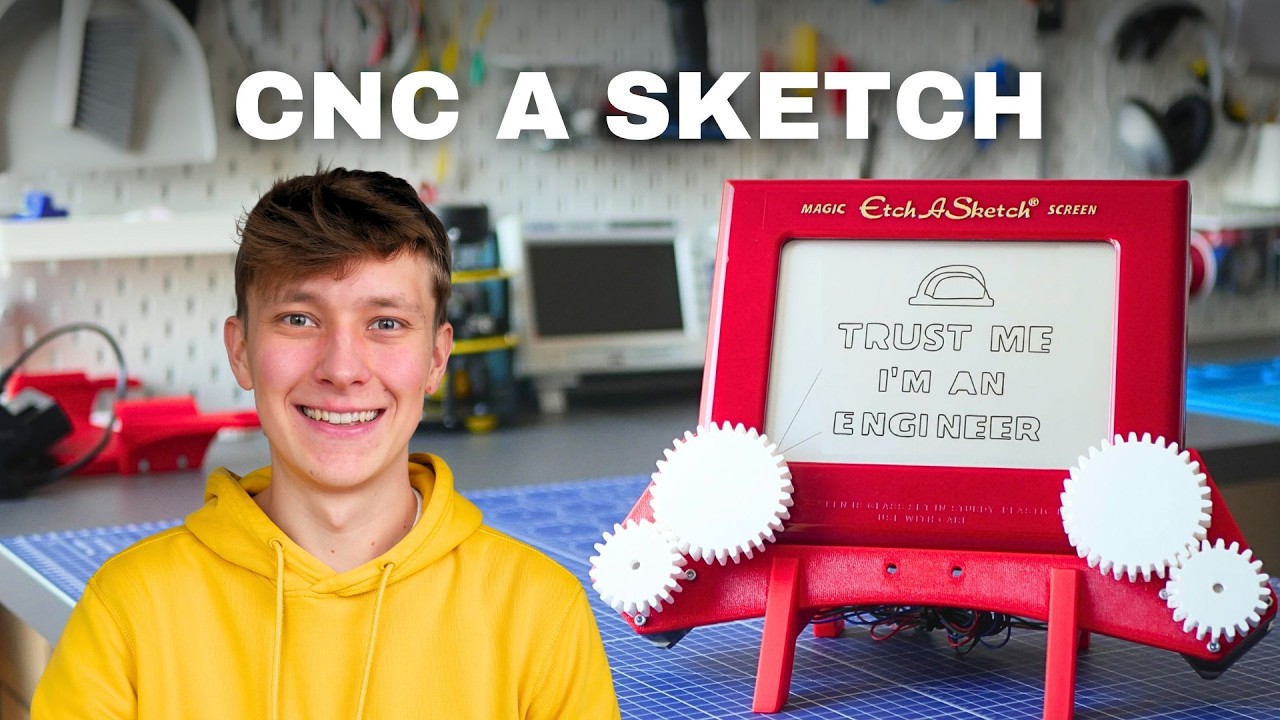
The video begins with the creator introducing the Etch A Sketch, a classic drawing toy controlled by two knobs for the X and Y axes. The creator admits to being bad at drawing but skilled in engineering, and wonders if it’s possible to turn the Etch A Sketch into a CNC plotter using electronics and stepper motors. He references his previous CNC projects, such as the Indie Mill and Dremel CNC, and explains that while this project may not be as practical, it serves as a great introduction to CNC concepts, especially for kids.
The initial design involves attaching stepper motors and 3D-printed gears directly to the Etch A Sketch, but the creator quickly realizes flaws in this approach, such as bulkiness and difficulty in erasing the screen. He decides to redesign the setup as a docking station that holds the Etch A Sketch vertically, allowing for easy removal and erasing without any permanent modifications. The new design consists of just three 3D-printed parts and two gears, making it simple, stable, and reversible.
For the electronics, the creator discusses several options: a custom PCB he previously made, a breadboard setup, and an Arduino CNC shield (GRBL shield). He demonstrates that all these methods can work for controlling the stepper motors, but the CNC shield offers a robust and compact solution. The code for controlling the motors is written in Python for the Raspberry Pi Pico, and the creator explains how he calibrated the steps needed for accurate drawing.
To make the system user-friendly, the creator develops a desktop application that converts images into vectors, generates G-code, and sends it to the Etch A Sketch CNC. He uses AI tools like Google’s Antigravity to help write the software, finding the process surprisingly efficient. After some debugging—mainly due to a code issue introduced by ChatGPT—the system successfully draws computer-generated images on the Etch A Sketch, though some minor adjustments are still needed.
The video concludes with the creator offering all project files for free on GitHub, emphasizing that this open-source project is an excellent introduction to CNC machining and making for kids. He mentions that detailed assembly instructions are available for purchase but are not required to build the project. The total cost is relatively low, and the creator thanks the video sponsor, Hover Air, and encourages viewers to check out the sponsor and subscribe to his channel.