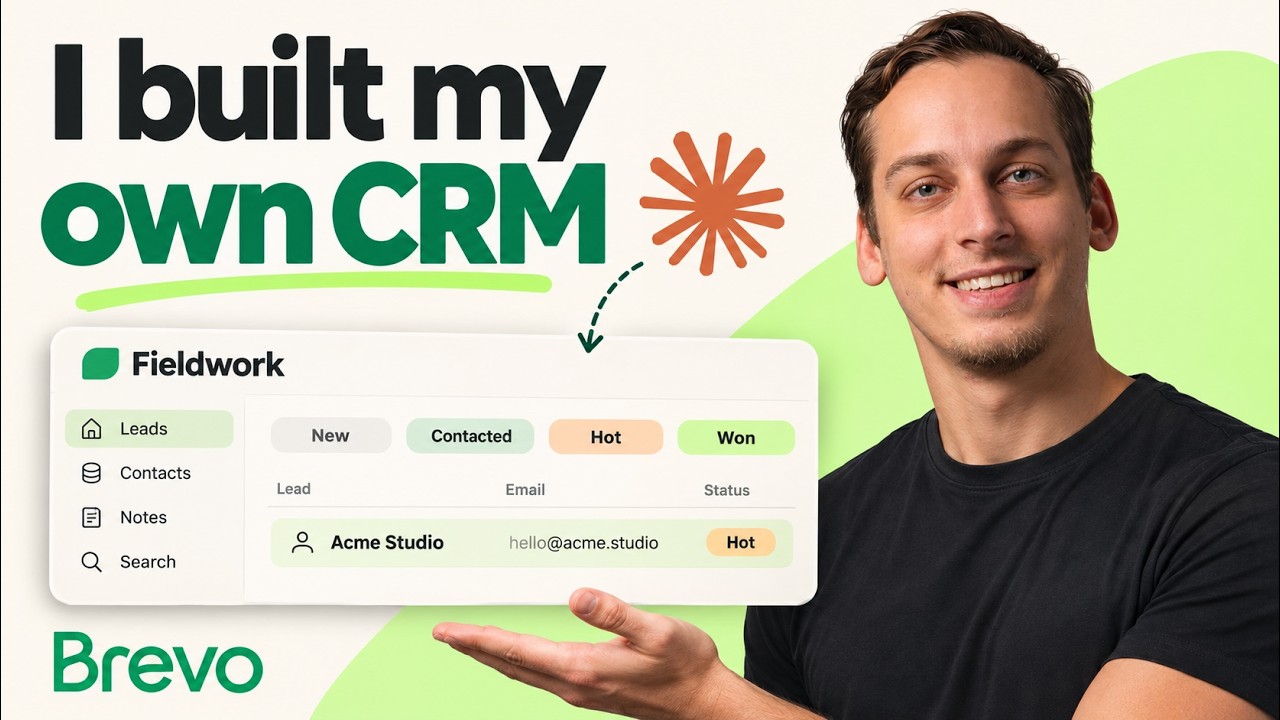
In this video, the creator addresses the challenge small businesses face in managing and following up with inquiries, which often involves manual tracking through spreadsheets and memory. To streamline this process, they built a custom CRM app using Claude Code that consolidates lead management into a single dashboard. This app tracks inquiries from a form, categorizes leads by status (new, connected, hot, and won), and allows users to add notes and search through records, ensuring all relevant information and next steps are clearly visible and persistent.
The example business used to demonstrate the app is Fieldwork, a small design studio. The inquiry form collects essential details such as the person’s name, business, contact information, project type, and communication preferences (email or text). Claude Code generated the database and dashboard, while Bravo was integrated to handle the contact list, email templates, and message delivery. The system sends a welcome email followed by two automated follow-ups, with all delivery statuses tracked and displayed within the app for easy monitoring.
The integration between Claude Code and Bravo is facilitated through Bravo’s MCP (Marketing Cloud Platform), which creates a dedicated leads list and transactional email templates for the welcome message and follow-ups. These templates are personalized using data from each lead’s record, allowing for customized communication without exposing sensitive credentials. The app automates the workflow by adding new contacts to the list and triggering the appropriate emails based on timing rules, with the ability to run follow-ups early for testing purposes.
Additionally, the CRM includes functionality for handling hot leads by preparing personalized SMS messages for those who opt-in to text communication. While sending SMS requires additional setup such as a registered sender and credits, the app allows users to preview and approve messages before sending. This feature adds another layer of personalized engagement, complementing the email follow-ups and enhancing the overall lead nurturing process.
Finally, the app receives delivery event updates from Bravo via authenticated webhooks, storing these alongside each lead’s record. This comprehensive history allows users to verify whether follow-ups were sent and delivered, providing transparency and accountability. The creator highlights that Bravo offers a free tier suitable for testing, and while hosting and SMS costs are separate, the setup is flexible and adaptable for various small business needs. The video concludes with an invitation to try the build, including a discount code and links for further resources.
Useful Links