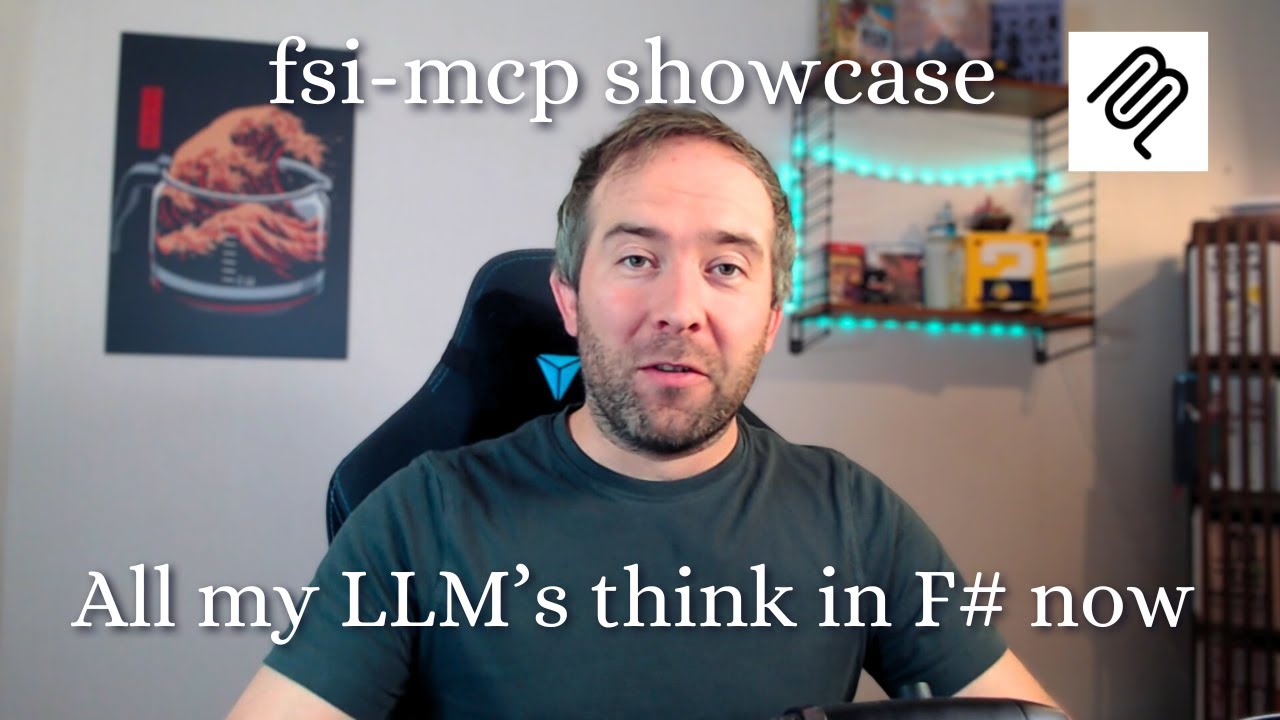
In this video, the creator showcases a tool they built called the FSI MCP server, which is a wrapper around the F# interactive (FSI) read-eval-print loop (REPL). This server allows AI coding assistants to work more closely within the same interactive session when programming in F#. The presenter demonstrates how typical AI tools, like Claude, usually default to using Python and libraries like pandas for data analysis tasks, which can be difficult to follow for those not fluent in Python. To address this, the FSI MCP server enables the AI to write and execute F# code instead, making the output more accessible and easier to understand for F# programmers.
The video shows a side-by-side comparison where the same data analysis task—finding the bestselling video game from a Kaggle dataset—is performed first using Python and then using F#. The AI successfully produces the same result in both cases, but the F# code is more readable and familiar to the presenter. This is made possible by the MCP server, which integrates with the AI to run F# code interactively. The presenter highlights how this approach allows them to leverage their preferred programming language while still benefiting from AI assistance.
Next, the presenter demonstrates how this integration enhances their development workflow in Visual Studio Code. Normally, when using AI coding assistants like GitHub Copilot, the AI can generate or modify code files but cannot interact with the active FSI session where the developer runs code snippets interactively. With the FSI MCP server, the AI can now operate directly within the active FSI terminal, allowing a seamless feedback loop where code is written, executed, and tested in real time. This tight integration makes the AI feel like a true coding partner working alongside the developer.
The video also includes a practical example where the presenter asks the AI to implement a Mandelbrot set visualization using the Plotly NuGet library. The AI writes the code, adds it to the script, runs it in the interactive window, and the visualization appears in a browser window. This showcases the power of having the AI work within the interactive session, enabling immediate feedback and iteration. The presenter also mentions using a local transcription tool called Handy for voice commands, emphasizing privacy and speed.
Finally, the presenter illustrates how they use the FSI MCP server to solve programming puzzles from Advent of Code. They interactively collaborate with the AI by first designing types, running code snippets, and then asking the AI to solve example problems and write tests. The AI produces correct solutions and tests that pass, demonstrating the effectiveness of this integrated approach. Overall, the FSI MCP server significantly tightens the feedback loop between the developer and AI coding assistants, making AI a more natural and powerful tool in the F# development workflow. The presenter invites viewers to share how they speed up their feedback loops in the comments.