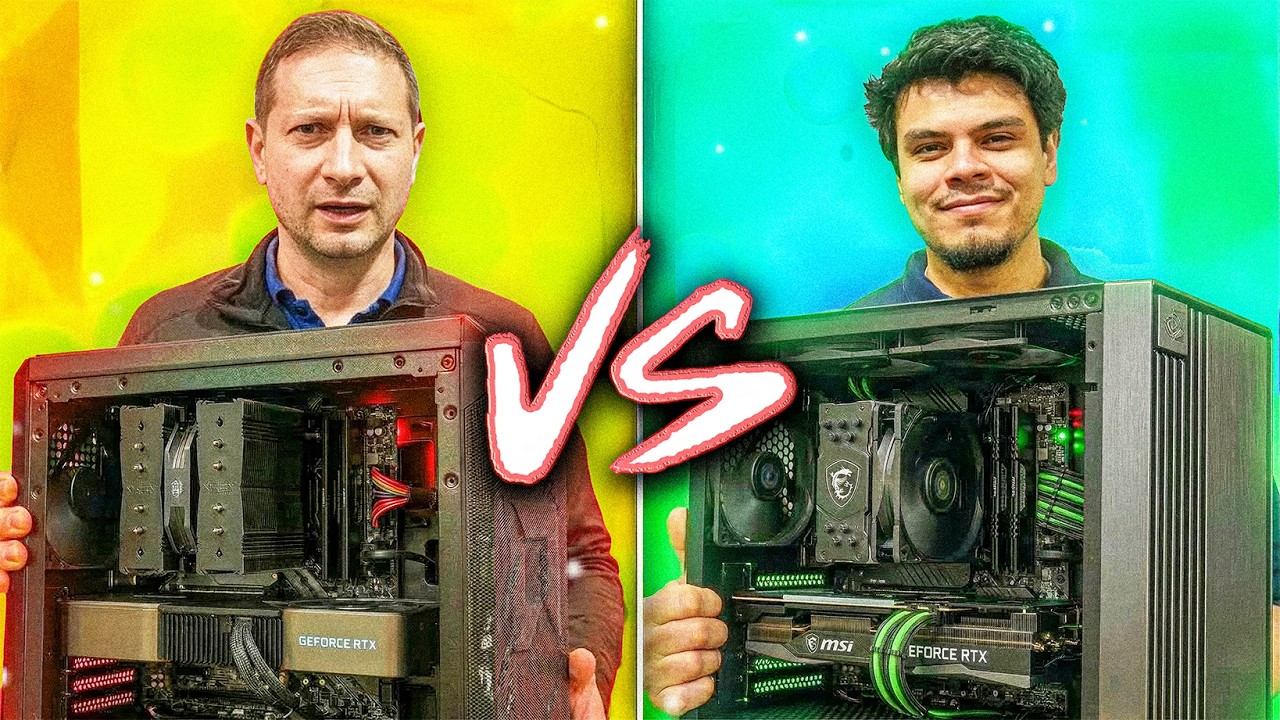
In this video, Alex visits MicroCenter to challenge his friend Dan, an employee there, to a competition: who can build the best budget AI and software development PC for under $1,200. The rules are strict—go over budget and you lose points, go under and you gain points, with a playful option to do push-ups to offset penalties. Both have 20 minutes to pick their parts, and the final builds will be tested on AI tasks like token generation, pre-processing, and model size handling.
Both contestants strategize their builds, with Alex leveraging his knowledge of GPUs and Dan using his familiarity with the store. They both gravitate toward AMD Ryzen 5 7600X bundles for value, but differ in GPU choices: Alex picks an Nvidia RTX 4070 (referred to as 5070 in the transcript) with 12GB VRAM for CUDA support, while Dan opts for an Nvidia 4060 Ti (5060 Ti) with 16GB VRAM, prioritizing memory capacity for larger AI models. They make compromises on cases, power supplies, and storage to stay within budget, with some push-ups thrown in for fun when they go over.
After assembling their PCs, they run a series of benchmarks. In single-core and multi-core CPU tests, the results are nearly identical, with Dan’s machine slightly edging out Alex’s in some runs, possibly due to a larger CPU cooler. However, the real test comes with AI workloads. On smaller models, Alex’s system is faster in tokens per second, but as the model size increases, Dan’s extra VRAM gives him a significant advantage, allowing his PC to handle larger models more efficiently and at higher speeds.
The key takeaway from the tests is that for AI and machine learning tasks, especially with larger models, VRAM is crucial. While Alex’s GPU is technically faster, Dan’s 16GB of VRAM allows his system to avoid spilling over into slower system memory, resulting in much better performance on demanding AI workloads. Both systems perform well on smaller models, but Dan’s build is the clear winner for scalability and future-proofing.
In the end, Dan wins the challenge, demonstrating the importance of choosing the right components for specific workloads. Alex graciously concedes, acknowledging Dan’s superior build and the lessons learned about VRAM’s importance for AI tasks. The video wraps up with friendly banter and encouragement for viewers to like and subscribe, promising more tech challenges in the future.