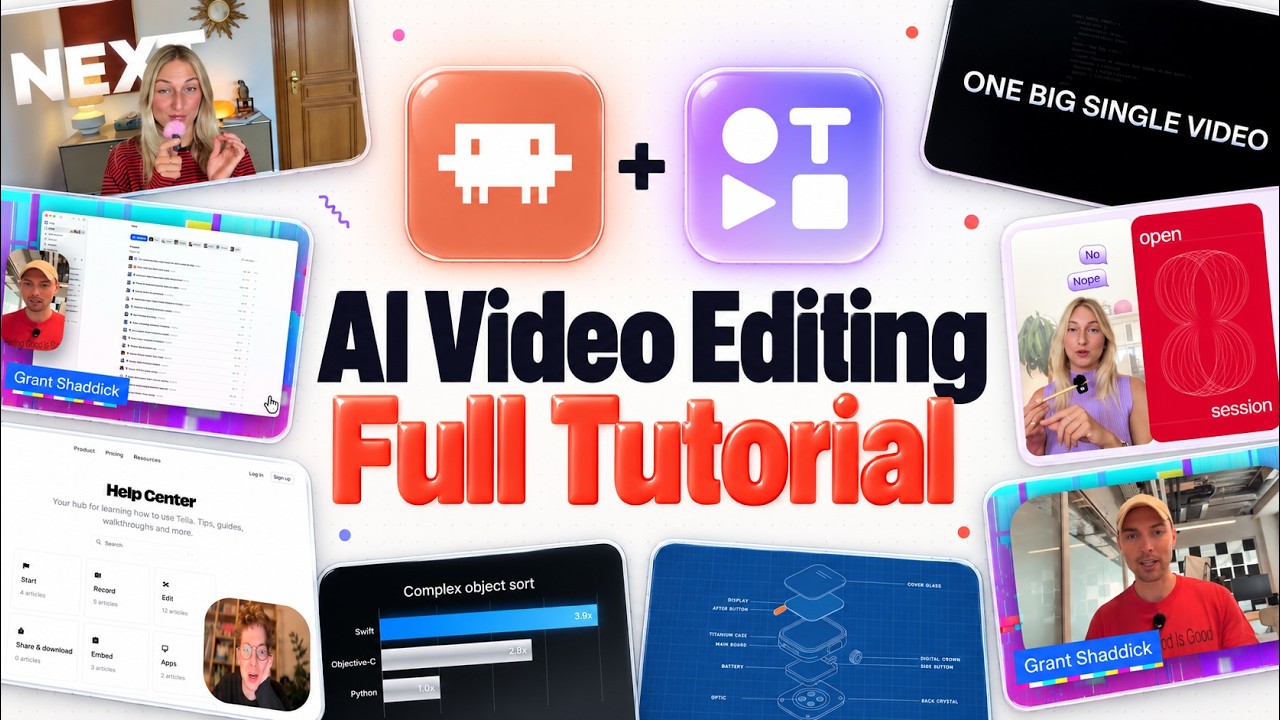
The video showcases the capabilities of AI-powered video editing using Claude Code integrated with an MCP called Tela, designed specifically for editing screen recordings, demos, and tutorial videos. Unlike AI tools that generate videos from scratch, this setup allows users to record their screen, face, and audio, then hand over the raw footage to Claude Code, which performs the editing tasks automatically. The presenter highlights how this approach has transformed their workflow by automating tedious tasks like cutting silent spaces, removing filler words, and eliminating repeated phrases, significantly reducing the time spent on manual editing.
The process begins by connecting Tela to Claude Code via the MCP, then uploading or recording a project through Tela’s platform. The AI can identify and remove silent gaps and false starts quickly, delivering a polished cut in minutes. The presenter emphasizes how this automation has been a game-changer for content creators who regularly produce videos, as it frees up time and effort previously spent on repetitive editing tasks. The video also demonstrates how layouts can be customized by sketching different screen and camera arrangements, which Claude Code then applies seamlessly to different parts of the video.
Further customization options include adding dynamic backgrounds, such as moving dark gradients, and applying visual effects like a “liquid glass” style to the presenter’s frame. The AI can also generate zoom effects based on mouse clicks, enhancing viewer focus on important screen areas. Additionally, the tool supports blurring sensitive information dynamically throughout the video, which is particularly useful for protecting confidential data without manual frame-by-frame editing.
The video also explores adding animated titles, charts, and illustrations to enrich the content. Titles can be automatically inserted at topic changes with smooth animations, and charts can be generated from numbers mentioned in the transcript, appearing as B-roll beside the presenter. The presenter demonstrates how to integrate Tela’s pre-built “skills,” such as logo reveals and explainer diagrams, directly into the project via Claude Code, streamlining the addition of professional visual elements without complex manual work.
Finally, the AI can generate a full transcript of the video, which can be used to create chapters, descriptions, and timestamps for platforms like YouTube. This transcript can also inspire the creation of vector illustrations to visually support key moments in the video. The presenter notes the potential to connect other MCPs, like VidIQ, to optimize video metadata further. Overall, the video highlights how AI-driven editing with Claude Code and Tela dramatically simplifies and accelerates the video production process, making it accessible and efficient for creators.
Useful Links
- Claude Code — Central AI video editing tool demonstrated in the video for automating editing tasks.
- Tela MCP (Media Control Protocol) — Key platform integrated with Claude Code for recording and managing video projects for AI editing.
- MagicPath — Tool used to design layouts and visual skills integrated into the AI editing workflow.
- Excalidraw — Drawing tool used to create layout sketches for AI video editing customization.
- VidIQ — Tool for optimizing video metadata integrated with AI editing workflow.