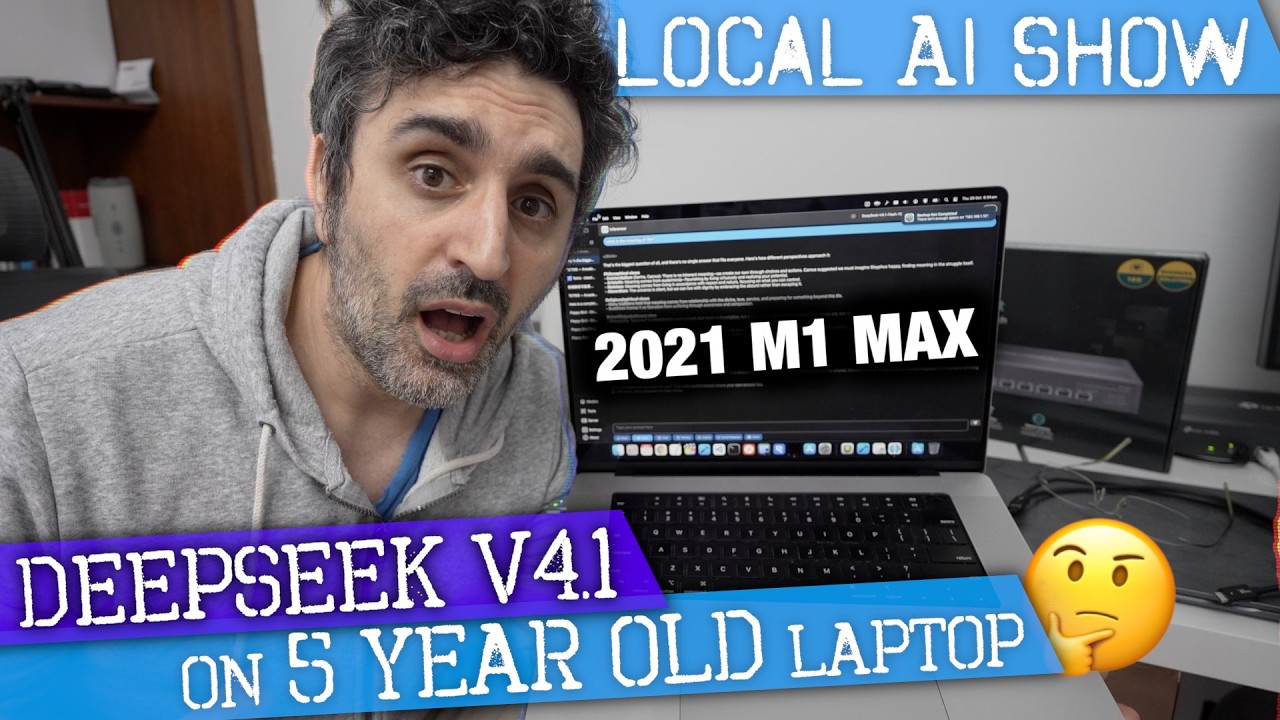
In this video, the presenter demonstrates running the full, unquantized DeepSeek V4.1 Flash Edition on a five-year-old M1 Max laptop with 64 GB of memory. Despite the laptop’s age and limited RAM, the model runs at about 1.6 tokens per second using advanced techniques like engram and expert streaming, a significant improvement over previous methods that achieved only two tokens per minute. The presenter compares this performance with newer machines, including an M5 Max with 128 GB RAM and a Mac Studio with 512 GB RAM, showcasing how memory capacity influences speed and efficiency.
On the M5 Max system, DeepSeek processes a 500-token prompt at speeds ranging from 5 to 8 tokens per second, utilizing around 88 GB of RAM. The presenter also runs Qwen 3.8 Flash Next models with different quantization levels (Q9, Q6, Q4), noting that higher bit quantization slows performance due to increased RAM demands and GPU thrashing. Enabling MTP (multi-threaded processing) significantly boosts speeds, with the Q9 model reaching up to 26 tokens per second, demonstrating the benefits of streaming experts and efficient memory management.
The Mac Studio, equipped with 512 GB of RAM, handles DeepSeek V4.1 non-streaming edition at around 15 to 16 tokens per second, using approximately 280 GB of memory. When running the expert streaming edition, memory usage drops dramatically to about 18 GB, with speeds around 6 tokens per second initially, increasing as more experts are loaded. The presenter highlights the flexibility of streaming budgets, allowing users to balance memory usage and performance, which is useful for running multiple models or background tasks simultaneously.
Further tests with Qwen’s SE edition on the Mac Studio reveal that loading the entire model before inference takes time, but once loaded, speeds reach 30 tokens per second with MTP disabled and up to 50 tokens per second with MTP enabled. Streaming experts allow the model to run on systems with less RAM by dynamically loading necessary components, though performance is best when sufficient memory is available to avoid frequent loading and eviction of experts. The presenter emphasizes that for users with ample RAM, the standard non-streaming model offers the best speed.
In conclusion, the video showcases the impressive capability of running large, complex AI models like DeepSeek and Qwen on older and newer Apple hardware, highlighting the trade-offs between memory usage, streaming techniques, and quantization levels. The presenter invites viewers to predict performance on various systems and expresses interest in testing upcoming models like Kimmy K 3.1. Overall, the demonstration proves that with optimized streaming and memory management, even older laptops can handle demanding AI workloads at usable speeds.
Useful Links