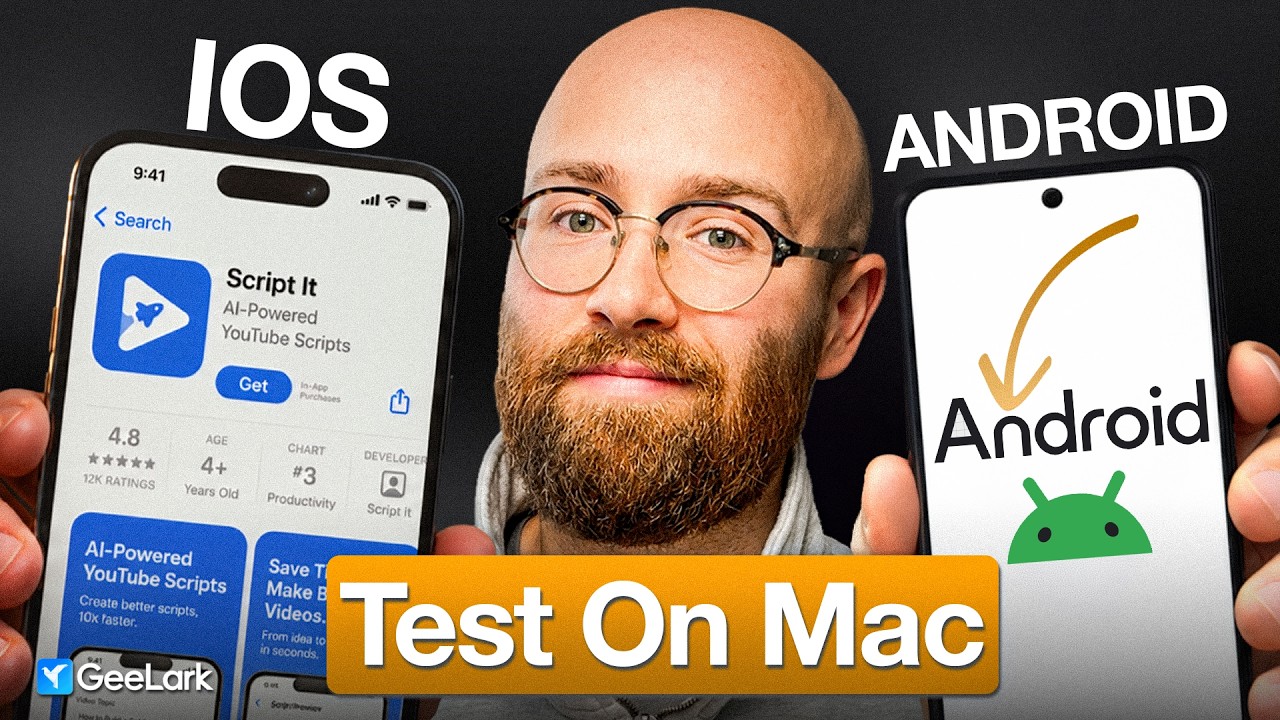
In this video, the creator demonstrates how to test an iPhone app on an Android device without purchasing an actual Android phone. The solution is a service called G Lock, which allows users to launch and control cloud-based Android phones directly from a Mac. Users can select different Android versions, upload their APK files, install apps, and test them seamlessly on their Mac. This method is especially useful for developers who primarily use Apple devices but need to ensure their apps work well on Android.
The video walks through the setup process on G Lock, starting with creating a profile where users can configure device settings, proxies, and Android versions. Proxies are important for testing apps under different network conditions and geographic locations. The creator recommends using Webshare, a free proxy provider, to set up proxies easily. After configuring the profile and proxy, users can spin up a cloud Android phone and interact with it just like a physical device, including accessing the Play Store, camera, and other native features.
Next, the creator explains how to upload an Android APK file to G Lock and install it on the cloud phone. This allows developers to test their converted Android apps quickly without going through the lengthy process of publishing on the Google Play Store. The video shows side-by-side comparisons of the app running on the cloud Android phone and the original iPhone app, highlighting differences in UI and functionality that can be addressed before release.
The creator emphasizes the benefits of this approach, including saving money by not buying multiple devices, speeding up the testing process, and enabling quick iterations based on real-time feedback. Additionally, G Lock supports managing multiple cloud phones and different Android versions simultaneously, making it a versatile tool for developers who need to test various app versions or configurations. The platform also supports installing popular social media apps, which can be useful for marketing and managing multiple accounts.
Finally, the video highlights that building an app is only part of the challenge, with marketing being equally important. G Lock can assist not only in app testing but also in marketing efforts by allowing users to run social media accounts on cloud phones without cluttering their personal devices. The creator encourages viewers to try G Lock using a discount code and thanks the service for sponsoring the video, inviting viewers to like, comment, and subscribe for more content.
Useful Links
- Webshare Proxy Service — Supports the proxy setup process essential for realistic app testing on cloud phones.