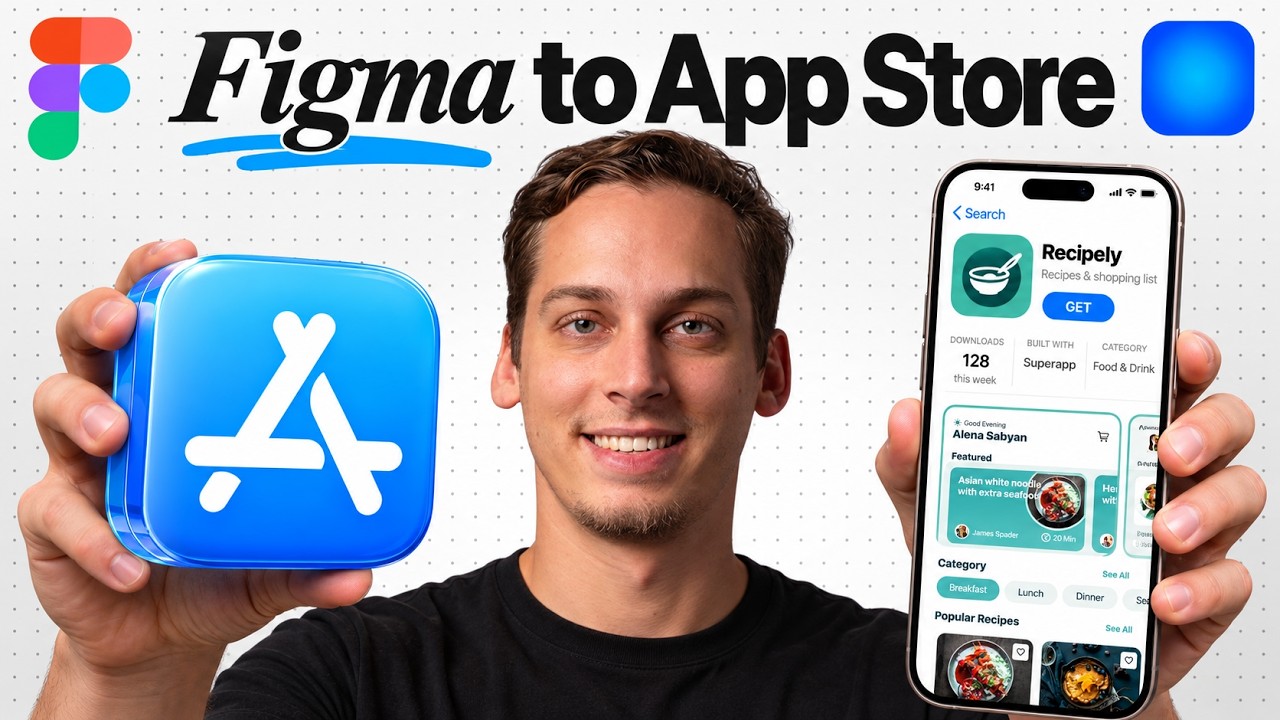
In this video, the creator demonstrates how to quickly transform a static Figma design into a fully functional iOS app using a tool called Super App. Starting with a recipe app design from a community file by Illen Studio, the process involves importing the Figma frames into Super App, which then generates a native iOS app. The creator highlights the importance of making the app interactive, such as syncing saved recipes across screens, updating ingredient quantities in the shopping list, and ensuring navigation between recipe details and other pages works seamlessly.
The workflow begins by importing the home screen frame from Figma into Super App, which creates the initial app structure with placeholders for other screens. Subsequent imports add detailed screens like the recipe detail page, where the creator specifies behaviors such as quantity controls, syncing saved recipes, and using sample data for demonstration. Testing in the iPhone simulator shows the app functioning with interactive elements like adding ingredients to the cart and saving favorite recipes, with data persisting across app restarts.
While the app is functional, some visual and data inconsistencies remain, such as overlapping text and mismatched images or cooking times. The creator addresses these by importing additional frames, like the search bar, and refining the app’s behavior through specific instructions to Super App. The search feature is made fully operational, allowing users to filter recipes by title or ingredients, save results, and maintain consistency in visuals and data across screens.
The video also covers the app publishing process facilitated by Super App, which guides users through Apple account login, app information submission, build uploads, TestFlight testing, and final publishing steps. Although the creator has not published the recipe app yet, they mention community members who have successfully released apps using Super App. The tool also integrates marketing features through a new “self-drive” system that helps with app store optimization, Apple ads management, and creator campaigns to drive user acquisition.
Finally, the creator showcases a community example of the self-drive dashboard, which consolidates app performance metrics, marketing tasks, and AI agent conversations in one place. This system automates keyword research, ad bidding, and video campaign management, streamlining growth efforts. The video concludes by emphasizing the value of Super App’s end-to-end workflow—from design to publishing and marketing—and invites viewers to try the tool and join a supportive Discord community for iOS app builders.
Useful Links