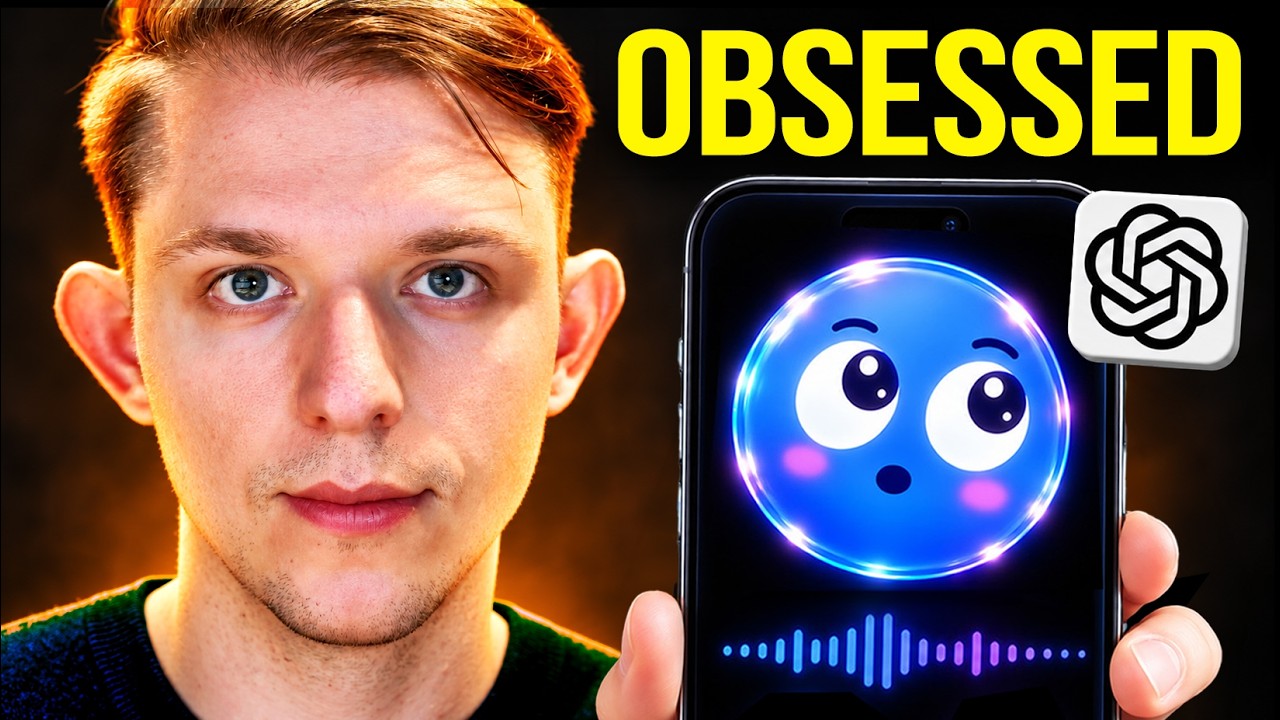
In this video, the creator introduces Bluey, an iOS app designed to act as a digital companion by connecting to a computer, following the mouse, and interacting with the screen through voice commands and visual cues. Originally built as a fun extra screen using an old phone, Bluey was intended to help with focus, especially for people with ADHD, by providing a sense of companionship while working. The app consists of an iOS component and a Mac desktop app that communicate via QR code pairing, enabling Bluey to track activity and respond in real-time using OpenAI’s GPT Realtime API and voice transcription.
The creator’s goal is to evolve Bluey into a more purposeful “focus friend” that actively helps maintain concentration on tasks. To achieve this, they plan to integrate the OpenAI Decisions API, a specialized inference tool designed to make quick, focused decisions based on input data such as text and images. The Decisions API can output three types of results—predicate, choice, and score—with the project focusing on the “choice” output to determine whether the user is on task, off task, or uncertain. This approach allows Bluey to analyze screenshots taken every 30 seconds and decide the user’s engagement level with their current task.
Bluey’s new functionality involves starting a timer for a specified task and monitoring the user’s activity through periodic screenshots and contextual prompts sent to the Decisions API. The app will use an algorithm to decide when to intervene, nudging the user only after repeated off-task behavior is detected over a certain period, balancing helpfulness without being intrusive. This system is cost-effective, with eight hours of monitoring estimated to cost about 10 cents, making it practical for extended use.
The development process is powered by Codex, which helps generate and update the app’s code based on detailed prompts. The creator demonstrates pairing the phone with the Mac app, starting a task, and testing Bluey’s ability to detect when the user goes off task, such as switching to Twitter instead of working on a script. Bluey responds with playful nudges to encourage refocusing, and the app tracks session data, showing periods of on-task and off-task behavior in a summary view.
In conclusion, Bluey has been transformed into a functional productivity tool that sits below the computer screen, providing real-time focus monitoring and gentle reminders to stay on task. The entire project is open source, with the code available on GitHub, allowing others to build and customize their own versions. The creator emphasizes the ease of setup through QR code pairing and the potential for Bluey to serve as a helpful digital companion for maintaining focus during work sessions.
Useful Links
- Bluey GitHub Repository — Direct source code and setup instructions for the Bluey app, central to replicating or extending the project.
- OpenAI Decisions API Documentation — Official documentation for the Decisions API used to power Bluey’s decision-making logic, essential for understanding and implementing the core functionality.