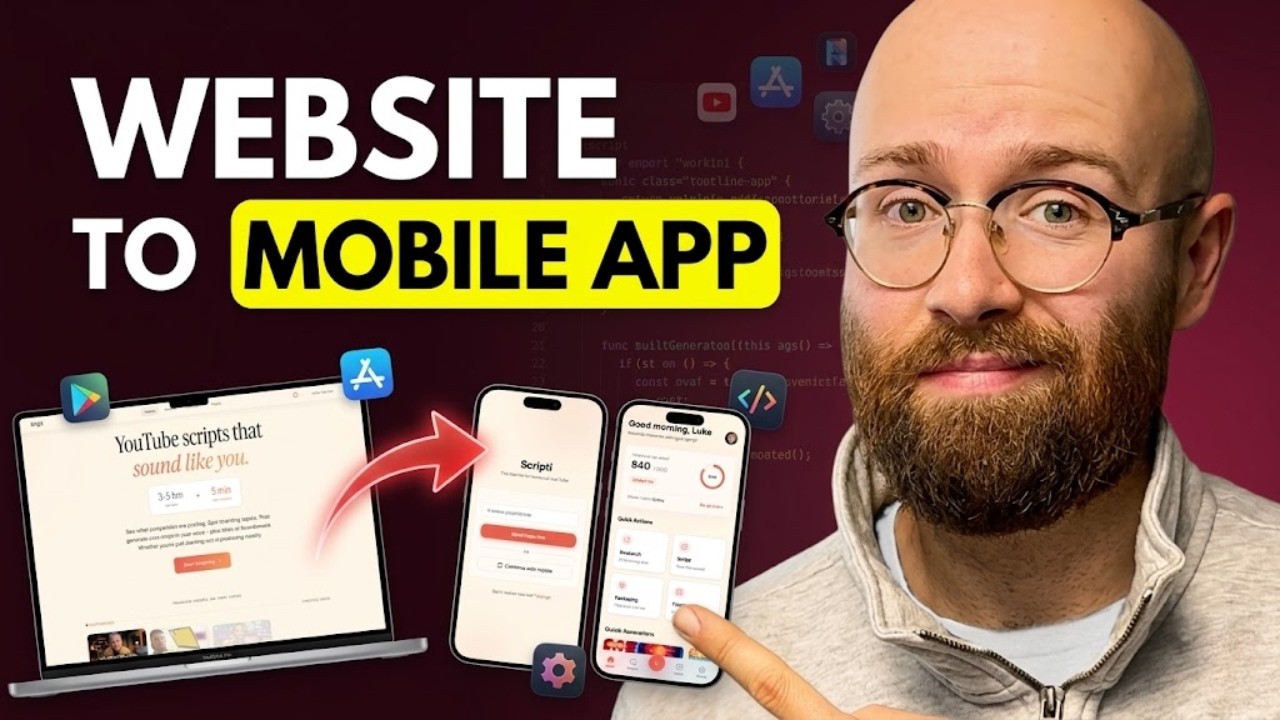
In this video, the creator demonstrates how to transform a Software as a Service (SaaS) website into a fully functional mobile app using a single prompt. The process revolves around using Sleek.design, a platform that allows users to design mobile apps quickly through natural language descriptions, and Claude Code, an AI agent that automates the build and deployment process. The creator starts by showing their SaaS and explains the five-step workflow: installing Sleek, researching, designing in Sleek, setting up a backend, and building and connecting everything. By providing the SaaS URL and repository path along with a Sleek API key, Claude Code takes over to generate the mobile app.
Sleek.design is highlighted as a powerful tool for designing mobile apps in minutes, offering features like drag-and-drop editing, AI-assisted modifications, theme customization, and exporting options. The creator showcases previous apps made with Sleek, emphasizing its ease of use and flexibility. They also explain how Sleek integrates with AI agents through “skills,” which are instruction sets that enable agents like Claude Code to communicate with the platform effectively. The process of installing these skills and using the Sleek API key is straightforward and embedded within the prompt.
Once the app design is generated, the creator reviews the multiple screens and functionalities, such as login with magic links, Google sign-in, ticket and token management, and research features. The app looks polished and user-friendly, with smooth navigation and well-organized content. To handle occasional errors, such as image downloading issues, the creator suggests restarting the AI session and skipping certain permissions to streamline the process. This ensures the app builds correctly and the backend connects seamlessly.
The backend setup uses Insforge, a free and agent-first backend service, to create a new database schema tailored to the app’s needs. The creator explains the importance of syncing databases if the original SaaS and the mobile app use different backends to avoid data duplication or inconsistency. They also demonstrate how to inspect errors via the browser console and add authentication methods like Google OAuth. Dummy data can be populated automatically by Claude Code to simulate real app usage, making the app fully functional for testing or demonstration purposes.
Finally, the creator encourages viewers to explore Sleek and AI agents like Claude Code or Google Anti-gravity for app development. They mention that deploying the app to platforms like iOS or Android can also be guided by AI assistance. The video concludes with an invitation to like, comment, and subscribe, emphasizing that this streamlined approach can help developers quickly convert existing SaaS websites into mobile apps with minimal manual effort.