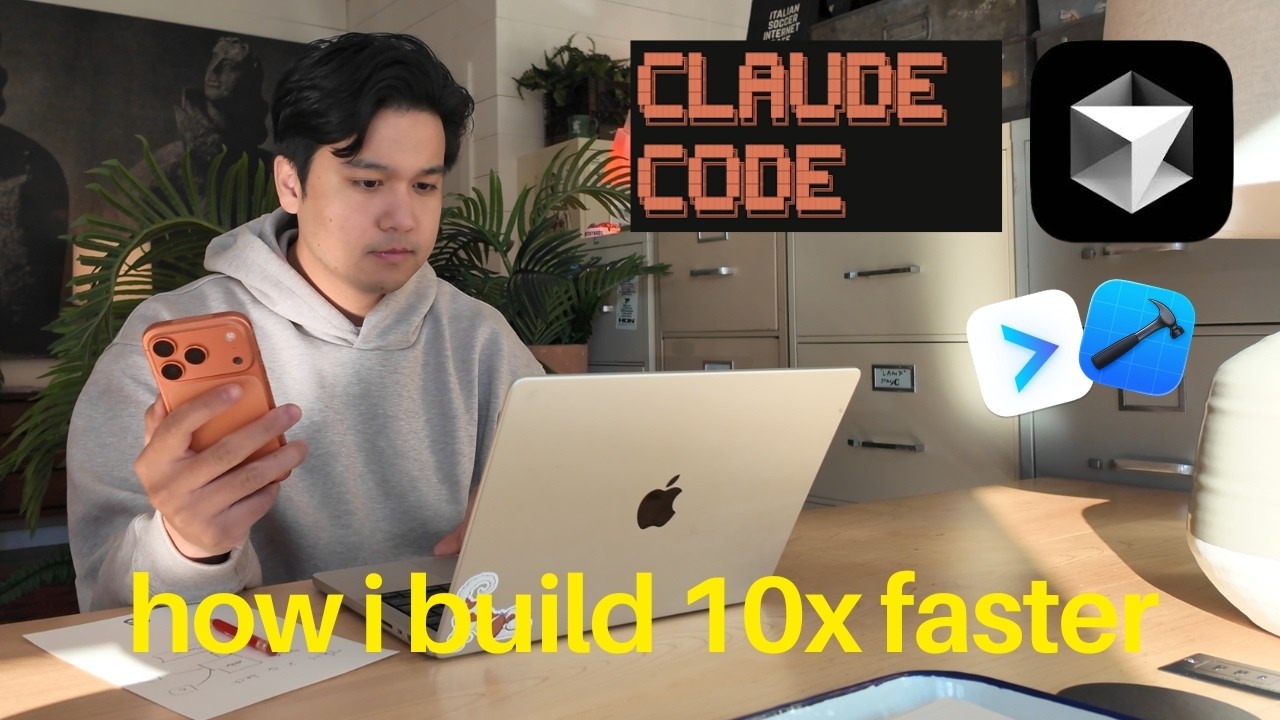
In this video update, Chris shares significant enhancements to his coding workflow, focusing on advanced tools and automation that have transformed how he develops productivity apps. He primarily uses two AI coding assistants: Claude Code with the Opus 4.7 model in max mode for about 70% of his coding, and Cursor with GPT 5.5 extra high for the more complex 30%. A major breakthrough has been integrating automated testing using Xcode Build MCP for iOS and Claude with Chrome or Cursor’s built-in browser for web apps. These tools allow Claude Code and Cursor to build, run simulators, take screenshots, tap on UI elements, and pull logs automatically, drastically reducing manual testing and context switching.
Chris emphasizes the power of using MCPs (Machine Control Protocols) and CLIs (Command Line Interfaces) to streamline debugging and production workflows. By connecting services like Sentry, Axiom, and Superbase directly to Claude Code, he can quickly diagnose user-reported crashes and issues without manually piecing together logs from multiple platforms. He recommends favoring CLIs over MCPs when possible, as they tend to be more token-efficient and better understood by AI agents. This integration has cut down his debugging time from nearly an hour to just a few minutes, significantly improving productivity.
For code reviews, Chris has switched from Cursor’s Bugbot to an AI service called Gravile, which automatically reviews pull requests and provides detailed feedback. As a solo developer, this has been invaluable for maintaining code quality and catching issues early. His workflow involves opening a pull request, letting Gravile review it, and then having Claude Code iterate on fixes until the PR scores a perfect five out of five from Gravile. This automation gives him confidence in shipping code without needing a human reviewer, and Gravile’s setup is straightforward and affordable.
Chris also highlights the remote control feature in Claude Code, which allows him to continue coding sessions seamlessly on his phone while away from his computer. This flexibility helps him maintain productivity even when running errands or away from his desk. He prefers using CMUX as his terminal app for running Cloud Code instances due to its lightweight memory usage, intuitive interface, and built-in notifications, which outperform running Cloud Code inside Cursor’s terminal, especially when juggling multiple projects.
Finally, Chris explains why he maintains both the $200/month Claude Code max plan and the $200/month Cursor ultra plan despite the high cost. While Claude Code handles most tasks efficiently, Cursor’s GPT 5.5 extra high model excels at solving very complex bugs with large context windows, making it worth the expense for critical issues. He also shares tips on configuring Claude Code for max thinking mode and no flicker mode to enhance the user experience. Overall, his updated workflow leverages automation, AI-powered testing, integrated debugging tools, and remote capabilities to maximize efficiency and code quality in solo app development.