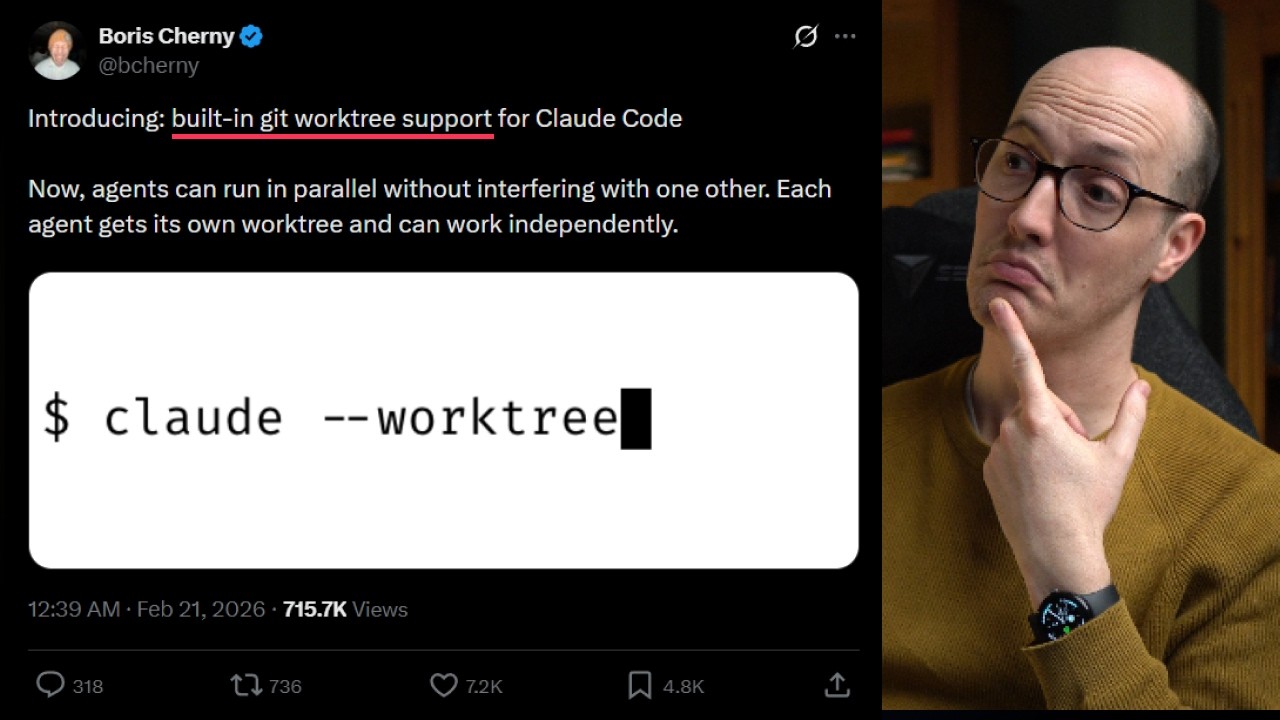
The video introduces built-in Git worktree support for Claude Code, highlighting how this feature allows multiple agents to work in parallel without interfering with each other. Each agent now gets its own isolated worktree, enabling independent work on separate branches or features. The presenter, who has known about Git worktrees for years but rarely used them, expresses excitement about how easy this integration makes parallel development. They demonstrate the process by creating a new worktree, switching branches, and making changes, all within their IDE, showing how the workflow remains smooth and intuitive.
The demonstration begins in the main repository, where the presenter uses git worktree add to create a new folder and branch called UI updates. By navigating into this new directory, they show that it operates on a separate branch from the main one, allowing for isolated changes. The presenter creates a new file, stages, and commits it, and then pushes the branch and opens a pull request—all from within the IDE. After merging the changes, they show how the updates appear in the main branch and how the worktree can be removed either manually or with git worktree remove.
Next, the presenter explores the new Claude-specific worktree command, claude worktree, which automates the process of creating worktrees with randomly generated names. They demonstrate making and deleting files within this environment, committing changes, and pushing updates. The presenter notes that Claude is essentially wrapping the standard git worktree functionality, making it more accessible and streamlined for users, especially when managing multiple agents or tasks.
However, the presenter encounters a subtle issue: when using Claude worktree, commits may be made against the main branch unless a specific branch is specified. This could lead to accidental commits to main if the branch is not protected. Through further experimentation, they discover that pushing to a uniquely named branch resolves this, but users need to be aware of this behavior to avoid mistakes. The presenter appreciates that Claude manages the worktree lifecycle, tying each worktree to an agent’s session, which enhances parallelization and workflow management.
Overall, the presenter is enthusiastic about the new worktree support in Claude Code, seeing it as a major improvement for parallel development and agent orchestration. They highlight the benefits of having sub-agents use worktrees, making it easy to spin up new branches and PRs without manual intervention. The video concludes with a mention of an upcoming Claude Code course focused on AI coding fundamentals, such as test-driven development and effective parallelization, and an invitation to join the presenter’s newsletter for more insights.