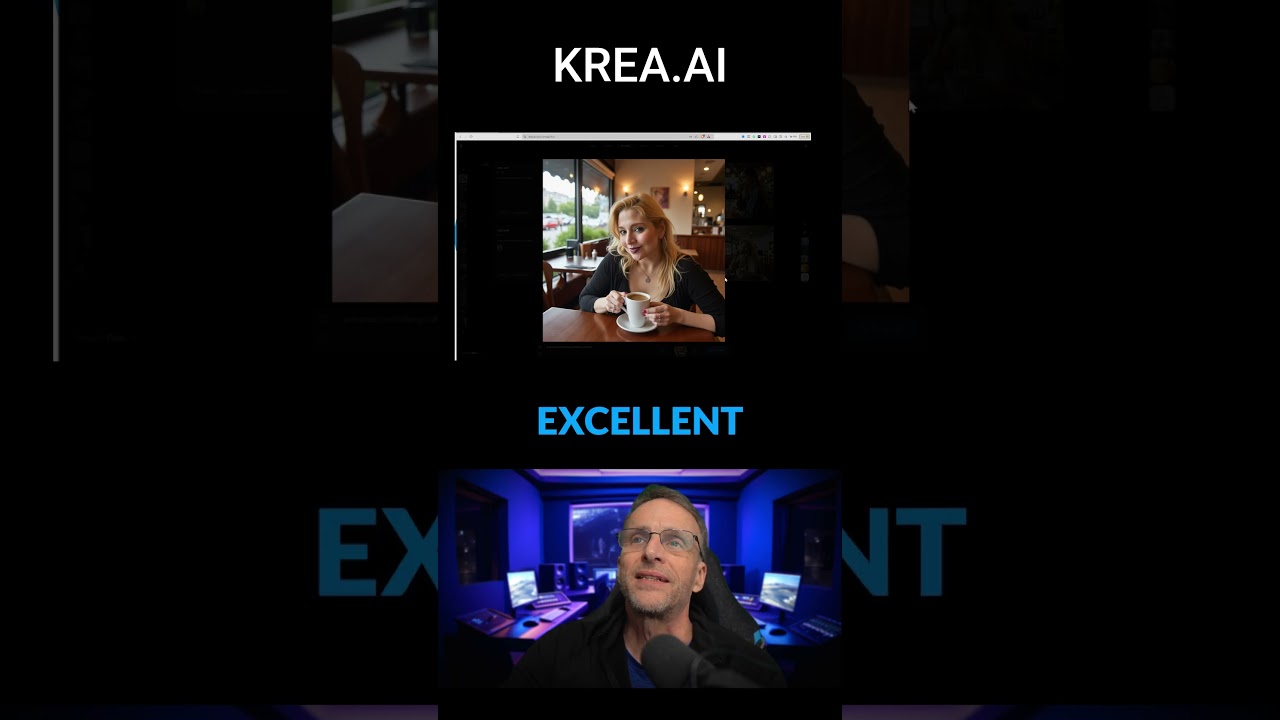
The video introduces a user-friendly tool called Tracy that allows users to create high-quality images with just a click, emphasizing its ease of use and quick generation time. The presenter demonstrates how to adjust settings for customization while showcasing the impressive results, encouraging viewers to explore further features and engage with the community.
The video showcases a user-friendly tool for creating high-quality videos and images with minimal effort. The presenter demonstrates how to use a specific model named Tracy, which allows users to generate images by simply clicking and dragging settings. The default settings are highlighted, emphasizing the ease of use for those who may not want to delve into complex adjustments.
The process begins with the selection of the Tracy model, where the user can adjust the strength of the image generation by dragging a slider. The presenter opts to keep the strength at its default level and maintains the same prompt for the generation. With just a click on the generate button, the tool produces an image of Tracy drinking coffee in a diner, showcasing the effectiveness of the model in creating lifelike representations.
The video emphasizes the speed of the generation process, noting that it takes only seconds to produce an image. The presenter points out that even with minimal tweaking, the likenesses of Tracy are impressive. This highlights the tool’s capability to deliver high-quality results quickly, making it accessible for users who may not have extensive experience in image creation.
Additionally, the presenter discusses the flexibility of the tool, mentioning that users can adjust the strength of the image generation to achieve different effects. By lowering or increasing the strength, users can see variations in the output, allowing for creative experimentation. This feature adds a layer of customization, enabling users to find the perfect balance for their desired outcome.
Finally, the video hints at further capabilities of the tool, suggesting that users can enhance their creations by adding different styles on top of the generated images. The presenter encourages viewers to subscribe for more features and updates, indicating that there is a community aspect to the tool that users can engage with. Overall, the video effectively demonstrates the simplicity and versatility of the image generation tool, making it appealing for a wide range of users.