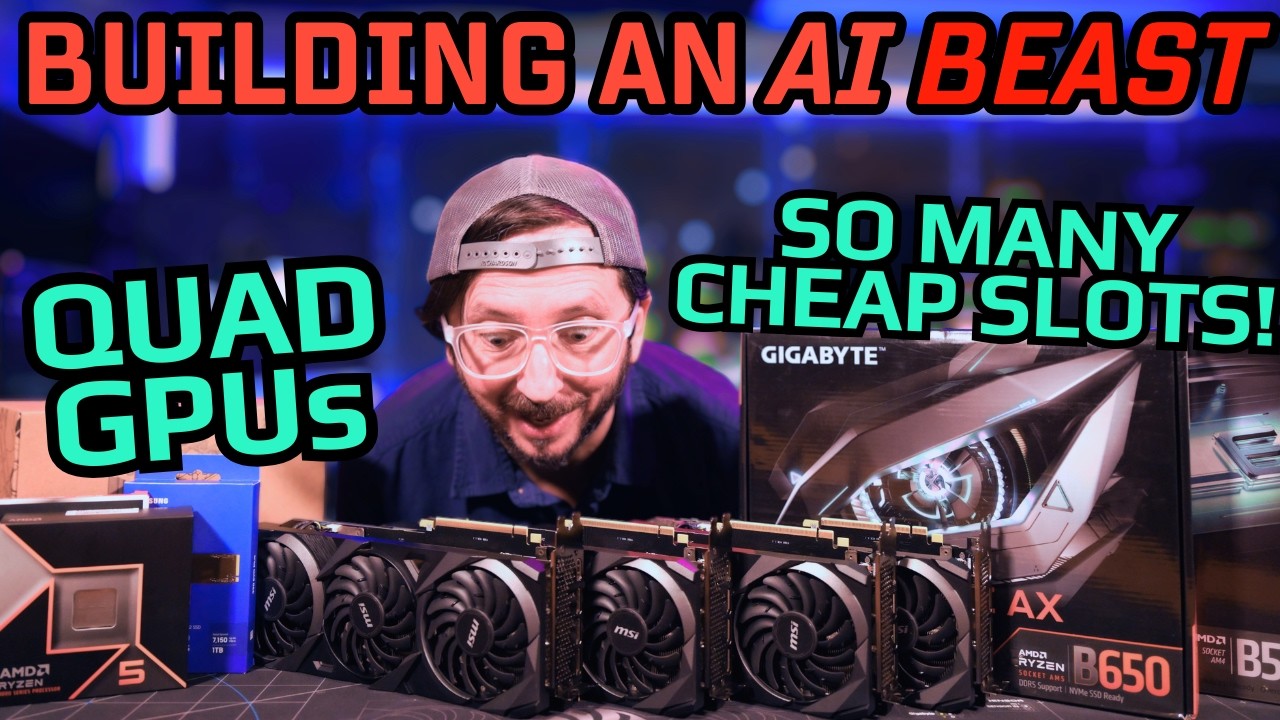
This video presents a comprehensive guide to building a powerful local AI workstation using a quad GPU setup, specifically focusing on cost-effective consumer desktop parts optimized for running large language model (LLM) inference. The build centers around an AM5 platform with a Gigabyte B650 Eagle AX motherboard, notable for its four full-width PCIe slots, allowing the installation of four NVIDIA RTX 3090 GPUs. The system is powered by an AMD Ryzen 5 9600X CPU, 64 GB of DDR5 RAM with AMD EXPO support, and a Samsung EVO Plus 990 1TB NVMe SSD. The presenter also offers an alternative for those with existing AM4 systems and DDR4 RAM, which can significantly reduce costs while still supporting multiple GPUs.
A key technical consideration discussed is the power delivery limitations of the motherboard’s PCIe slots. While the top slot delivers the full 75 watts required by high-power GPUs like the 3090, the remaining three slots provide less power, which can restrict GPU performance. The video explains how this can be mitigated by using PCIe powered risers or by adjusting power limits on the GPUs to around 175 watts for inference workloads, which typically do not require full GPU power. The presenter emphasizes that for inference tasks, the workload is usually divided evenly across GPUs, so each GPU operates at a fraction of its maximum power, making this setup viable without expensive server-grade components.
Benchmarking results comparing different AI runtimes, specifically Llama C++ and O Lama, are presented to highlight performance differences on the Ryzen-based quad GPU system. The benchmarks show that Llama C++ generally offers faster prompt processing and text generation speeds, especially with larger models like GPTOSS 12B and 20B. The Ryzen system’s strong single-thread performance is credited for its superior results compared to other setups, such as those based on server CPUs. These insights help viewers understand the practical performance they can expect from this build when running popular local AI frameworks.
The video also explores motherboard options for those with AM4 platforms, showcasing a B550 board with five full-width PCIe slots, which is rare and highly advantageous for multi-GPU setups. This option allows users to leverage existing DDR4 RAM and CPUs, significantly lowering the overall cost of the build. The presenter provides detailed cost analyses comparing different GPU configurations, including RTX 3060, 4060 Ti, 9060 XT, and 3090 cards, highlighting the price per gigabyte of VRAM as a critical metric for AI workloads. The analysis shows that while 3090s are more expensive, they offer excellent value in terms of VRAM capacity and performance, making them a compelling choice for serious AI enthusiasts.
Finally, the video offers practical advice on cooling, power management, and system assembly, including the use of low-profile CPU coolers and high-quality PCIe risers. It stresses the importance of balancing GPU performance and power delivery to avoid bottlenecks and maximize efficiency. The presenter encourages viewers to consider their specific use cases, such as inference versus training or image generation, when selecting components. Overall, the video serves as an in-depth resource for anyone looking to build a high-performance, cost-effective local AI rig with multiple GPUs, providing both technical guidance and financial considerations.