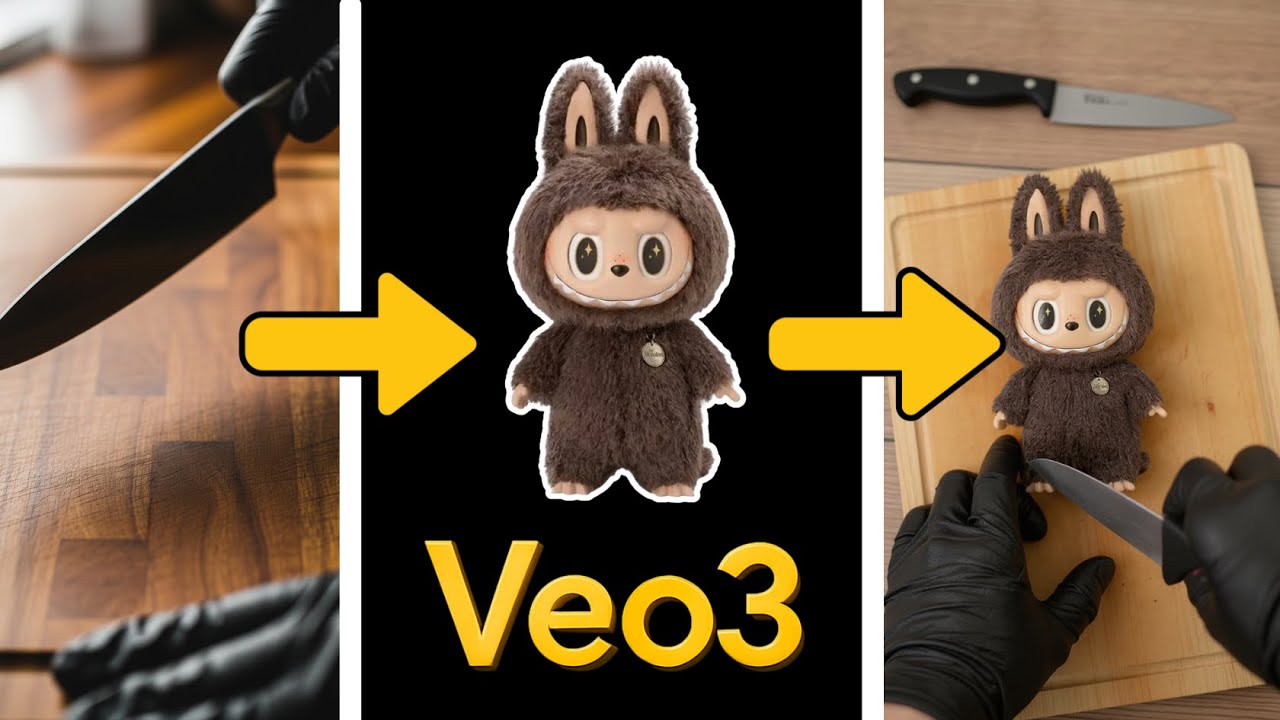
In this video, the creator shares an innovative workflow using the Veo 3 (V3) AI model to insert any object into an ASMR-style video, specifically focusing on a box-opening or cutting theme. The process begins with selecting an image of the object you want to feature, such as a toy, a watch, or a sneaker. The creator demonstrates how to upload these images into an image-to-image AI model, specifically using Flux Pro Context, to generate frames that place the object on a wooden cutting board with a hand holding a black knife, ready to cut. This setup creates a consistent and visually appealing base for the ASMR video.
The creator experiments with different objects, including a popular doll, a Charizard Pokémon card, an expensive watch, and a game-worn Michael Jordan sneaker. For each object, they adjust the prompt slightly to fit the context, ensuring the AI generates images that look natural and maintain the object’s recognizable features. The video highlights the importance of prompt engineering and sometimes running multiple iterations to achieve the best results, as some outputs may have artifacts or inconsistencies.
Once the images are generated, the next step involves converting these frames into a video using the “frames to video” feature. The creator uploads the frames to the Flow platform and uses a detailed prompt to instruct the AI to create a 4K ASMR video of a person slicing the object on a wooden cutting board, complete with appropriate sound design to enhance the ASMR experience. This step brings the static images to life, producing smooth, engaging video content that showcases the object being cut or handled.
After generating the videos for each object, the creator reviews the results, noting that while some videos are nearly perfect, others may require additional iterations to improve quality. Despite minor imperfections, the overall workflow is praised for its simplicity and effectiveness in creating unique ASMR cutting videos featuring any chosen object. The creator then imports the videos into Premiere Pro for final editing, demonstrating how these AI-generated clips can be seamlessly integrated into professional video projects.
Finally, the creator invites viewers to explore this workflow further through their website, the aioocourse.com, where they offer detailed prompts and additional resources for AI video creation. They mention plans to release a new module diving deeper into these workflows, aiming to help users create viral and creative AI videos. The video concludes with an encouragement to try out the workflow and a thank you to viewers for tuning in.