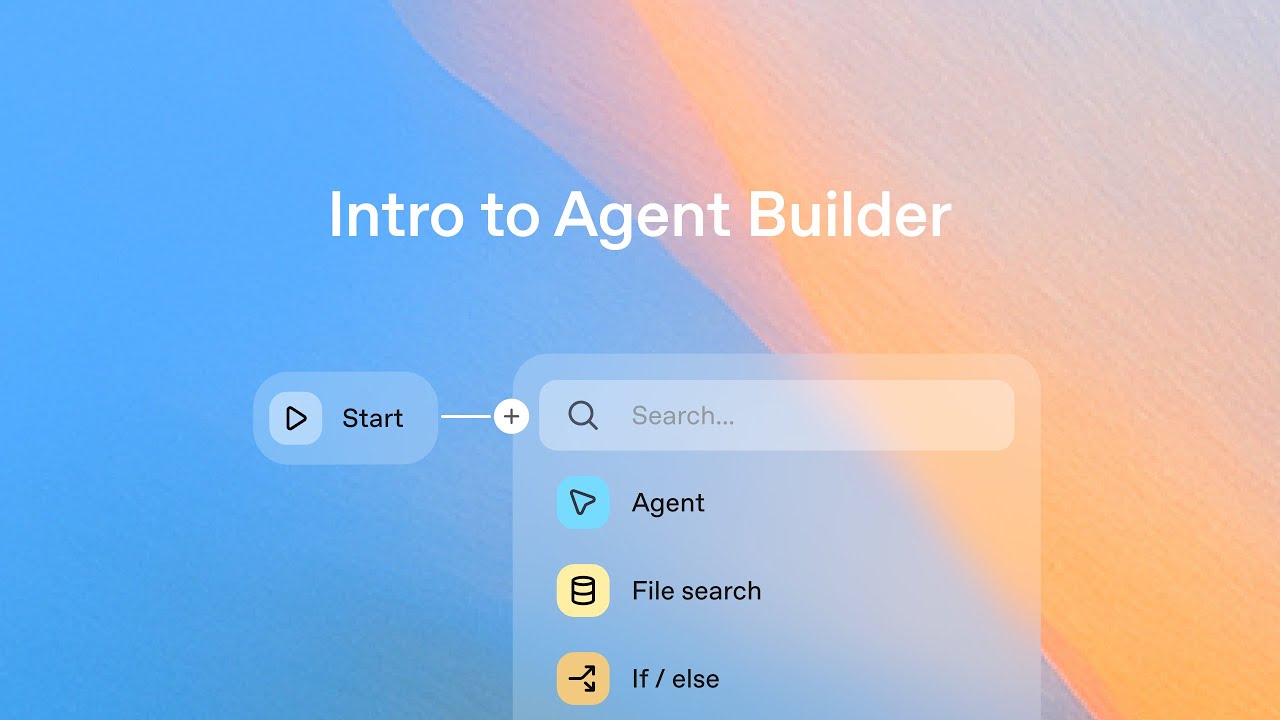
In the video, Christina from OpenAI demonstrates how to use Agent Builder, a no-code visual tool, to create and test AI workflows by connecting nodes, exemplified through building a travel agent that handles flight information and itinerary requests. She showcases features like classification, branching, interactive widget integration, and deployment options, emphasizing the platform’s ease and efficiency for designing and launching AI agents.
In this video, Christina from OpenAI introduces Agent Builder, a new visual tool designed to help users build AI workflows without writing any code. Agent Builder allows users to connect nodes visually to create agents, starting from templates or building from scratch. It also includes built-in evaluation features to test and understand agent performance. Once the workflow is ready, users can export it as code or integrate it directly into their products, making it a comprehensive platform for designing, testing, and launching AI agents quickly and efficiently.
Christina demonstrates how to build a travel agent workflow that can either create an itinerary or look up flight information. The process begins with a start node where input variables are set. She then adds a classifier agent to determine whether the user’s query is about flight information or an itinerary. The classifier outputs a JSON format with a classification property that directs the workflow to the appropriate specialized agent based on the user’s request.
Next, Christina adds an if-else node to branch the workflow depending on the classification result. If the classification is “flight info,” the workflow routes to a flight agent that recommends specific flights using airport codes and has access to web search for up-to-date flight information. Otherwise, the workflow routes to an itinerary agent that builds a concise travel itinerary. This setup allows the travel agent to handle different types of travel-related queries effectively.
To enhance the flight agent’s output, Christina uses the Widget Studio to design a rich, interactive flight information widget. She downloads a pre-designed flight widget template and integrates it into the flight agent’s output format. She customizes the widget to dynamically choose background colors based on the destination and include time zone details like AM or PM. Testing the workflow shows the classifier correctly routing queries and the flight agent presenting detailed flight information in an engaging visual format.
Finally, Christina publishes the completed travel agent, naming it “travel agent,” and explains how it can be deployed. Users can either manage the code themselves using the agents SDK or directly embed the workflow ID into their products using the Jacket integration. She concludes by encouraging viewers to leave feedback and subscribe to OpenAI Devs for more updates, highlighting the ease and power of building AI agents visually with Agent Builder.