This video is an introductory class on using Linux for artificial intelligence (AI) projects, presented as part of the Silicon Dojo open education initiative. The instructor begins by sharing his background in technology and education, emphasizing the importance of hands-on, accessible learning. He discusses the current state of the tech job market, noting its challenges and the cyclical nature of employment in the industry. He also highlights the value of networking and mentions upcoming events and changes in class locations, setting the stage for the technical content to follow.
The core of the class focuses on why Linux is essential for AI and technology projects. Linux is presented as a flexible, open-source operating system that allows users to build and customize their own systems without the licensing restrictions and costs associated with proprietary software like Windows or macOS. The instructor explains the difference between open-source and proprietary software, the nuances of open-source licenses, and the importance of understanding both the benefits and potential pitfalls of using open-source tools. He stresses the need for standardization within organizations to avoid confusion and compatibility issues when managing multiple Linux distributions.
A significant portion of the class is dedicated to practical Linux concepts and commands. The instructor covers the basics of Linux file systems, the importance of case sensitivity, and the distinction between different Linux distributions (such as Ubuntu and Raspberry Pi OS) and shells (like GNOME and XFCE). He demonstrates how to install Linux on both bare metal and virtual machines, recommends starting with the desktop version for ease of use, and explains the process of updating, upgrading, and installing software using the apt package manager. The class also covers essential commands for navigating the file system, managing files and directories, and understanding user permissions and groups.
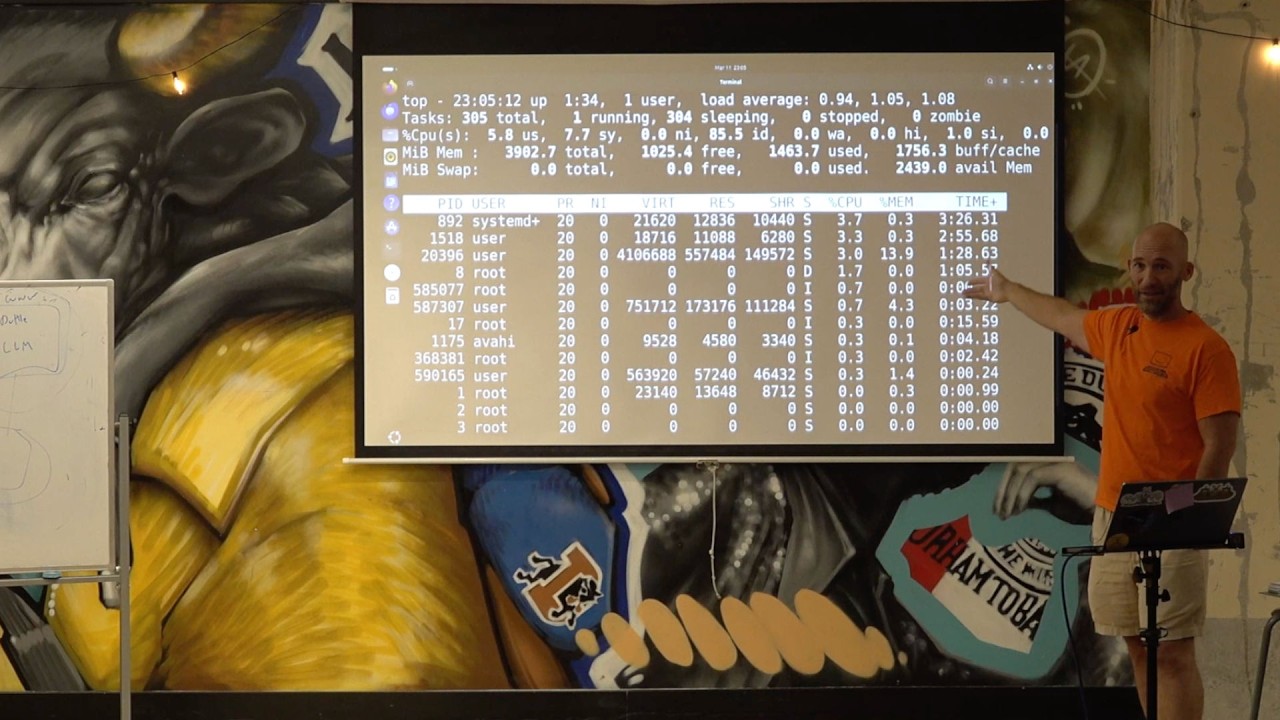
Security and system administration are also addressed, with explanations of the sudo command for privilege escalation, the use of SSH for remote access, and the basics of firewall configuration using UFW (Uncomplicated Firewall). The instructor highlights the importance of understanding user and group permissions, the risks of improper configuration, and the need to restart services after making configuration changes. He also introduces tools like nano for text editing, top for monitoring system resources, and find and grep for searching files and filtering output.
Finally, the class connects Linux fundamentals to AI project workflows. The instructor demonstrates how to automate tasks and create services that start on boot, such as scripts that monitor system health or network connectivity. He shows how to use Python scripts to collect system data (like top or ping output), process it, and interact with large language models (LLMs) to answer natural language questions about system status. This practical integration of Linux administration and AI illustrates how open-source tools can be leveraged to build robust, maintainable, and intelligent systems for real-world applications.