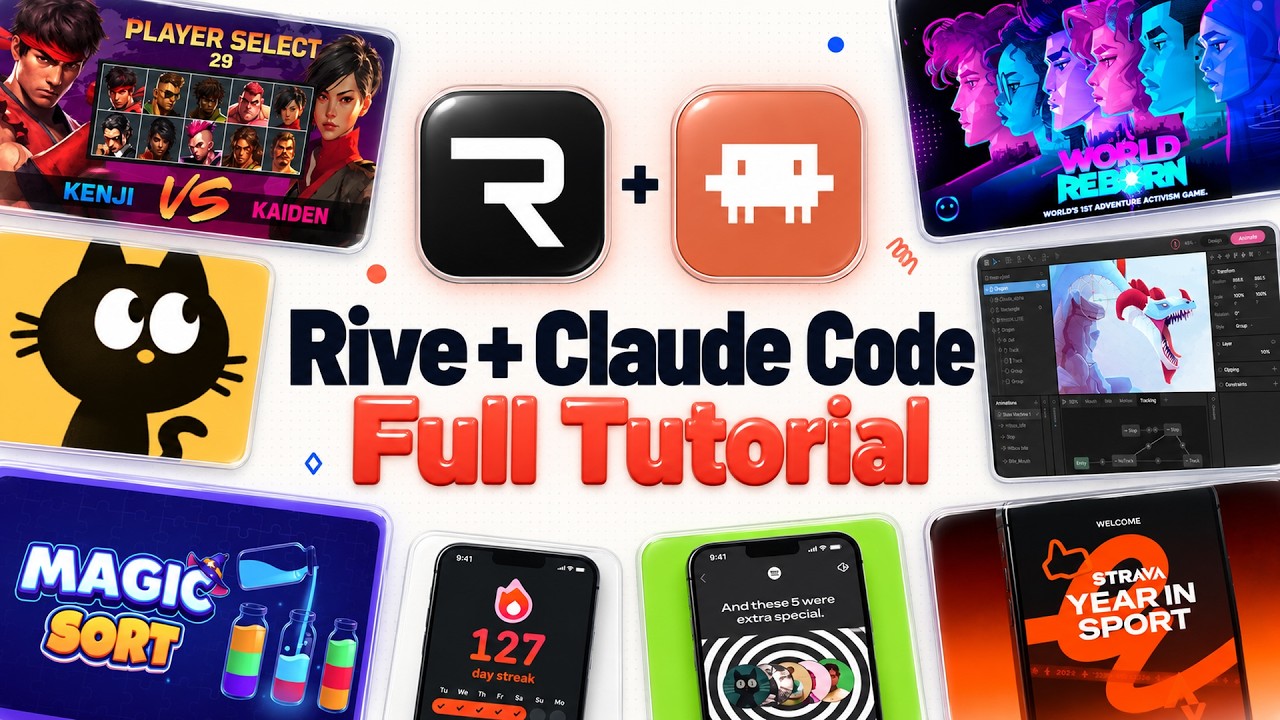
The video introduces Rive, a powerful tool for creating interactive animations used in popular applications like Spotify Recap and Fig Jam loading animations. Unlike traditional animations, Rive allows for dynamic interactions such as hover and tap effects. Previously, creating these animations required manual work within the Rive editor, which was time-consuming. However, with the introduction of the Rive CLI, users can now integrate it with AI coding assistants like Claude Code or Codex to generate animations quickly and efficiently, streamlining the entire process.
The presenter demonstrates how to get started with Rive by signing up for a free account and using the CLI within Claude Code. He showcases several examples, including transforming simple images into interactive animations where elements respond to mouse movements, such as guitar string-like lines that bend on hover. He also recreates animations from existing videos, like a GPT image prompt box that reacts to typing and hovering, all generated from just two screenshots. These examples highlight how Rive combined with AI can produce sharp, vector-based, and interactive animations with minimal manual input.
Further, the video explores more complex use cases by analyzing real websites with Rive animations, such as Dropbox’s brand site with intricate hover effects. Using just the URL, Claude Code can replicate the layout and animations, though some details may require manual refinement. The presenter also experiments with remixing existing animations to fit different branding styles, demonstrating the flexibility of this approach. Additionally, he discusses character animations like those used by Duolingo, showing how Rive supports rigged characters with multiple states and logical transitions.
The workflow extends to integrating Blender 3D models with Rive animations. The presenter shares a process where a 3D asset created and rigged in Blender is imported into Rive, then animated and controlled via the CLI. He demonstrates this by creating an interactive lamp animation that reacts to user interactions such as hover and click, complete with a focus timer UI. This showcases the potential for combining 3D modeling, AI coding assistants, and Rive to build sophisticated, interactive product animations and UIs.
In conclusion, the video emphasizes the ease and power of using Rive with AI tools like Claude Code to rapidly create interactive animations and UIs. From simple line animations to complex character rigs and 3D models, this workflow significantly reduces the time and effort traditionally required. The presenter encourages viewers to experiment with these tools and suggests future content exploring product video creation using Blender, Rive, and AI models. Overall, the video highlights a modern, efficient approach to animation design that blends creativity with automation.
Useful Links