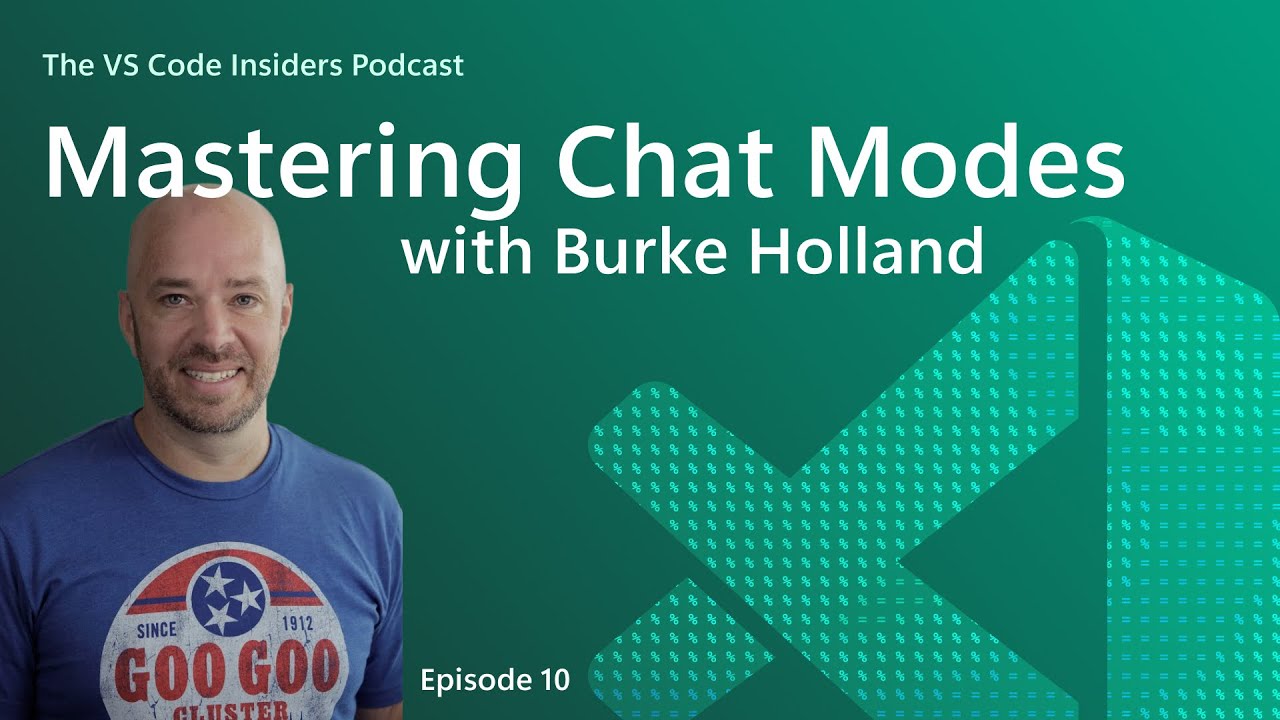
In this episode of the VS Code Insiders podcast, host James Bagno sits down with Burke Holland to discuss the concept and practical use of custom chat modes within Visual Studio Code, particularly focusing on Burke’s creation called “Beast Mode.” They begin by explaining what chat modes are: specialized configurations that modify how the AI model interacts with user prompts in VS Code. Unlike simply typing a prompt, chat modes allow users to define specific instructions and tools that the AI can access, tailoring its behavior to different tasks such as asking questions, editing code, or acting as an agent that can write and execute code.
Burke elaborates on how chat modes work by describing the three default modes in VS Code—Ask, Edit, and Agent—and how custom chat modes extend this functionality by adding tailored instructions and tool access. For example, the Ask mode provides answers without writing code because it lacks the necessary tools, whereas Agent mode can write code because it has those tools enabled. Custom chat modes allow developers to create workflows that fit their unique needs, such as research mode, planning mode, or testing mode, by specifying roles, steps, and tools the AI should use, all encapsulated in a markdown file that configures the mode.
The conversation dives deeper into the process of creating a custom chat mode, with Burke sharing his approach to building Beast Mode. He emphasizes the importance of iterative development, reading official documentation, and understanding the quirks of the specific AI model being used—in this case, GPT-4.1. Burke highlights techniques like metaprompting, where the AI helps refine its own instructions, and the necessity of being explicit and repetitive in prompts to ensure the AI follows the desired workflow. He also discusses how different models may interpret prompts differently, requiring fine-tuning for each.
James and Burke discuss practical examples of how custom chat modes can automate repetitive developer tasks, such as searching GitHub issues before creating a new one or generating detailed task lists for feature implementation. They stress that chat modes are essentially ways to automate parts of a developer’s workflow, making AI a tool that works alongside the developer’s natural habits and processes. This customization empowers users to define how the AI assists them, whether through coding, planning, researching, or debugging, enhancing productivity and reducing manual effort.
The episode concludes with encouragement for developers to experiment with custom chat modes, highlighting the abundance of community-shared prompts and configurations available online. Burke reassures listeners that there is no single right way to create these modes and that the best approach is to start automating small parts of their workflow. Both hosts emphasize that while AI may not yet be a perfect, all-in-one solution, it offers significant value by speeding up development tasks and enabling more efficient coding practices. Links to documentation and resources are promised to help listeners get started with their own custom chat modes.