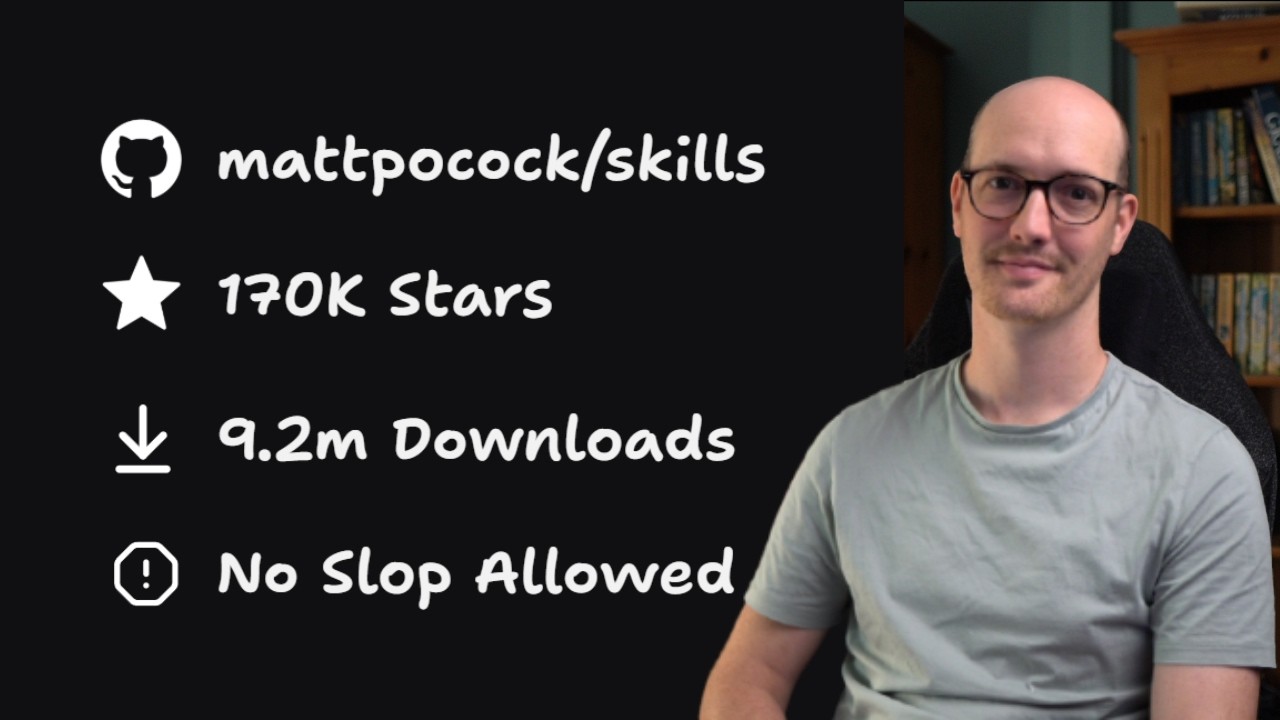
In this tutorial, Matt Pocock introduces his popular skills repository, which has amassed over 162,000 stars and 7.5 million downloads, yet lacked a proper walkthrough until now. He aims to guide viewers through the main flow of using these skills, focusing on the essential steps to get started rather than advanced features. Using his AI Hero CLI repository as an example, Matt demonstrates how to install the skills via the command line using NodeJS and the npx command, explaining the selection process of skills and the installation scope, whether global or project-specific, depending on team needs.
Matt highlights the distinction between his “Matt PCO” skills, which are stable and public-facing, and experimental skills that may be removed later. He explains how the installation process configures the skills to work with various AI agents, such as Claude Code, and recommends using symbolic links for easier management. After installation, he shows how to access the skills within the agent interface and emphasizes that his skills are mostly user-invoked, keeping the context load light and efficient for AI processing.
Next, Matt walks through running the setup command for his skills, which configures essential repository elements like issue trackers and triage labels. He explains that the skills support integration with various issue trackers such as GitHub, Jira, or local markdown files, allowing flexibility based on user preference. The setup also creates domain documentation files to provide context for the AI, with options for single or multi-context setups depending on the repository size and complexity.
The core of the tutorial focuses on the main workflow for using the skills to manage code changes. Matt demonstrates starting with the “grill with docs” skill, which interviews the user to clarify and sharpen the idea for the change, recording insights in documentation files. Depending on the scope, users can proceed directly to implementation or break the work into manageable chunks using “to spec” and “to tickets” commands, which generate detailed specifications and ticket breakdowns for multi-session projects. This structured approach ensures clarity and manageable workloads for AI agents.
Finally, Matt shows how to implement the tickets one by one, clearing context between sessions to maintain AI effectiveness. The implementation phase includes automated code reviews that compare the work against the original spec and coding standards, ensuring quality and adherence to requirements. He stresses the importance of this iterative, agent-driven process for producing reliable code changes. Matt concludes by encouraging viewers to follow his newsletter for updates and improvements, hoping this tutorial helps users get started effectively with his skills repository.