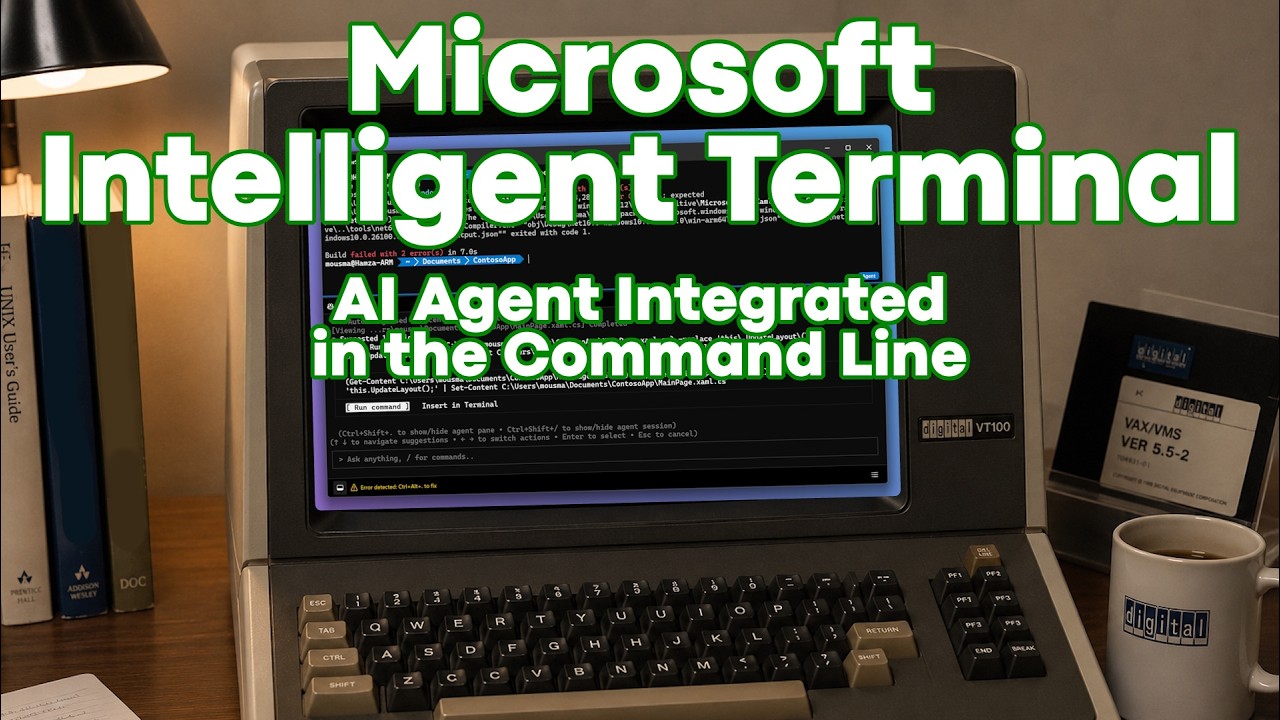
The video highlights Microsoft’s Intelligent Terminal, which integrates AI agents like GitHub Copilot directly into the command line, enabling features such as automatic error detection, code correction, and conversational AI assistance within the terminal interface. This innovation enhances developer productivity by seamlessly blending traditional command line workflows with real-time AI support, making the terminal more powerful and user-friendly.
The video discusses the resurgence of the command line interface in the age of AI, highlighting how typing commands has become popular again, much like prompting AI models such as ChatGPT. The terminal’s fundamental paradigm—typing a command, pressing enter, and receiving a result—aligns well with AI workflows. Microsoft has embraced this trend by releasing the Microsoft Intelligent Terminal, an evolution of its existing Microsoft Terminal, which integrates AI capabilities directly into the command line environment.
Installing the Intelligent Terminal is straightforward, involving a brief setup wizard where users select their preferred AI agent, such as GitHub Copilot, Claude, or Codex. Additional features include automatic error detection and session management, allowing users to track and manage active AI agents. The interface closely resembles the traditional Microsoft Terminal but adds new options and icons for interacting with AI agents, including an agent pane that can appear at the bottom of the terminal window.
A key feature demonstrated is the Intelligent Terminal’s ability to detect and suggest fixes for command errors. For example, when a user mistypes a command like “MKKDIR” instead of “MKDIR,” the AI agent offers a correction that can be inserted or executed directly. This functionality extends to programming tasks as well; the video shows how the terminal identifies a coding error in a C program, suggests a fix by running a PowerShell command to correct the code, and allows the user to recompile successfully without leaving the terminal.
Beyond error correction, the Intelligent Terminal also supports conversational AI interactions similar to ChatGPT, enabling users to ask general questions or seek assistance within the same interface. However, the primary advantage lies in the seamless integration of AI assistance with terminal workflows, enhancing productivity by providing real-time help and code generation without switching contexts.
Overall, the Microsoft Intelligent Terminal represents a significant step in blending AI with traditional command line tools, making the terminal more accessible and powerful for developers and users alike. The video encourages viewers to share their opinions on this integration and highlights the potential benefits of having AI-driven workflows embedded directly into the terminal environment.